
SVG-Labor ✨
Verwandle ein PNG oder JPEG in eine saubere SVG-Datei. Lade ein Bild hoch, lege fest, wie viele Details erhalten bleiben und wie glatt die Kanten werden sollen, und lade einen Vektor herunter, den deine Schneidemaschine oder Designsoftware lesen kann.
✨ So nutzt du das SVG-Labor
1. Lade dein Bild hoch
Zieh ein PNG oder JPEG hinein. Flache Grafiken mit klaren Kanten lassen sich am besten vektorisieren. Ein Foto funktioniert auch, du hast danach nur mehr Formen aufzuräumen.
2. Details einstellen
Der Detailgrad bestimmt, wie viel vom Original beim Vektorisieren erhalten bleibt. Dreh ihn hoch für feine Linien und kleinen Text, runter für kräftige Formen und deutlich weniger Punkte zum Schneiden.
3. Glätten und vereinfachen
Glätten rundet die Treppenstufen ab, die ein Pixelbild entlang einer Kurve hinterlässt. Vereinfachen entfernt die Punkte, die du nicht brauchst, damit die Datei klein bleibt und das Messer sauber läuft, statt zu rattern.
4. Wähle deine Farben
Lass die Farben auf Auto, dann liest das Labor sie direkt aus deinem Bild. Leg die Anzahl selbst fest für ein flacheres, grafischeres Ergebnis, was du für mehrlagiges Vinyl meistens willst.
5. Lade dein SVG herunter
Öffne die Datei in Cricut Design Space, Silhouette Studio, Illustrator oder Affinity. Sie ist ein echter Vektor, du kannst sie also beliebig groß skalieren und jede Kante bleibt scharf.
Design-Tools

Proof-Labor
Lade dein Motiv hoch, lege Größe und Rand fest, lade einen Proof herunter.
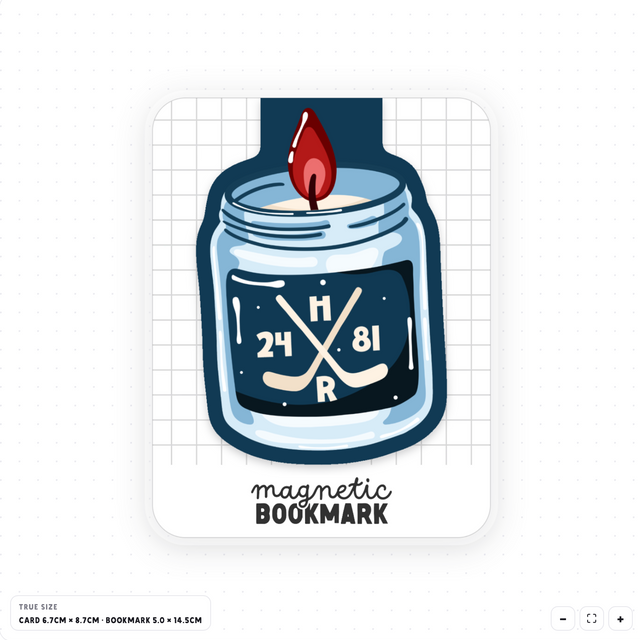
Lesezeichen-Designer
Lade dein Motiv hoch, lege Falz und Beschnitt fest, lade ein druckfertiges Lesezeichen herunter.
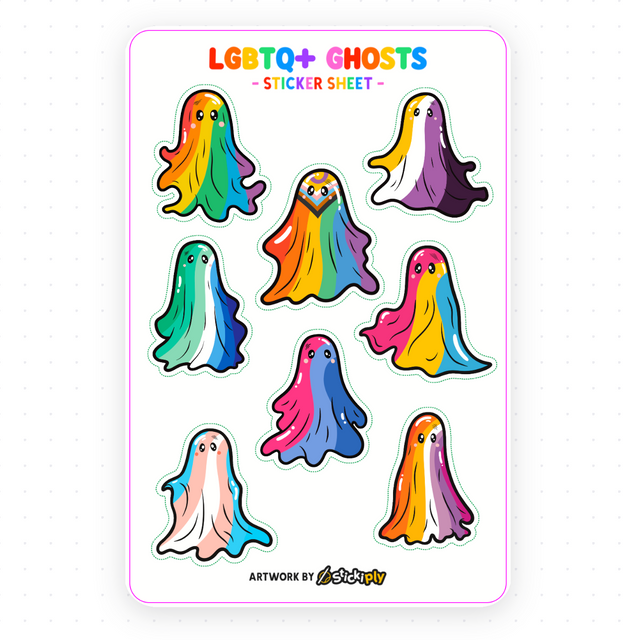
Aufkleberbogen-Labor
Platziere beliebig viele Designs auf einem Bogen, mit Kiss-Cut-Linien und Beschnitt.
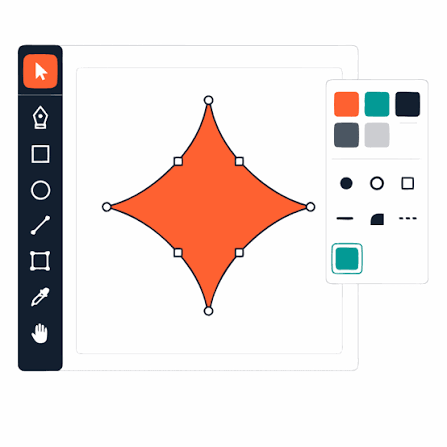
SVG-Labor
Verwandle ein PNG oder JPEG in eine saubere SVG-Schneidedatei. Läuft in deinem Browser.