Ohita ja siirry sisältöön

Tietoa evästeistä

Stickiply on pieni paja. Evästeet kertovat meille, mitä oppaita luetaan ja mitä tarvikkeita haetaan uudelleen, ja niiden perusteella päätämme, mitä teemme seuraavaksi. Voit kieltää ne, eikä mikään täällä lakkaa toimimasta.

Tallennus ei onnistunut. Yritä uudelleen tai tee valintasi tietosuojakäytännössä.

Tietosuojakäytäntö

Ostoskori

Ostoskorisi on tyhjä

Täällä ei ole vielä mitään.

Tarvikkeet Luo Opi

Ladataan...

Black Friday -ale Jopa 33 % alennusta pe 27.11. alkaen Alkuun aikaa0:00:00:00
Black Friday -ale Jopa 33 % alennusta, ei koodia Aikaa jäljellä0:00:00:00
Black Friday -ale Viimeinen päivä: jopa 33 % alennusta Aikaa jäljellä0:00:00:00
Stickiply
  • TARVIKKEET
    • NÄYTÄ KAIKKI
    • Vinyylitarrapaperi
    • Itseliimautuva laminaatti
    • Valokuvapaperit ja hartsipinnoitetut paperit
    • Magneetit ja magneettiarkit
    • Paperitavarat ja muistikirjat
    • Leikkuualustat, terät ja työkalut
  • LUO
    • Omat vinyylitarrat
    • Omat magneettiset kirjanmerkit
    • Omat holografiset tarrat
    • Omat tarra-arkit
    • Oma UV DTF -gang sheet
    • Omat magneetit
    • Omat taustakortit
    • Luovat työkalut
      • Sticker Studio
      • Bookmark Studio
      • Sticker Sheet Studio
      • Gang Sheet Studio
  • KAUPPA
  • TUKI
    • OTA YHTEYTTÄ
    • Opi
      • Videot
    • Lataa Cut Studio
    • Ohjekeskus
    • EU-yritystili
Kirjaudu sisään Ostoskori
  • Learn 450 sisältöä
  • Katso 239 Videot
  • Ohjeet 5 Oppaat
  • Yrittäjyys 6 Artikkelit
  • Ohjekeskus 200 Vastausta
  • Learn 450 sisältöä
  • Katso 239 Videot
  • Ohjeet 5 Oppaat
  • Yrittäjyys 6 Artikkelit
  • Ohjekeskus 200 Vastausta
  • Learn 450 sisältöä
  • Katso 239 Videot
  • Ohjeet 5 Oppaat
  • Yrittäjyys 6 Artikkelit
  • Ohjekeskus 200 Vastausta

Seuraava alkaa 5

Tässä oli kaikki

S

Sarah Christie, Easy Cricut Projects & SVGs

5. marras 2026

Video

Kiss Cut AND Die Cut Cricut Stickers in One Print Then Cut!

Sarah Christie shows how to kiss cut stickers and die cut the sheet edge in one Cricut Print Then Cut job. The method uses free shapes in Cricut Design Space and does not need Cricut Access.She sets a rounded square to Print Then Cut at about 6.75 x 8.25 in, then duplicates it so three white sheet layers sit behind the stickers. The three sheets are aligned centrally and attached, then everything is attached together, so the machine cuts the stickers once and the sheet edge three times. Stickers must not touch each other. Print settings use the system settings with bleed off and best quality, and the cut uses the 'Printable Vinyl' material with less pressure on a green StandardGrip mat. S...

Litterointi
  1. YouTube12:14 Video · Fructus Illustrations Running a Small Art Business on a Budget | Save on Shipping, Marketing & Supplies 5. marras 2026
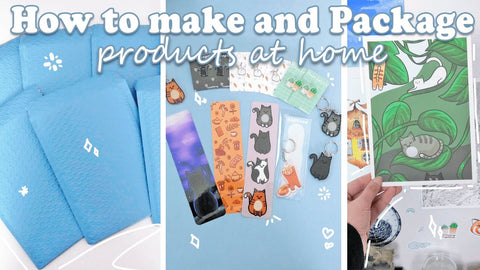
  2. YouTube6:49 Video · AbiNova How I Make And Package My Products From Start To Finish ✶ Bookmarks, Backing Cards, Prints And More! 5. marras 2026
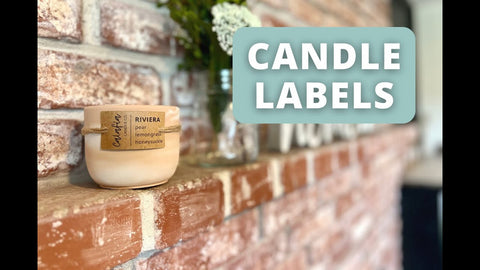
  3. YouTube18:31 Video · Calafia Candle Co. How I Design/Print/Cut My Candle Labels 5. marras 2026
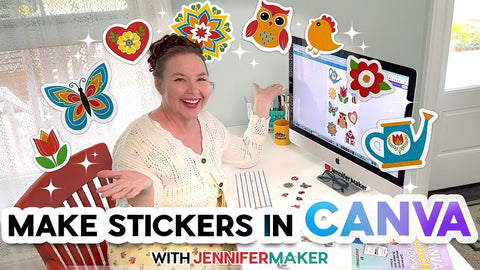
  4. YouTube15:01 Video · Jennifer Maker Make Stickers in Canva for Free! (Beginner Friendly) 5. marras 2026
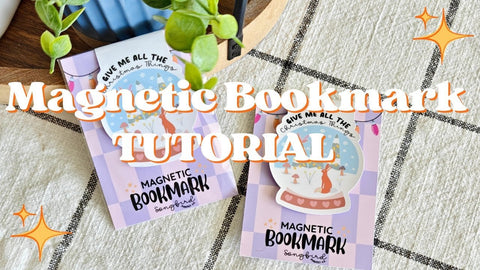
  5. YouTube19:00 Video · Songbird Market Co DIY Magnetic Bookmarks and Packaging with Cricut | Easy Print Then Cut FULL Tutorial for Beginners 5. marras 2026
  6. YouTube42:58 Video · Corinne Blackstone Make Magnetic Bookmarks with Cricut Print Then Cut 5. marras 2026
  7. YouTube12:59 Video · Nunu Creator Club How to Make and Sell Magnetic Bookmarks - DIY - NO Cricut Needed 5. marras 2026
  8. YouTube6:49 Video · Sarah Christie, Easy Cricut Projects & SVGs Kiss Cut AND Die Cut Cricut Stickers in One Print Then Cut! 5. marras 2026
  9. YouTube9:26 Video · Craft With Felicia Siser Juliet: How to Make Kiss Cut and Die Cut Stickers 5. marras 2026
  10. YouTube19:36 Video · Swift Creek Customs Basic Print and Cut with Siser Juliet by Swift Creek Customs 5. marras 2026
  11. YouTube52:55 Video · Jennifer Maker Struggling with Cricut Print Then Cut? Here's How to Fix It 5. marras 2026
  12. YouTube17:22 Video · Silhouette School with Melissa Viscount 3 Common Silhouette Print and Cut Problems: Solved 5. marras 2026
  13. YouTube18:30 Video · Makers Gonna Learn 2026 Updated Cricut Print Then Cut Tutorial - Perfect Stickers Every Time! 5. marras 2026
  14. YouTube17:43 Video · Kelly Rossouw Print and Cut Tutorial - Cameo 4 - The Ultimate Guide To a Perfect Registration 5. marras 2026
  15. YouTube29:58 Video · Makers Gonna Learn ULTIMATE CRICUT PRINT AND CUT TRAINING - Everything You NEED To Master Print & Cut 5. marras 2026
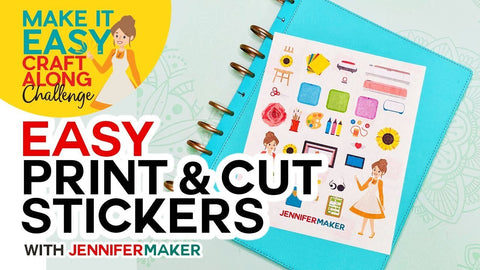
  16. YouTube25:35 Video · Jennifer Maker Easy Print & Cut Stickers on a Cricut! 5. marras 2026
  17. YouTube18:22 Video · Makers Gonna Learn Is Cricut Waterproof Sticker Vinyl TRULY Waterproof? Watch & Find Out! 5. marras 2026
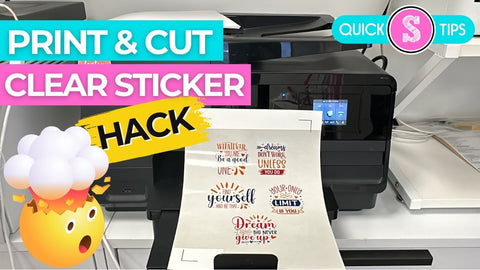
  18. YouTube2:44 Video · Silhouette School with Melissa Viscount Hack to Print and Cut On Clear Sticker Paper 5. marras 2026
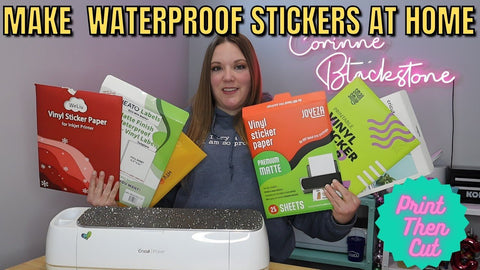
  19. YouTube21:05 Video · Corinne Blackstone I Tested the Most Popular Waterproof Sticker Papers for Cricut. Which one is best? 5. marras 2026
  20. YouTube2:49 Video · Katu How to Apply Sheet Laminate to Stickers with NO Bubbles or Wrinkles (Squeegee Method) 5. marras 2026
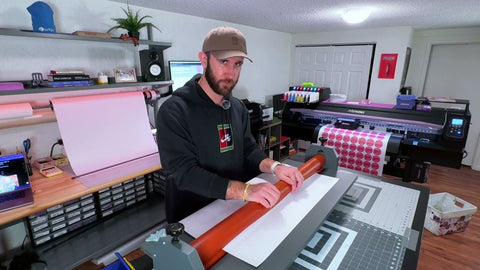
  21. YouTube3:48 Video · Sticker Shuttle HOW TO LAMINATE STICKERS using my Manual Cold Roll Laminator from Amazon 5. marras 2026
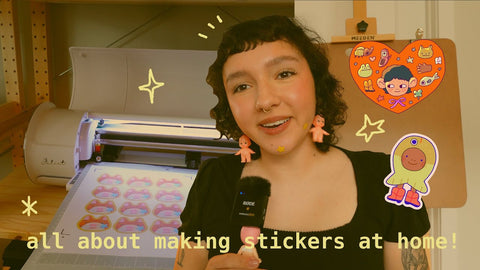
  22. YouTube23:53 Video · paloma the peach how i make professional quality stickers and sticker sheets at home! equipment, materials & tutorial 5. marras 2026
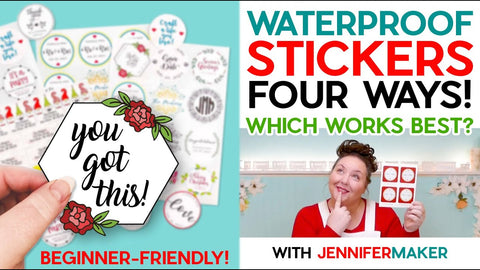
  23. YouTube31:20 Video · Jennifer Maker How to Make Waterproof Stickers on Cricut with Four Methods | Beginner-Friendly Tutorial 5. marras 2026
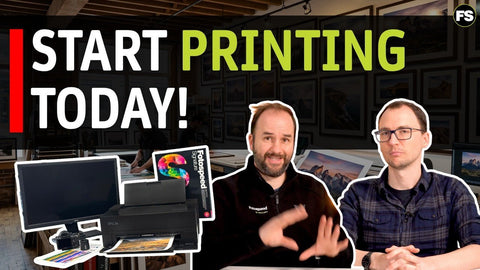
  24. YouTube19:28 Video · Fotospeed Printing 101: Everything You Need to Start Printing Photos at Home 5. marras 2026
  25. YouTube15:25 Video · Dimitry Papkov ET8550 review 5. marras 2026
  26. YouTube16:25 Video · Keith Cooper Selling prints? Is the Epson ET-8500 any good if you want to sell prints, cards and stickers? 5. marras 2026
  27. YouTube5:26 Video · Keith Cooper Why do bright colours look dull in prints? Printing bright colour art/text on cards and products. 5. marras 2026
  28. YouTube40:28 Video · Jagos Art Finally Making Cards on my Epson ET8550 using Affinty Photo 5. marras 2026
  29. YouTube13:31 Video · Fotospeed The Most Overlooked Print Setting: Media Type Explained 5. marras 2026
  30. YouTube9:53 Video · Fotospeed Printing Made Simple: Master These 4 Settings and Ignore the Rest 5. marras 2026
  31. YouTube3:26 Video · Krystle Cole Art Epson ET 8550 Rear Paper Feed Tutorial for Thick Paper 5. marras 2026
  32. YouTube13:47 Video · Keith Cooper Top Epson Ecotank maintenance tips [ET-8550 ET-8550]. Things to keep your inkjet printer healthy. 5. marras 2026
  33. YouTube10:41 Video · Keith Cooper Don't Just Use VFA: Getting Great Prints on Cheap ET-8550 Matte Paper 5. marras 2026
  34. YouTube13:57 Video · Keith Cooper Printing Stickers on Epson ET-8550: Media Settings & No Smudges 5. marras 2026
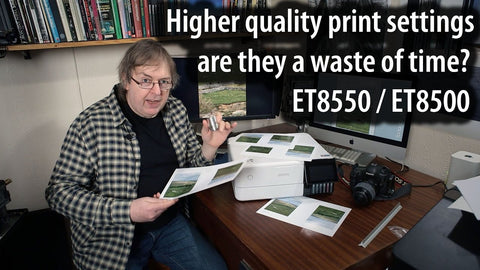
  35. YouTube12:50 Video · Keith Cooper Best print detail settings for the Epson ET-8550 and ET-8500 ecotank printers 5. marras 2026
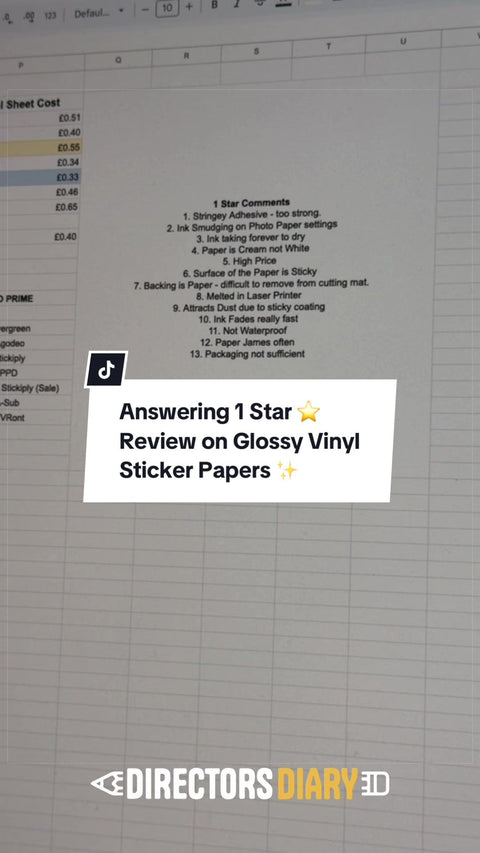
  36. TikTok11:00 Video Vastaamme 1 tähden arvosteluihin kiiltävästä vinyylistä! 17. elo 2026
  37. TikTok0:58 Video Haluatko parempia tulosteita? 🖼️ 17. elo 2026
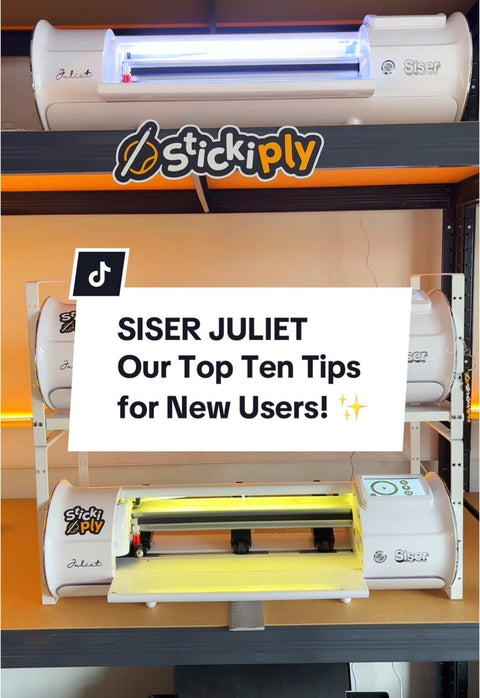
  38. TikTok1:14 Video PARHAAT VINKIT Siser Julietin uusille käyttäjille! 🫵🏼 17. elo 2026
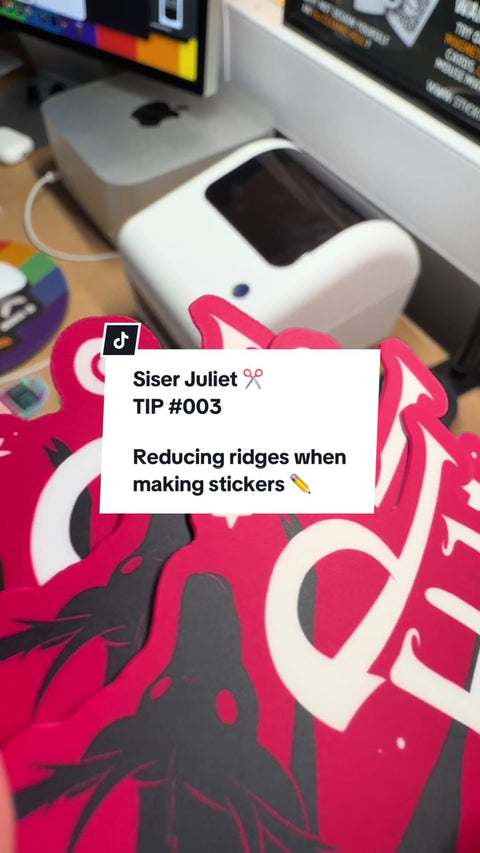
  39. TikTok1:14 Video VINKKI 003: Siser Juliet -opetusvideot ✂️ 17. elo 2026
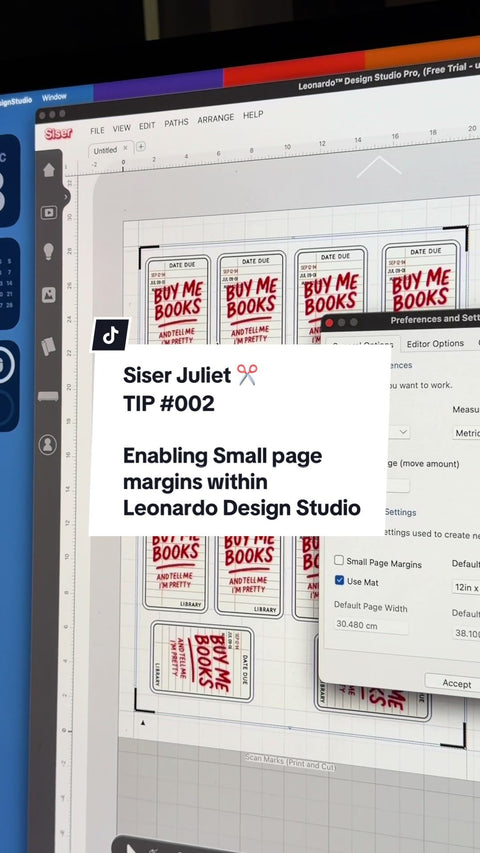
  40. TikTok0:38 Video VINKKI 002: Siser Juliet -opetusvideot ✂️ 17. elo 2026
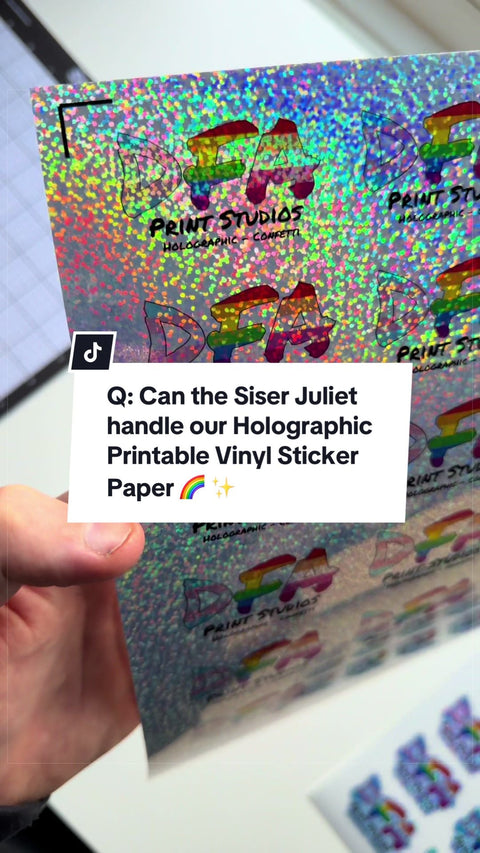
  41. TikTok0:29 Video UKK: Osaako Siser Juliet lukea ja leikata monimutkaisia papereita? 17. elo 2026
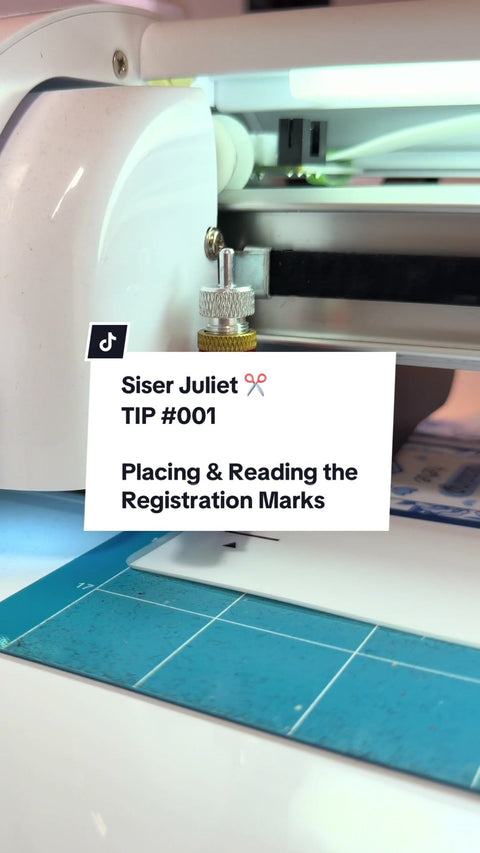
  42. TikTok0:46 Video VINKKI 001: Siser Juliet -opetusvideot ✂️ 17. elo 2026
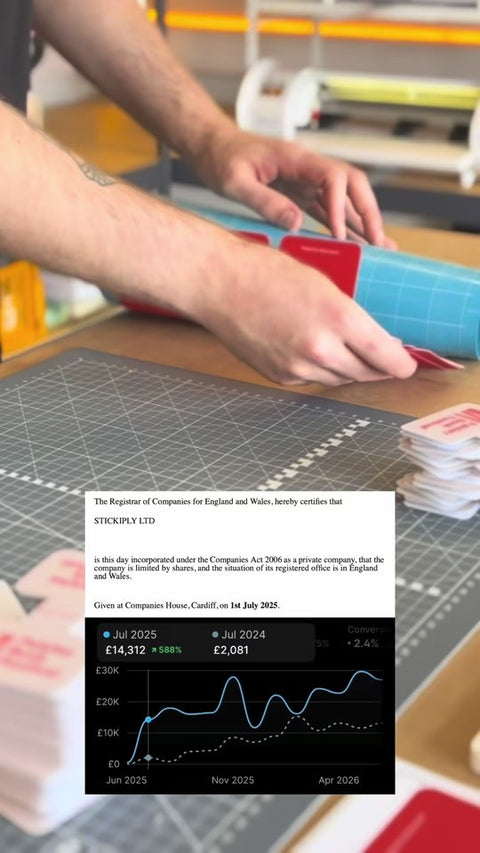
  43. TikTok1:05 Video Vuosi osakeyhtiönä: hullu, vaikea, loistava vuosi 1. heinä 2026
  44. TikTok0:23 Video Kello 9, kuppi teetä, ensimmäiset tilaukset lähtevät 2. huhti 2026
  45. TikTok0:56 Video Markkinakoe: mitä tapahtui, kun laskimme kiiltävän vinyylimme hintaa 20–25 % 23. maalis 2026
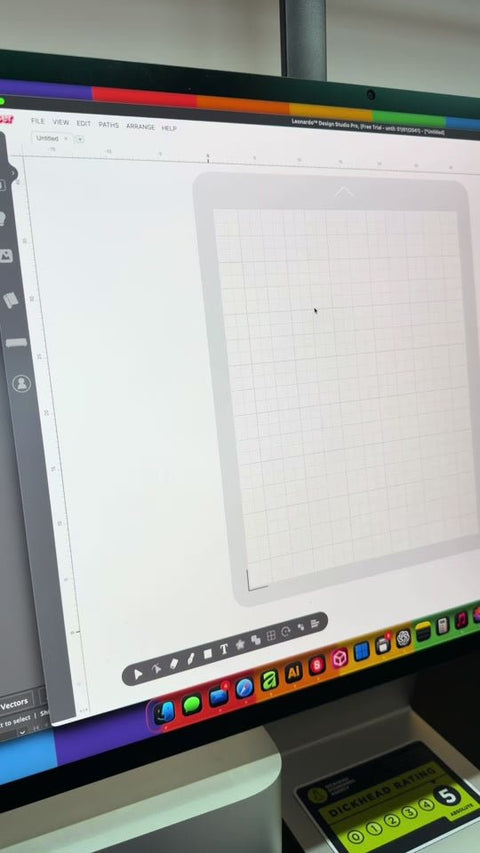
  46. TikTok0:58 Video Siserin Leonardo Design Studion käyttäminen leikkausviivojen tekoon tasoleikkurillemme 21. maalis 2026
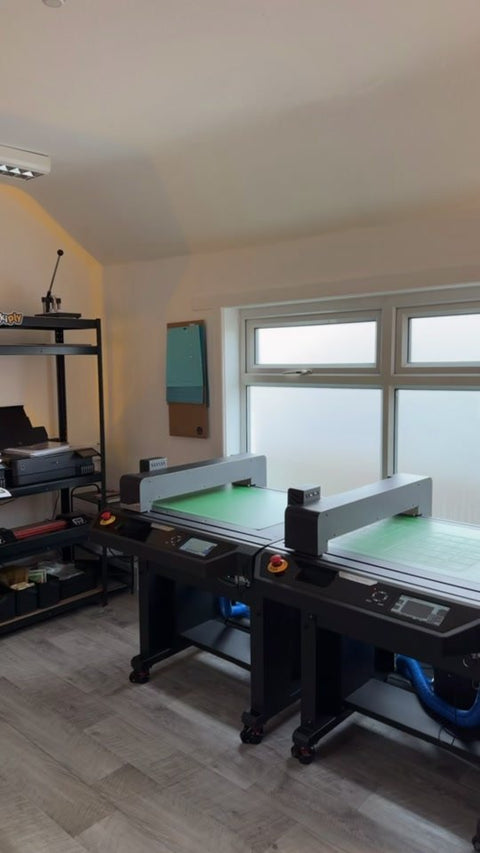
  47. TikTok1:00 Video Toinen tasoleikkurimme on saapunut: Morgana ColorCut FB790-T 10. maalis 2026
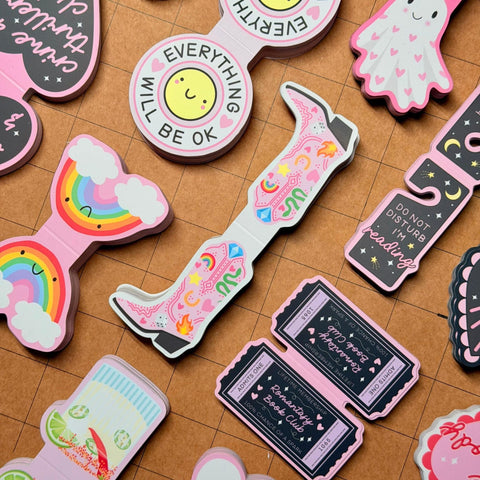
  48. TikTok1:00 Video 10 000 magneettista kirjanmerkkiä kahdessa viikossa 2. maalis 2026

Tässä suodattimessa ei ole vielä mitään.

  • Fructus IllustrationsRunning a Small Art Business on a Budget | Save on Shipping, Marketing & Supplies
  • AbiNovaHow I Make And Package My Products From Start To Finish ✶ Bookmarks, Backing Cards, Prints And More!
  • Calafia Candle Co.How I Design/Print/Cut My Candle Labels
  • Jennifer MakerMake Stickers in Canva for Free! (Beginner Friendly)
  • Songbird Market CoDIY Magnetic Bookmarks and Packaging with Cricut | Easy Print Then Cut FULL Tutorial for Beginners
  • Corinne BlackstoneMake Magnetic Bookmarks with Cricut Print Then Cut
  • Nunu Creator ClubHow to Make and Sell Magnetic Bookmarks - DIY - NO Cricut Needed
  • Sarah Christie, Easy Cricut Projects & SVGsKiss Cut AND Die Cut Cricut Stickers in One Print Then Cut!
  • Craft With FeliciaSiser Juliet: How to Make Kiss Cut and Die Cut Stickers
  • Swift Creek CustomsBasic Print and Cut with Siser Juliet by Swift Creek Customs
  • Jennifer MakerStruggling with Cricut Print Then Cut? Here's How to Fix It
  • Silhouette School with Melissa Viscount3 Common Silhouette Print and Cut Problems: Solved
  • Makers Gonna Learn2026 Updated Cricut Print Then Cut Tutorial - Perfect Stickers Every Time!
  • Kelly RossouwPrint and Cut Tutorial - Cameo 4 - The Ultimate Guide To a Perfect Registration
  • Makers Gonna LearnULTIMATE CRICUT PRINT AND CUT TRAINING - Everything You NEED To Master Print & Cut
  • Jennifer MakerEasy Print & Cut Stickers on a Cricut!
  • Makers Gonna LearnIs Cricut Waterproof Sticker Vinyl TRULY Waterproof? Watch & Find Out!
  • Silhouette School with Melissa ViscountHack to Print and Cut On Clear Sticker Paper
  • Corinne BlackstoneI Tested the Most Popular Waterproof Sticker Papers for Cricut. Which one is best?
  • KatuHow to Apply Sheet Laminate to Stickers with NO Bubbles or Wrinkles (Squeegee Method)
  • Sticker ShuttleHOW TO LAMINATE STICKERS using my Manual Cold Roll Laminator from Amazon
  • paloma the peachhow i make professional quality stickers and sticker sheets at home! equipment, materials & tutorial
  • Jennifer MakerHow to Make Waterproof Stickers on Cricut with Four Methods | Beginner-Friendly Tutorial
  • FotospeedPrinting 101: Everything You Need to Start Printing Photos at Home
  • Dimitry PapkovET8550 review
  • Keith CooperSelling prints? Is the Epson ET-8500 any good if you want to sell prints, cards and stickers?
  • Keith CooperWhy do bright colours look dull in prints? Printing bright colour art/text on cards and products.
  • Jagos ArtFinally Making Cards on my Epson ET8550 using Affinty Photo
  • FotospeedThe Most Overlooked Print Setting: Media Type Explained
  • FotospeedPrinting Made Simple: Master These 4 Settings and Ignore the Rest
  • Krystle Cole ArtEpson ET 8550 Rear Paper Feed Tutorial for Thick Paper
  • Keith CooperTop Epson Ecotank maintenance tips [ET-8550 ET-8550]. Things to keep your inkjet printer healthy.
  • Keith CooperDon't Just Use VFA: Getting Great Prints on Cheap ET-8550 Matte Paper
  • Keith CooperPrinting Stickers on Epson ET-8550: Media Settings & No Smudges
  • Keith CooperBest print detail settings for the Epson ET-8550 and ET-8500 ecotank printers
  • Vastaamme 1 tähden arvosteluihin kiiltävästä vinyylistä!
  • Haluatko parempia tulosteita? 🖼️
  • PARHAAT VINKIT Siser Julietin uusille käyttäjille! 🫵🏼
  • VINKKI 003: Siser Juliet -opetusvideot ✂️
  • VINKKI 002: Siser Juliet -opetusvideot ✂️
  • UKK: Osaako Siser Juliet lukea ja leikata monimutkaisia papereita?
  • VINKKI 001: Siser Juliet -opetusvideot ✂️
  • Vuosi osakeyhtiönä: hullu, vaikea, loistava vuosi
  • Kello 9, kuppi teetä, ensimmäiset tilaukset lähtevät
  • Markkinakoe: mitä tapahtui, kun laskimme kiiltävän vinyylimme hintaa 20–25 %
  • Siserin Leonardo Design Studion käyttäminen leikkausviivojen tekoon tasoleikkurillemme
  • Toinen tasoleikkurimme on saapunut: Morgana ColorCut FB790-T
  • 10 000 magneettista kirjanmerkkiä kahdessa viikossa

Kommentit

Jaa

Katso TikTokissa

Liity klubiin | Eksklusiivisia alennuksia ja uutisia!

Seuraa meitä somessa

Stickiply

LUPAUKSEMME

Stickiply auttaa taiteilijoita ja pienyrityksiä luomaan ja myymään laadukkaita tuotteita reiluun hintaan. Keskitymme ympäristöystävällisiin materiaaleihin ja tuemme ylpeänä LGBTQIA+-yhteisöä.

Materiaalit ja vastuullisuusMitä laatikossa oikeasti on?Lue, mitä materiaaleihimme ja pakkauksiimme tarkalleen kuuluu ja miten hävität ne ympäristöystävällisesti. Katso, mitä sisällä on

TIETOA

Stickiply LTD

Yritysnumero: 16552684

3rd Floor, 86-90 Paul Street, London, EC2A 4NE, United Kingdom

Sähköposti: hello@stickiply.com tai ota yhteyttä

LUPAUKSEMME

Stickiply auttaa taiteilijoita ja pienyrityksiä luomaan ja myymään laadukkaita tuotteita reiluun hintaan. Keskitymme ympäristöystävällisiin materiaaleihin ja tuemme ylpeänä LGBTQIA+-yhteisöä.

Maa/alue

Kieli

  • English
  • Français
  • Deutsch
  • Español
  • Italiano
  • Nederlands
  • Dansk
  • Norsk (bokmål)
  • Svenska
  • Suomi
Maksutavat
  • AliPay
  • American Express
  • Apple Pay
  • Bancontact
  • Bizum
  • Diners Club
  • Discover
  • Google Pay
  • iDEAL Wero
  • Klarna
  • Maestro
  • Mastercard
  • MB WAY
  • PayPal
  • Satispay
  • Shop Pay
  • Union Pay
  • Visa
  • WeChat Pay
  • Palautuskäytäntö
  • Tietosuojakäytäntö
  • Käyttöehdot
  • Toimituskäytäntö
  • Yhteystiedot
  • Peruutuskäytäntö
  • Oikeudellinen huomautus
  • Evästeasetukset
Stickiply Ltd © Palvelun tarjoaa Shopify
  • Vaihtoehdon valinta päivittää koko sivun.
  • Avautuu uudessa ikkunassa.