Skip to content

A note about cookies

Stickiply is a small workshop. Cookies tell us which guides get read and which supplies people come back for, which is how we decide what to make next. Turn them down and nothing here stops working.

That did not save. Please try again, or set your choices from our privacy policy.

Privacy policy

Your cart

Your cart is empty

Nothing in here yet.

Supplies Create Learn

Loading...

Black Friday Sale Up to 33% off from Fri 27 Nov Starts in0:00:00:00
Black Friday Sale Up to 33% off, no code needed Ends in0:00:00:00
Black Friday Sale Last day: up to 33% off Ends in0:00:00:00
Log in Home
  • SUPPLIESSticker Paper, Lamination films, Photo Papers & More
    SUPPLIES
    • Vinyl Sticker PaperGlossy, matte, holographic, more!
    • Self-Adhesive LaminateSelf-adhesive & Thermal
    • Photo Papers & Resin Coated PapersPremium & Resin Coated Photo Papers
    • Magnets & Magnet SheetsSelf-adhesive & Sheets
    • Stationery & NotebooksNotebooks, pens & desk basics
    • Cutting Mats, Blades & ToolsLaminators, blades & tools

    Featured

    • Printable Vinyl Sticker Paper | Matte (Clear Backing) £7.50
    • Glitter Self-Adhesive Laminate (A4/A3) £6.50
    Explore SUPPLIESBrowse our full range of supplies for small businesses Go To
  • CREATEUpload your artwork, we'll make it real
    CREATE
    • Custom Vinyl StickersYour artwork cut to shape & size
    • Custom Magnetic BookmarksDIY OR Ready to Go, die-cut to shape
    • Custom Holographic StickersStickers with extra pizazz!
    • Custom Sticker SheetsSheets of kiss-cut peel-able stickers
    • Custom UV DTF Gang SheetYour artwork printed on rolls
    • Custom Magnets0.5mm die-cut rubber magnets
    • Custom Backing CardsDesign your own packaging

    Design tools

    Bookmark StudioDesign your own magnetic bookmark and backing card Open
    • Sticker StudioAdd borders & remove backgrounds on your stickers
    • Sticker Sheet StudioArrange your stickers, add borders & create your sheet
    • Stickiply Editor
    • Gang Sheet StudioLay your designs on a UV DTF sheet, fill it & order

    Market ready Best sellers

    • Buy Me Books | Magnetic Bookmark From £2.50
    • Emergency Book | Magnetic Bookmark From £2.50
    • Let me read in Peace | Magnetic Bookmark From £2.50
    • Life Gives Lemons | Magnetic Bookmark From £2.50
    • Chance of Smut (8 Ball) | Magnetic Bookmark From £2.50
    • Bookish Fuel | Magnetic Bookmark From £2.50
    Find best selling designs Let's Go! Explore CREATEChoose a custom product & upload your artwork Create
  • SHOPindependent artists & small biz merch
  • SUPPORTGet in touch, watch & learn new techniques
    SUPPORT
    • GET IN TOUCHContact us about your order, further information & FAQ'S
    • LearnGuides, videos and tutorials
    • Help centre
    • EU business account

    Learn

    • WatchAll our content in one place.

Region & language

Country/region

Language

  • English
  • Français
  • Deutsch
  • Español
  • Italiano
  • Nederlands
  • Dansk
  • Norsk (bokmål)
  • Svenska
  • Suomi

Join the club

No spam. One email when we post something new, unsubscribe any time.

Stickiply
  • SUPPLIES

    Categories

    • Vinyl Sticker PaperGlossy, matte, holographic, more!
    • Self-Adhesive LaminateSelf-adhesive & Thermal
    • Photo Papers & Resin Coated PapersPremium & Resin Coated Photo Papers
    • Magnets & Magnet SheetsSelf-adhesive & Sheets
    • Stationery & NotebooksNotebooks, pens & desk basics
    • Cutting Mats, Blades & ToolsLaminators, blades & tools
    Explore SUPPLIESBrowse our full range of supplies for small businesses Go To

    Featured

    • Printable Vinyl Sticker Paper | Matte (Clear Backing) £7.50
    • Glitter Self-Adhesive Laminate (A4/A3) £6.50
    • HTVRONT Cutting Mat (12x12 Inch) £3.95
    • Felt-Edge Squeegee (4") £0.95£1.95 Sale
    • Replacement Blades (5 Pack) £18.95
  • CREATE

    Made for you

    • Custom Vinyl StickersYour artwork cut to shape & size
    • Custom Magnetic BookmarksDIY OR Ready to Go, die-cut to shape
    • Custom Holographic StickersStickers with extra pizazz!
    • Custom Sticker SheetsSheets of kiss-cut peel-able stickers
    • Custom UV DTF Gang SheetYour artwork printed on rolls
    • Custom Magnets0.5mm die-cut rubber magnets
    • Custom Backing CardsDesign your own packaging
    Explore CREATEChoose a custom product & upload your artwork Create

    Design tools

    Bookmark StudioDesign your own magnetic bookmark and backing card Open
    • Sticker StudioAdd borders & remove backgrounds on your stickers
    • Sticker Sheet StudioArrange your stickers, add borders & create your sheet
    • Stickiply Editor
    • Gang Sheet StudioLay your designs on a UV DTF sheet, fill it & order

    Market ready Best sellers

    • Buy Me Books | Magnetic Bookmark From£2.50
    • Emergency Book | Magnetic Bookmark From£2.50
    • Let me read in Peace | Magnetic Bookmark From£2.50
    • Life Gives Lemons | Magnetic Bookmark From£2.50
    • Chance of Smut (8 Ball) | Magnetic Bookmark From£2.50
    • Bookish Fuel | Magnetic Bookmark From£2.50
    Find best selling designs Let's Go!
  • SHOP
  • SUPPORT

    Support

    • GET IN TOUCHContact us about your order, further information & FAQ'S
    • LearnGuides, videos and tutorials
    • Help centre
    • EU business account

    Learn

    • WatchAll our content in one place.
      • Running a Small Art Business on a Budget | Save on Shipping, Marketing & Supplies
      • How I Make And Package My Products From Start To Finish ✶ Bookmarks, Backing Cards, Prints And More!
Log in Cart
  • Learn 437 pieces
  • Watch 239 Videos
  • Tutorials 5 Guides
  • Business 6 Articles
  • Help centre 187 Answers
  • Learn 437 pieces
  • Watch 239 Videos
  • Tutorials 5 Guides
  • Business 6 Articles
  • Help centre 187 Answers
  • Learn 437 pieces
  • Watch 239 Videos
  • Tutorials 5 Guides
  • Business 6 Articles
  • Help centre 187 Answers

Up next in 5

That's everything here

S

Stickiply

4 Dec 2024

Video

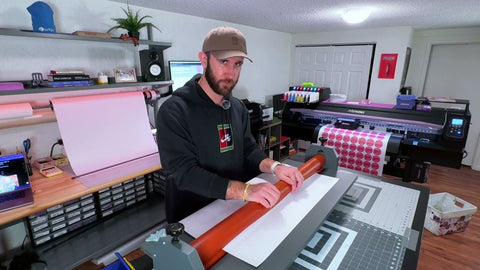
One year review of the Siser Juliet cutting machine

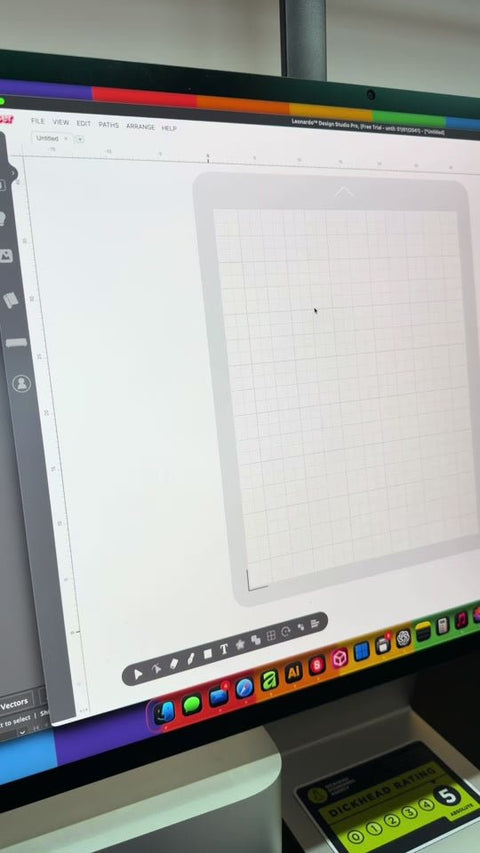
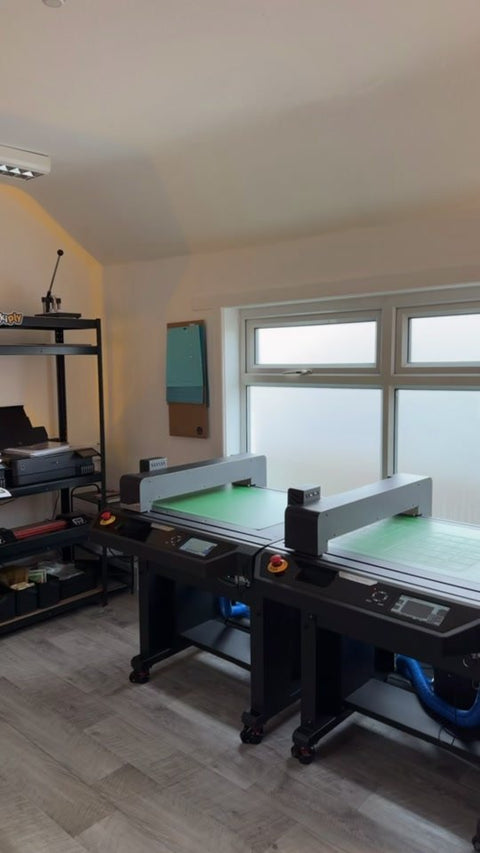
A full year of daily use with the Siser Juliet, covering what it does well and where it falls short. We look at speed, around 8 to 10 seconds to read the registration marks and roughly two minutes to cut a full sheet of A3 stickers at speed 10 or 11, and at the wastage rate, which sat near 25% on our Explore 3. We also cover Leonardo Design Studio and node editing of cut contours, the roller pressure that bends cutting mats over time, and the 45 degree blade at two passes and 52 pressure.

Transcript
In fact, about six times faster than my Explore 3. It takes around 8 to 10 seconds for her to read the registration marks, and then on speed 10 or 11, it takes just two minutes to cut a full sheet of A3 stickers. The next positive is accuracy, because 99% of the time, Juliet is in the right place. Third is Leonardo Design Studio, which is a really intelligent design program. There's no flattening or grouping, there's no paywall on white background removal, and the upload process is fast and efficient. And my personal favourite is being able to edit the nodes of your cut contour, just like you're right there in Illustrator. There's also no constraints on size, so whatever you can print, you can cut, and that means right to the edge of the paper. Whilst I was working with the Explore 3, my wastage rate was around 25%. That means 1 in 4 stickers was cut incorrectly. Not only this, but it was also taking like five minutes to do so, which was in turn putting a ceiling on the amount of sales we could do as a business per day. Take one of the nicest things about Julia is how manual the entire process is. You physically put your mat in the machine, lock it in place, and position your own blade. You choose your own speed, pressure, and passes. And then, as I said, in around about eight to ten seconds, It has read all of the registration lines very precisely as you can see by the little LED screen here. Julia also has some tools just in case your cut isn't 100%. You can use the advanced calibration screen by pressing settings, camera, holding the sun icon and then adjusting your settings here. to your preferences. Once you've adjusted your cut settings, make sure to tap the arrow in the top right to upload the settings to the machine. One thing you might want to consider if you're thinking of moving to Siser is just how much information is out there on tutorials and how to use the machine itself. The community isn't half as big as the one for Cricut and therefore there will be gaps in information to be filled. So let's talk about the potential downsides and faults. Leonardo Design Studio is not exactly a beginner friendly software. However, if you have used cutting machine software before, you'll have no problem in translating your knowledge pretty easily. Now, one of the two downsides to the actual machine is how the machine bends cutting mats. And this issue isn't exclusive to Siser. But the pressure that these little rollers put on your mat is quite a lot, and this will eventually cause your kiss cut to be too deep or too shallow in some places. Now, there are quite a few hacks online to solve this issue, and I've tried them all. What I was advised to do is take one of the springs out of each of my rollers, leaving one behind diagonally, which puts around 50% pressure on your mat. This does however cause issues if you go over around 65-4. So I tend to use cut passes as a way to cut deeper without putting much more pressure on the mat. Now you might not notice it if you don't use the Siser as much as I do, but I use this machine every day 8 hours a day. Obviously, only do this at your own risk, there's no guarantee, and you'll probably void your warranty, so I have kept my other springs here in a container, just in case. The mats will still suffer with some indentation, but they last around 3-4 times longer than usual. The other fault of Juliet is her actual cut. You'll notice that Juliet leaves some kind of sewing type edge to the corners. This one for me is still open for interpretation because I've used different materials, passes, cuts, forces and had different results. For cleaner cuts like these I've used a 45 degree blade with two passes at 52 pressure. And that basically sums up my one year review of the Siser Julia. In conclusion, I would say that my review is 95% positive and I would certainly recommend this machine to anybody who wants to get into cutting stickers or vinyl. Please do let me know in the comments if there's anything we didn't cover in this video and if there's anything else you want to know about the Siser Julia.
  1. TikTok3:56 Video One year review of the Siser Juliet cutting machine 4 Dec 2024
  2. YouTube12:14 Video · Fructus Illustrations Running a Small Art Business on a Budget | Save on Shipping, Marketing & Supplies 5 Nov 2026
  3. YouTube6:49 Video · AbiNova How I Make And Package My Products From Start To Finish ✶ Bookmarks, Backing Cards, Prints And More! 5 Nov 2026
  4. YouTube18:31 Video · Calafia Candle Co. How I Design/Print/Cut My Candle Labels 5 Nov 2026
  5. YouTube15:01 Video · Jennifer Maker Make Stickers in Canva for Free! (Beginner Friendly) 5 Nov 2026
  6. YouTube19:00 Video · Songbird Market Co DIY Magnetic Bookmarks and Packaging with Cricut | Easy Print Then Cut FULL Tutorial for Beginners 5 Nov 2026
  7. YouTube42:58 Video · Corinne Blackstone Make Magnetic Bookmarks with Cricut Print Then Cut 5 Nov 2026
  8. YouTube12:59 Video · Nunu Creator Club How to Make and Sell Magnetic Bookmarks - DIY - NO Cricut Needed 5 Nov 2026
  9. YouTube6:49 Video · Sarah Christie, Easy Cricut Projects & SVGs Kiss Cut AND Die Cut Cricut Stickers in One Print Then Cut! 5 Nov 2026
  10. YouTube9:26 Video · Craft With Felicia Siser Juliet: How to Make Kiss Cut and Die Cut Stickers 5 Nov 2026
  11. YouTube19:36 Video · Swift Creek Customs Basic Print and Cut with Siser Juliet by Swift Creek Customs 5 Nov 2026
  12. YouTube52:55 Video · Jennifer Maker Struggling with Cricut Print Then Cut? Here's How to Fix It 5 Nov 2026
  13. YouTube17:22 Video · Silhouette School with Melissa Viscount 3 Common Silhouette Print and Cut Problems: Solved 5 Nov 2026
  14. YouTube18:30 Video · Makers Gonna Learn 2026 Updated Cricut Print Then Cut Tutorial - Perfect Stickers Every Time! 5 Nov 2026
  15. YouTube17:43 Video · Kelly Rossouw Print and Cut Tutorial - Cameo 4 - The Ultimate Guide To a Perfect Registration 5 Nov 2026
  16. YouTube29:58 Video · Makers Gonna Learn ULTIMATE CRICUT PRINT AND CUT TRAINING - Everything You NEED To Master Print & Cut 5 Nov 2026
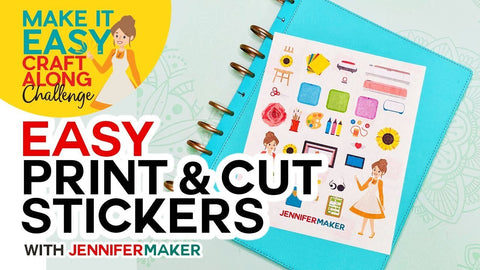
  17. YouTube25:35 Video · Jennifer Maker Easy Print & Cut Stickers on a Cricut! 5 Nov 2026
  18. YouTube18:22 Video · Makers Gonna Learn Is Cricut Waterproof Sticker Vinyl TRULY Waterproof? Watch & Find Out! 5 Nov 2026
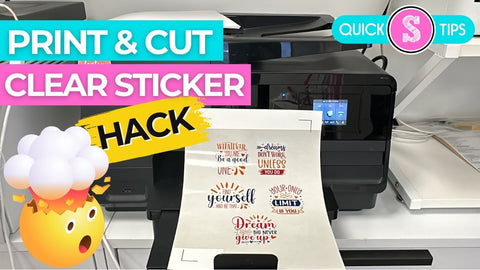
  19. YouTube2:44 Video · Silhouette School with Melissa Viscount Hack to Print and Cut On Clear Sticker Paper 5 Nov 2026
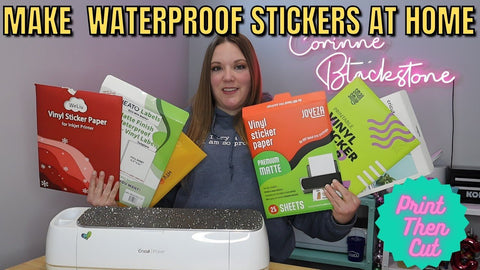
  20. YouTube21:05 Video · Corinne Blackstone I Tested the Most Popular Waterproof Sticker Papers for Cricut. Which one is best? 5 Nov 2026
  21. YouTube2:49 Video · Katu How to Apply Sheet Laminate to Stickers with NO Bubbles or Wrinkles (Squeegee Method) 5 Nov 2026
  22. YouTube3:48 Video · Sticker Shuttle HOW TO LAMINATE STICKERS using my Manual Cold Roll Laminator from Amazon 5 Nov 2026
  23. YouTube23:53 Video · paloma the peach how i make professional quality stickers and sticker sheets at home! equipment, materials & tutorial 5 Nov 2026
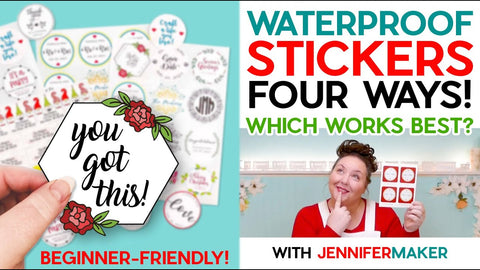
  24. YouTube31:20 Video · Jennifer Maker How to Make Waterproof Stickers on Cricut with Four Methods | Beginner-Friendly Tutorial 5 Nov 2026
  25. YouTube19:28 Video · Fotospeed Printing 101: Everything You Need to Start Printing Photos at Home 5 Nov 2026
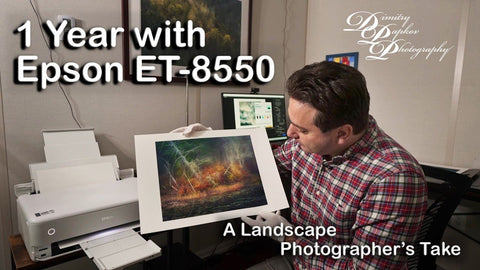
  26. YouTube15:25 Video · Dimitry Papkov ET8550 review 5 Nov 2026
  27. YouTube16:25 Video · Keith Cooper Selling prints? Is the Epson ET-8500 any good if you want to sell prints, cards and stickers? 5 Nov 2026
  28. YouTube5:26 Video · Keith Cooper Why do bright colours look dull in prints? Printing bright colour art/text on cards and products. 5 Nov 2026
  29. YouTube40:28 Video · Jagos Art Finally Making Cards on my Epson ET8550 using Affinty Photo 5 Nov 2026
  30. YouTube13:31 Video · Fotospeed The Most Overlooked Print Setting: Media Type Explained 5 Nov 2026
  31. YouTube9:53 Video · Fotospeed Printing Made Simple: Master These 4 Settings and Ignore the Rest 5 Nov 2026
  32. YouTube3:26 Video · Krystle Cole Art Epson ET 8550 Rear Paper Feed Tutorial for Thick Paper 5 Nov 2026
  33. YouTube13:47 Video · Keith Cooper Top Epson Ecotank maintenance tips [ET-8550 ET-8550]. Things to keep your inkjet printer healthy. 5 Nov 2026
  34. YouTube10:41 Video · Keith Cooper Don't Just Use VFA: Getting Great Prints on Cheap ET-8550 Matte Paper 5 Nov 2026
  35. YouTube13:57 Video · Keith Cooper Printing Stickers on Epson ET-8550: Media Settings & No Smudges 5 Nov 2026
  36. YouTube12:50 Video · Keith Cooper Best print detail settings for the Epson ET-8550 and ET-8500 ecotank printers 5 Nov 2026
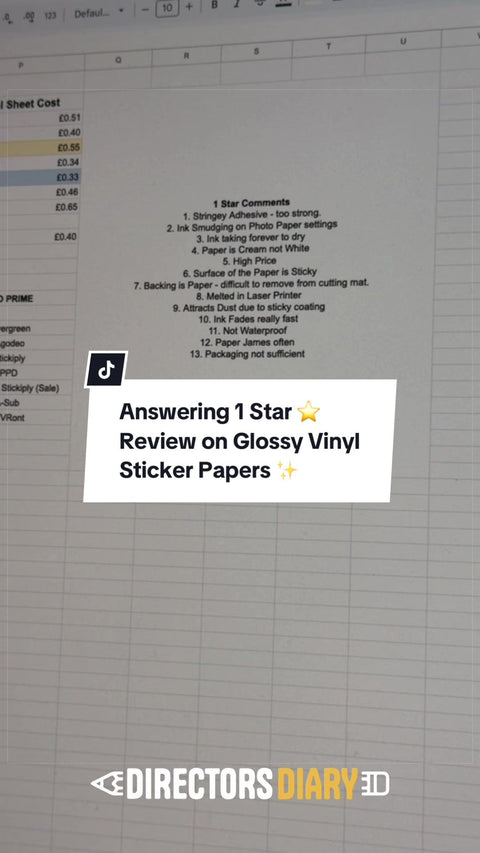
  37. TikTok11:00 Video Answering 1 Star Reviews of Glossy Vinyl! 17 Aug 2026
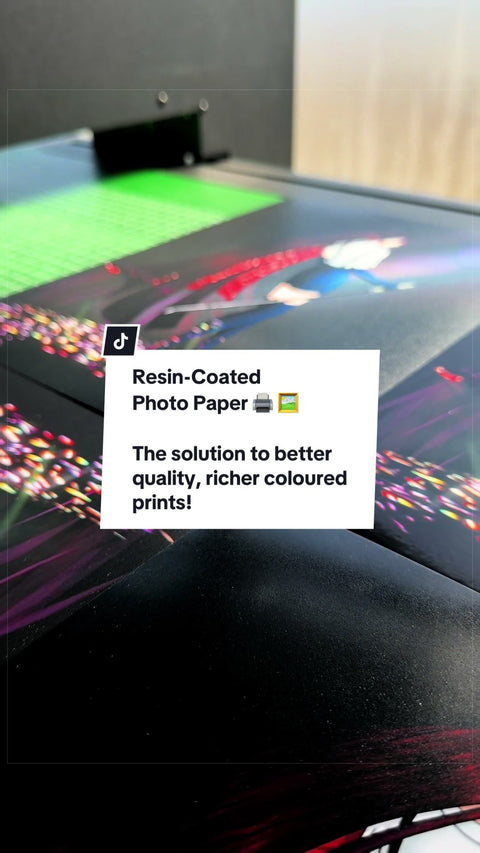
  38. TikTok0:58 Video Want better Prints? 🖼️ 17 Aug 2026
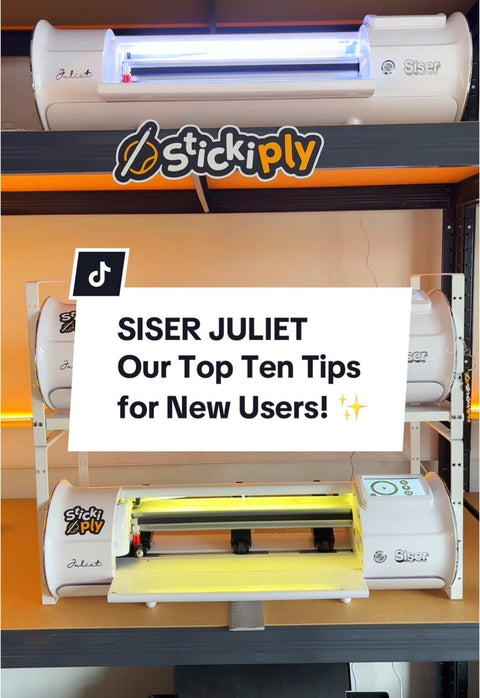
  39. TikTok1:14 Video TOP TIPS for new users of the Siser Juliet! 🫵🏼 17 Aug 2026
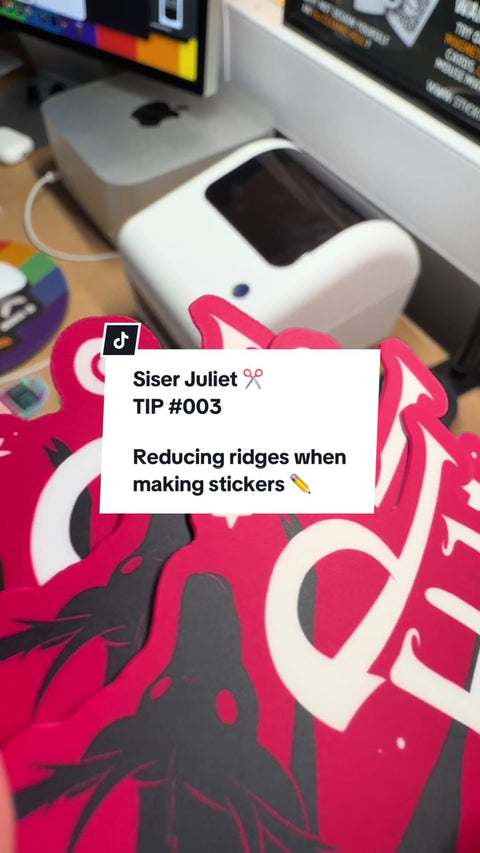
  40. TikTok1:14 Video TIP 003: Siser Juliet Tutorials ✂️ 17 Aug 2026
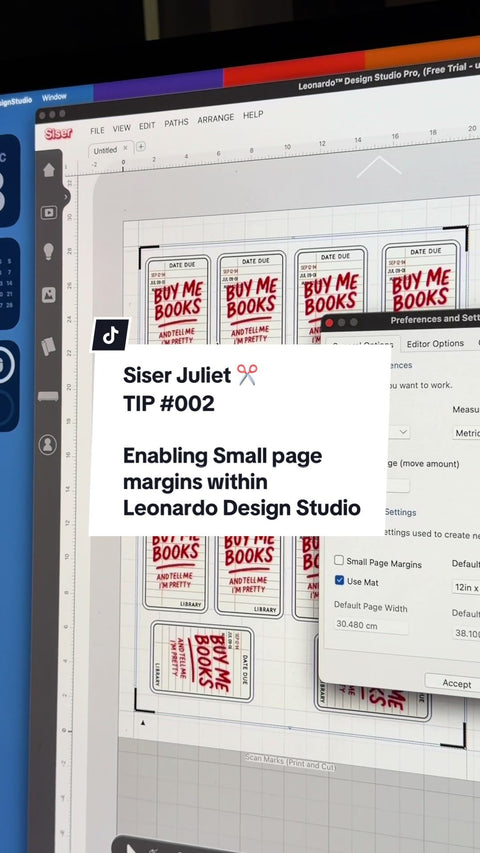
  41. TikTok0:38 Video TIP 002: Siser Juliet Tutorials ✂️ 17 Aug 2026
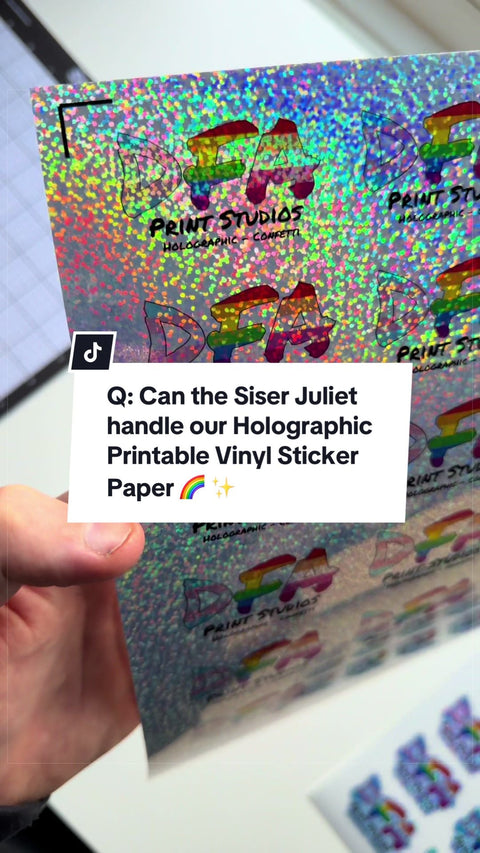
  42. TikTok0:29 Video FAQ: Can the Siser Juliet read & cut complex papers? 17 Aug 2026
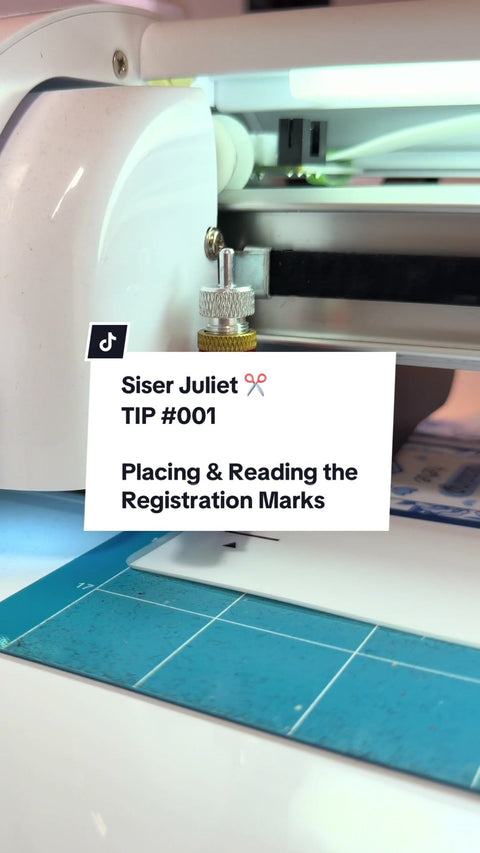
  43. TikTok0:46 Video TIP 001: Siser Juliet Tutorials ✂️ 17 Aug 2026
  44. TikTok1:05 Video One year as a limited company: a crazy, difficult, brilliant year 1 Jul 2026
  45. TikTok0:23 Video 9am, cup of tea, first orders going out 2 Apr 2026
  46. TikTok0:56 Video Market experiment: what happened when we cut our glossy vinyl price by 20-25% 23 Mar 2026
  47. TikTok0:58 Video Using Leonardo Design Studio by Siser to make Cut Lines for our Flatbed 21 Mar 2026
  48. TikTok1:00 Video Our second flatbed cutting machine arrived: the Morgana ColorCut FB790-T 10 Mar 2026
  49. TikTok1:00 Video 10,000 magnetic bookmarks in two weeks 2 Mar 2026

Nothing in this filter yet.

  • Fructus IllustrationsRunning a Small Art Business on a Budget | Save on Shipping, Marketing & Supplies
  • AbiNovaHow I Make And Package My Products From Start To Finish ✶ Bookmarks, Backing Cards, Prints And More!
  • Calafia Candle Co.How I Design/Print/Cut My Candle Labels
  • Jennifer MakerMake Stickers in Canva for Free! (Beginner Friendly)
  • Songbird Market CoDIY Magnetic Bookmarks and Packaging with Cricut | Easy Print Then Cut FULL Tutorial for Beginners
  • Corinne BlackstoneMake Magnetic Bookmarks with Cricut Print Then Cut
  • Nunu Creator ClubHow to Make and Sell Magnetic Bookmarks - DIY - NO Cricut Needed
  • Sarah Christie, Easy Cricut Projects & SVGsKiss Cut AND Die Cut Cricut Stickers in One Print Then Cut!
  • Craft With FeliciaSiser Juliet: How to Make Kiss Cut and Die Cut Stickers
  • Swift Creek CustomsBasic Print and Cut with Siser Juliet by Swift Creek Customs
  • Jennifer MakerStruggling with Cricut Print Then Cut? Here's How to Fix It
  • Silhouette School with Melissa Viscount3 Common Silhouette Print and Cut Problems: Solved
  • Makers Gonna Learn2026 Updated Cricut Print Then Cut Tutorial - Perfect Stickers Every Time!
  • Kelly RossouwPrint and Cut Tutorial - Cameo 4 - The Ultimate Guide To a Perfect Registration
  • Makers Gonna LearnULTIMATE CRICUT PRINT AND CUT TRAINING - Everything You NEED To Master Print & Cut
  • Jennifer MakerEasy Print & Cut Stickers on a Cricut!
  • Makers Gonna LearnIs Cricut Waterproof Sticker Vinyl TRULY Waterproof? Watch & Find Out!
  • Silhouette School with Melissa ViscountHack to Print and Cut On Clear Sticker Paper
  • Corinne BlackstoneI Tested the Most Popular Waterproof Sticker Papers for Cricut. Which one is best?
  • KatuHow to Apply Sheet Laminate to Stickers with NO Bubbles or Wrinkles (Squeegee Method)
  • Sticker ShuttleHOW TO LAMINATE STICKERS using my Manual Cold Roll Laminator from Amazon
  • paloma the peachhow i make professional quality stickers and sticker sheets at home! equipment, materials & tutorial
  • Jennifer MakerHow to Make Waterproof Stickers on Cricut with Four Methods | Beginner-Friendly Tutorial
  • FotospeedPrinting 101: Everything You Need to Start Printing Photos at Home
  • Dimitry PapkovET8550 review
  • Keith CooperSelling prints? Is the Epson ET-8500 any good if you want to sell prints, cards and stickers?
  • Keith CooperWhy do bright colours look dull in prints? Printing bright colour art/text on cards and products.
  • Jagos ArtFinally Making Cards on my Epson ET8550 using Affinty Photo
  • FotospeedThe Most Overlooked Print Setting: Media Type Explained
  • FotospeedPrinting Made Simple: Master These 4 Settings and Ignore the Rest
  • Krystle Cole ArtEpson ET 8550 Rear Paper Feed Tutorial for Thick Paper
  • Keith CooperTop Epson Ecotank maintenance tips [ET-8550 ET-8550]. Things to keep your inkjet printer healthy.
  • Keith CooperDon't Just Use VFA: Getting Great Prints on Cheap ET-8550 Matte Paper
  • Keith CooperPrinting Stickers on Epson ET-8550: Media Settings & No Smudges
  • Keith CooperBest print detail settings for the Epson ET-8550 and ET-8500 ecotank printers
  • Answering 1 Star Reviews of Glossy Vinyl!
  • Want better Prints? 🖼️
  • TOP TIPS for new users of the Siser Juliet! 🫵🏼
  • TIP 003: Siser Juliet Tutorials ✂️
  • TIP 002: Siser Juliet Tutorials ✂️
  • FAQ: Can the Siser Juliet read & cut complex papers?
  • TIP 001: Siser Juliet Tutorials ✂️
  • One year as a limited company: a crazy, difficult, brilliant year
  • 9am, cup of tea, first orders going out
  • Market experiment: what happened when we cut our glossy vinyl price by 20-25%
  • Using Leonardo Design Studio by Siser to make Cut Lines for our Flatbed
  • Our second flatbed cutting machine arrived: the Morgana ColorCut FB790-T
  • 10,000 magnetic bookmarks in two weeks

Comments
Share

Watch on TikTok

Join the Club | Exclusive Discounts & News!

Join us on socials

Stickiply

OUR PROMISE

Stickiply helps artists and small businesses create and sell high-quality products at fair prices. We focus on sustainable materials and proudly support the LGBTQIA+ community.

Materials & SustainabilityWhat's actually in the box?Learn about what exactly goes into our materials and packaging, and how to dispose of them sustainably. See what's inside

INFORMATION

Stickiply LTD

Company No: 16552684

3rd Floor, 86-90 Paul Street, London, EC2A 4NE, United Kingdom 

E: hello@stickiply.com or Contact Us

OUR PROMISE

Stickiply helps artists and small businesses create and sell high-quality products at fair prices. We focus on sustainable materials and proudly support the LGBTQIA+ community.

Country/region

Language

  • English
  • Français
  • Deutsch
  • Español
  • Italiano
  • Nederlands
  • Dansk
  • Norsk (bokmål)
  • Svenska
  • Suomi
Payment methods
  • AliPay
  • American Express
  • Apple Pay
  • Bancontact
  • Diners Club
  • Discover
  • Google Pay
  • iDEAL Wero
  • Klarna
  • Maestro
  • Mastercard
  • MB WAY
  • PayPal
  • Satispay
  • Shop Pay
  • Union Pay
  • Visa
  • WeChat Pay
  • Refund policy
  • Privacy policy
  • Terms of service
  • Shipping policy
  • Contact information
  • Cancellation policy
  • Legal notice
  • Cookie settings
Stickiply Ltd © Powered by Shopify
  • Choosing a selection results in a full page refresh.
  • Opens in a new window.