Want better Prints? 🖼️
Want better Prints? 🖼️ - StickiplyTikTok0:58
Video

Want better Prints? 🖼️

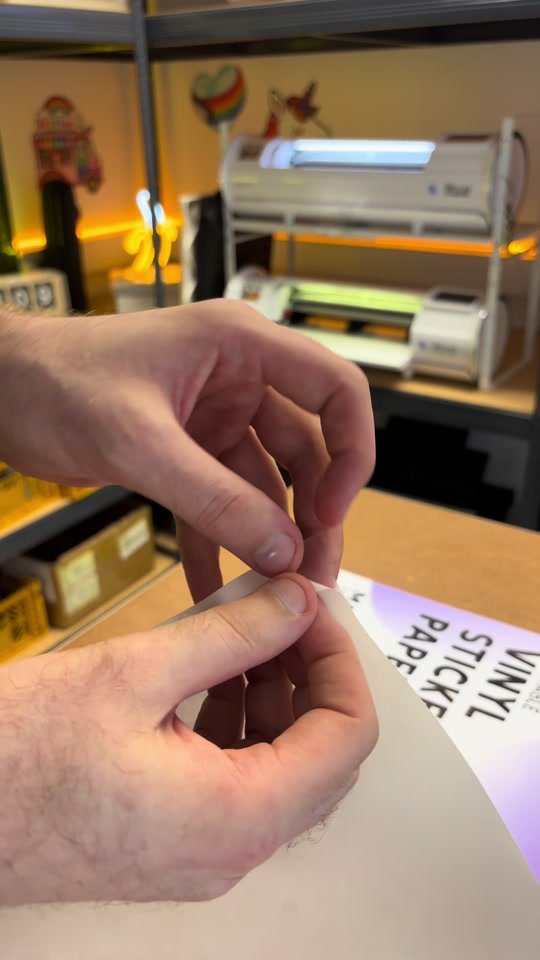
This one decision can make or break the quality of your prints and it isn’t your printer, it's actually the media you print on! 🖨️

1 min watchPublished

TOP TIPS for new users of the Siser Juliet! 🫵🏼
TOP TIPS for new users of the Siser Juliet! 🫵🏼 - StickiplyTikTok1:14
Video

TOP TIPS for new users of the Siser Juliet! 🫵🏼

Heres ten of our top tips for new users of the siser Juliet along with some important keyboard shortcuts to get you working confidently with your machine!

1 min watchPublished

TIP 003: Siser Juliet Tutorials ✂️
TIP 003: Siser Juliet Tutorials ✂️ - StickiplyTikTok1:14
Video

TIP 003: Siser Juliet Tutorials ✂️

How to reduce the number of ridges around the edge of your stickers with the Siser Juliet and Leonardo Design Studio.

1 min watchPublished

TIP 002: Siser Juliet Tutorials ✂️
TIP 002: Siser Juliet Tutorials ✂️ - StickiplyTikTok0:38
Video

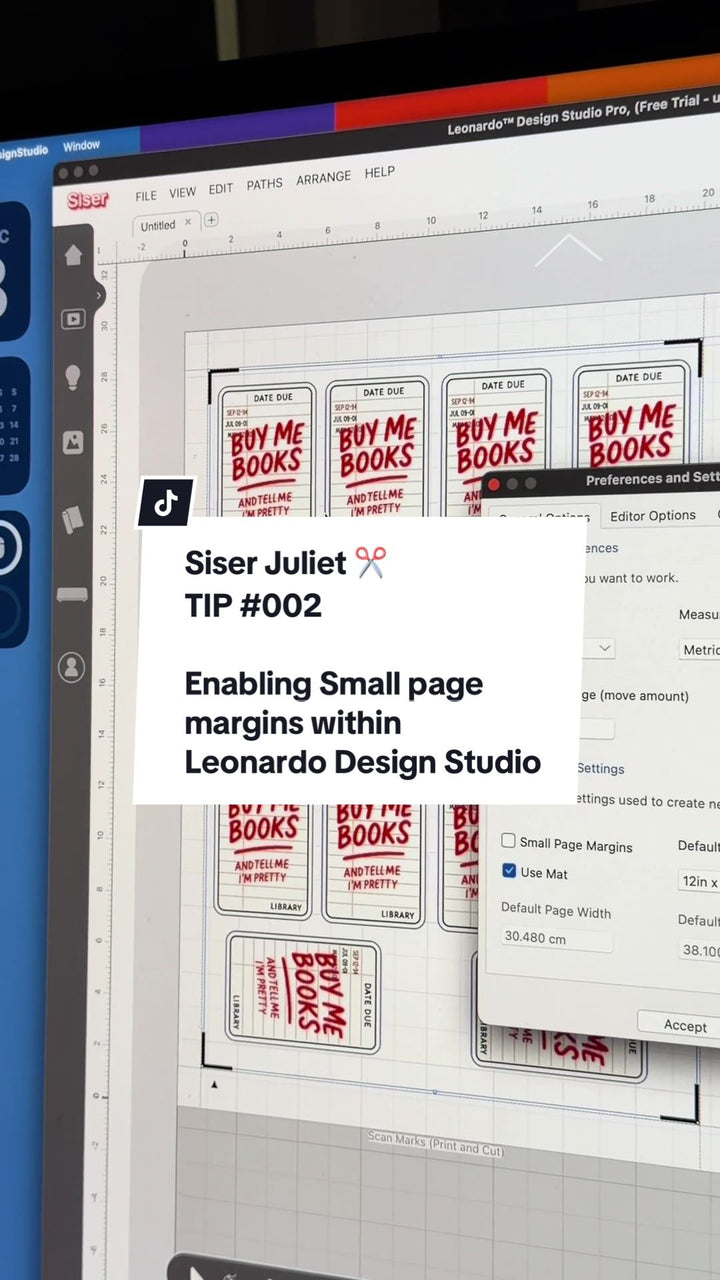
TIP 002: Siser Juliet Tutorials ✂️

In this tutorial we show you how to increase your page margins, enabling you to increase your printable and workable areas to n your materials within Leonardo Design Studio.

1 min watchPublished

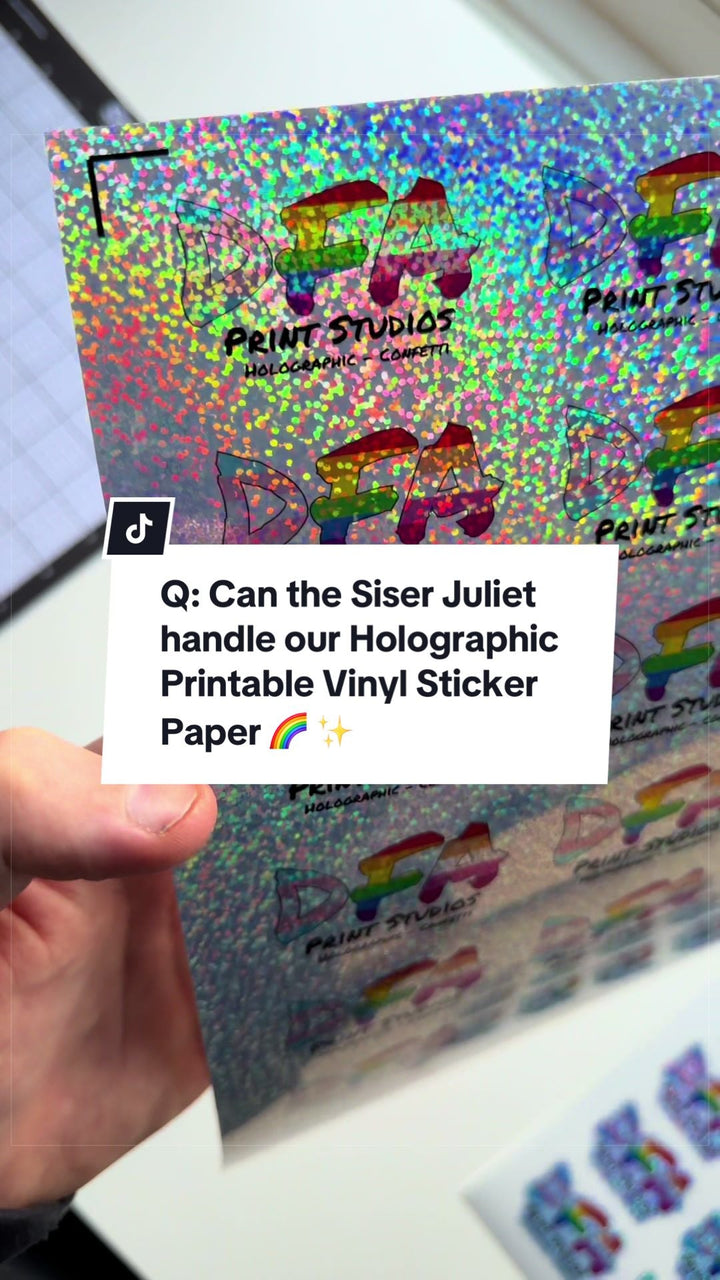
FAQ: Can the Siser Juliet read & cut complex papers?
FAQ: Can the Siser Juliet read & cut complex papers? - StickiplyTikTok0:29
Video

FAQ: Can the Siser Juliet read & cut complex papers?

We always get the question, can the siser juliet confidently read and cut complex looking patterned materials like the Printable Holographic (Confetti) Vinyl Sticker Paper from ...

1 min watchPublished

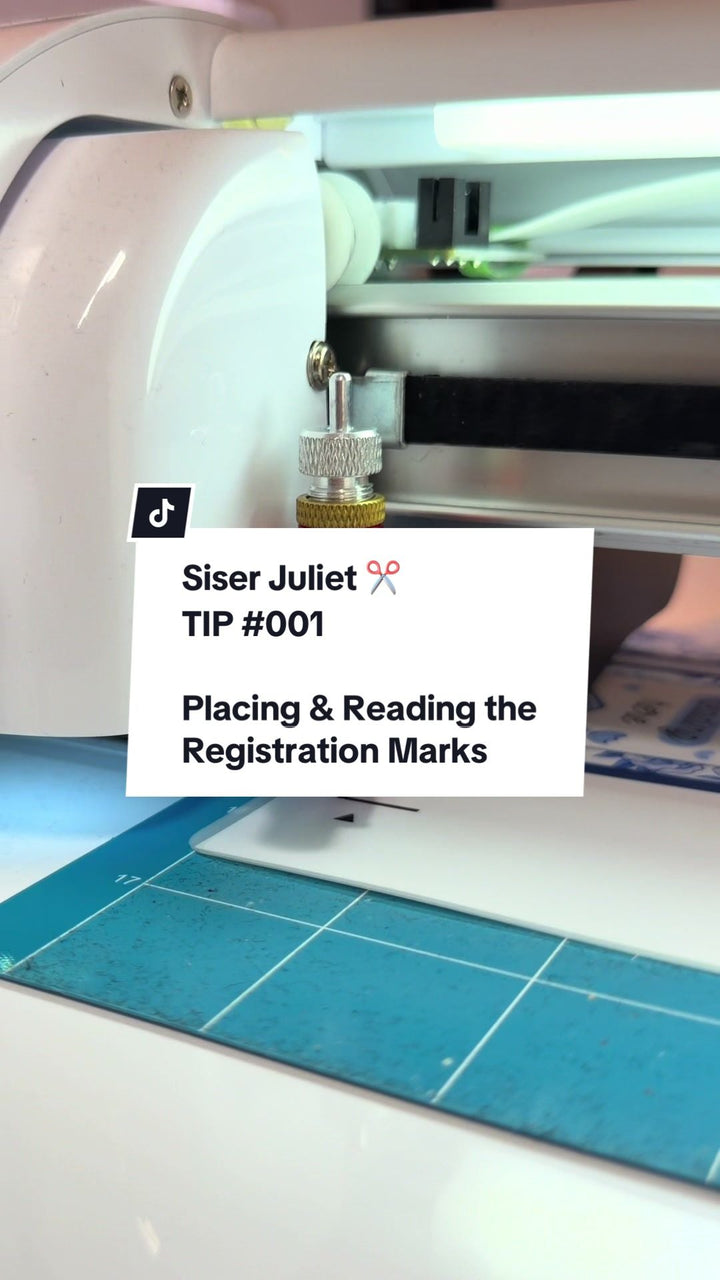
TIP 001: Siser Juliet Tutorials ✂️
TIP 001: Siser Juliet Tutorials ✂️ - StickiplyTikTok0:46
Video

TIP 001: Siser Juliet Tutorials ✂️

In this tutorial we show you exactly where you should be placing your blade holder in order for your Siser Juliet to read the registration marks first time.

1 min watchPublished

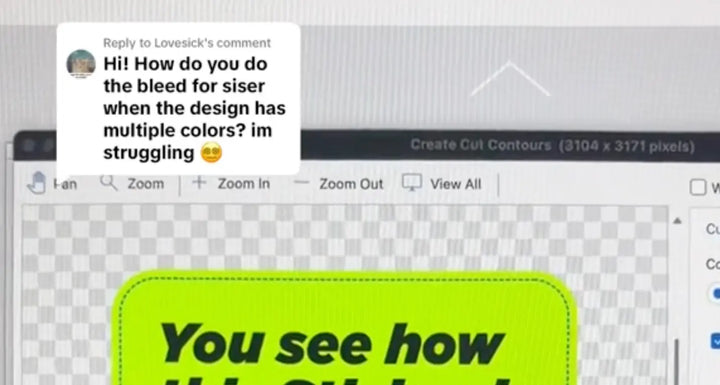
How to smooth out your cut lines in Leonardo Design Studio
How to smooth out your cut lines in Leonardo Design Studio - StickiplyTikTok0:49
Video

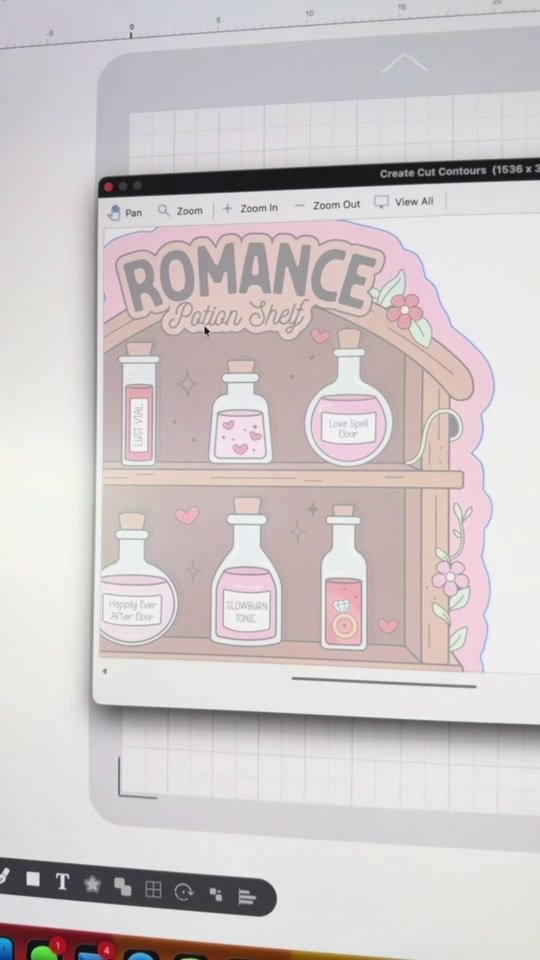
How to smooth out your cut lines in Leonardo Design Studio

We work through the cut contour settings in Leonardo Design Studio Pro on a pink Romance Potion Shelf sticker. The Build Cutting Contours window is open with Print and Cut selec...

1 min watchPublished

How to raise the print head on the Epson ET-8550 for thicker media
How to raise the print head on the Epson ET-8550 for thicker media - StickiplyTikTok0:59
Video

How to raise the print head on the Epson ET-8550 for thicker media

A quick tutorial on raising the print head on the Epson EcoTank ET-8550 so it stops catching on thicker media like vinyl sticker paper and photo paper. There is a small lever on...

1 min watchPublished

How to create smooth contours for your stickers in Leonardo Design Studio
How to create smooth contours for your stickers in Leonardo Design Studio - StickiplyTikTok1:05
Video

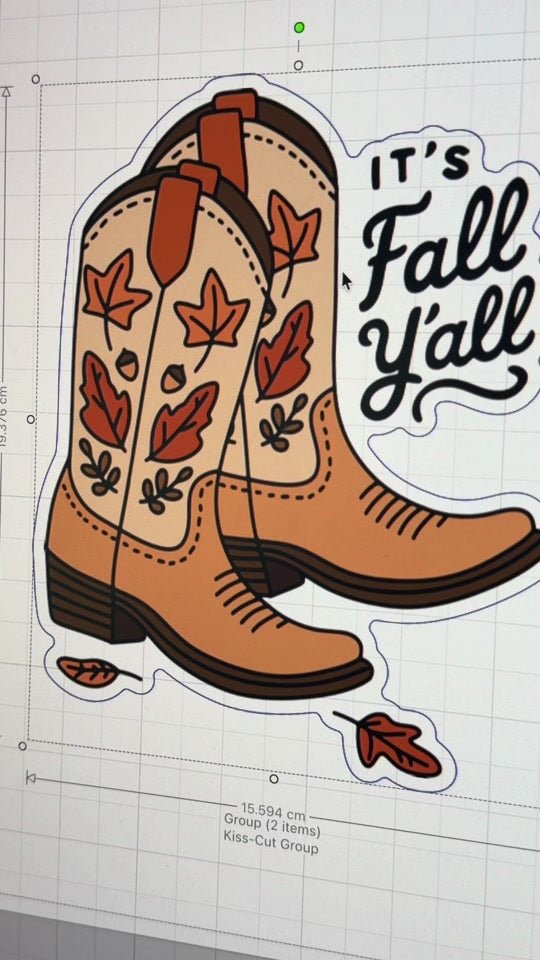
How to create smooth contours for your stickers in Leonardo Design Studio

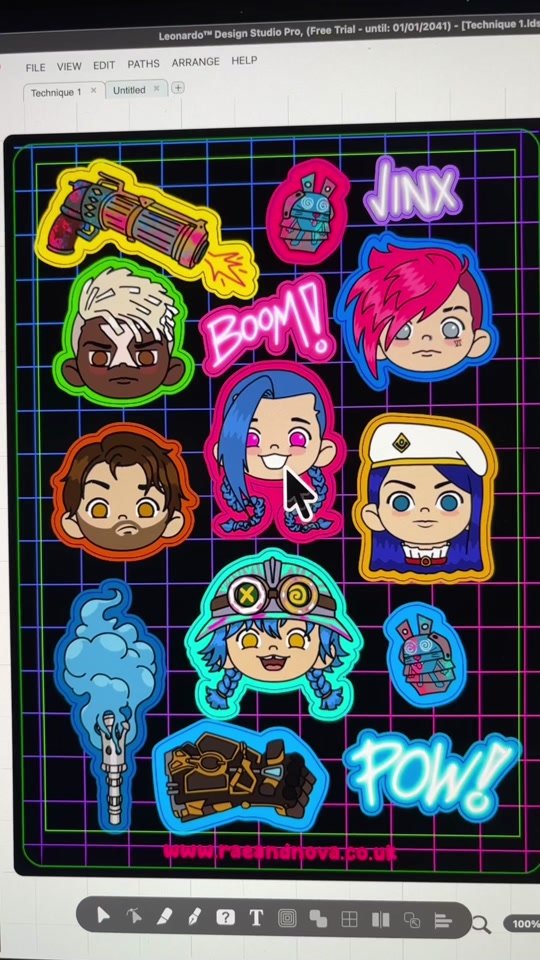
This tutorial covers getting the smoothest cut contours on sticker artwork in Leonardo Design Studio. We upload the artwork, raise the smoothing level to near maximum, then set ...

1 min watchPublished

Want to keep selling to the US after 29 August? Here's your solution
Want to keep selling to the US after 29 August? Here's your solution - StickiplyTikTok2:31
Video

Want to keep selling to the US after 29 August? Here's your solution

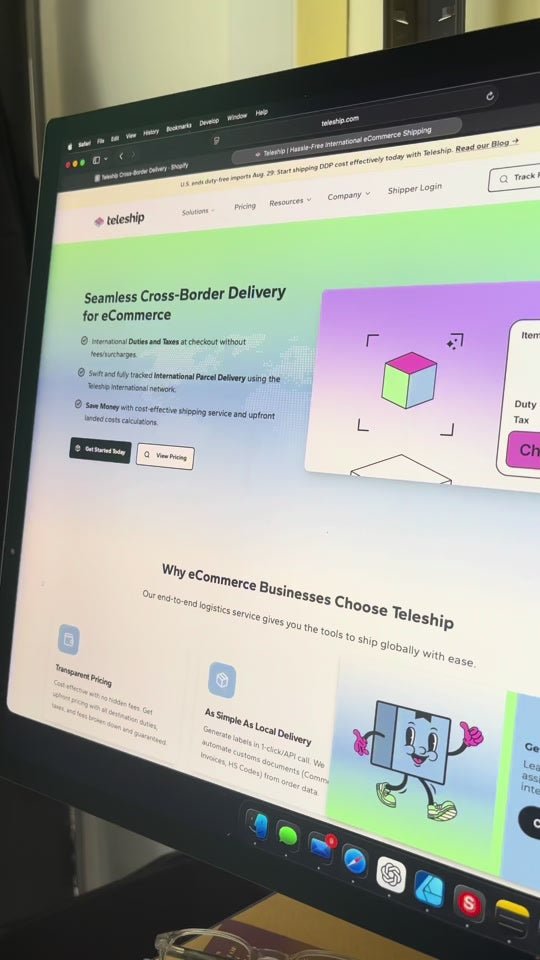
How a small UK business can keep shipping to the US after 29 August with duties and taxes prepaid, using the Teleship app on Shopify. We cover the setup, adding HS codes or coun...

2 min watchPublished

Three techniques to try when laminating your stickers or prints
Three techniques to try when laminating your stickers or prints - StickiplyTikTok0:58
Video

Three techniques to try when laminating your stickers or prints

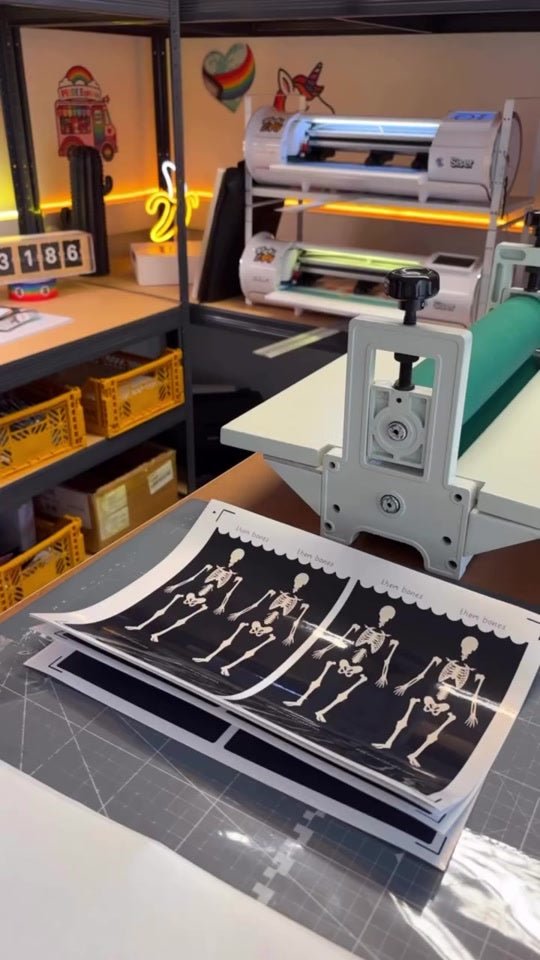
Three ways to seal a printed sticker sheet, filmed in our workshop with no talking. First we lay a clear laminate sheet over a printed sheet of our Printable Vinyl Sticker Paper...

1 min watchPublished

Tea-staining matte vinyl sticker paper for spooky vintage labels
Tea-staining matte vinyl sticker paper for spooky vintage labels - StickiplyTikTok0:32
Video

Tea-staining matte vinyl sticker paper for spooky vintage labels

We start with a blank sheet of our matte vinyl sticker paper flat on the cutting mat, then rub tea over it until the whole surface goes a mottled amber. Once dry it reads as age...

1 min watchPublished

How to keep your sticker sheets from curling
How to keep your sticker sheets from curling - StickiplyTikTok0:54
Video

How to keep your sticker sheets from curling

We explain why printed sticker sheets curl and how our laminating method keeps them flat. Vinyl curls when it is heavily saturated with ink, and it also reacts to heat, cold and...

1 min watchPublished

KNOWLEDGE: Understanding Bleed in Printing
KNOWLEDGE-Understanding-Bleed-in-Printing Stickiply
Tutorial

KNOWLEDGE: Understanding Bleed in Printing

When it comes to custom printing you’ll often come across the term “bleed.” But what exactly is bleed, and why is it important?

3 min readPublished

How to Create Custom QR Codes for Your Small Business
How to Create Custom QR Codes for Your Small Business - Stickiply
Tutorial

How to Create Custom QR Codes for Your Small Business

QR codes are a quick and easy way to get customers to your website but how do you create them? Here's a handy guide to creating your own custom branded QR Codes.

2 min readPublished