
Papel fotográfico imprimible en A4 y A3
Papel fotográfico premium para inyección de tinta en acabados brillante, mate, satén lustre y texturizado. Incluye opciones con recubrimiento de resina (RC) y resistentes al calor, pensadas para color vivo, detalle nítido y resultados de nivel profesional en copias fotográficas, marcapáginas magnéticos, tarjetas de soporte, reproducción de arte y papelería de boda.
✨ ¿Qué papel fotográfico es el adecuado para tu proyecto?

Papel fotográfico RC
Papel con recubrimiento de resina y una capa sellada que mantiene la tinta cerca de la superficie. Imágenes más nítidas, secado más rápido, color más profundo. Ideal para copias fotográficas, reproducción de arte y trabajo de calidad de galería.

Papel fotográfico resistente al calor
Fabricado para laminado térmico. Nuestro estudio usa exactamente este papel para marcapáginas magnéticos, marcapáginas planos y tarjetas de soporte. Imprime, espera 24 horas y lamina para un resultado rígido y profesional.

Papel fotográfico a doble cara
Recubrimiento imprimible en las dos caras. Disponible en Brillante 180 g/m² y Mate 140, 250 o 300 g/m². Pensado para tarjetas de felicitación, papelería de boda, postales, flyers y cualquier impresión que necesite diseño por delante y por detrás.
-
-
-

 15 % de descuento
Doble caraPapel fotográfico mate 140/250/300 g/m² A4
A partir de£3.75£3.20Ahorra 15 %15 % de descuento -
-

 15 % de descuento
Una caraPapel fotográfico RC brillante 310 g/m² A4
A partir de£5.50£4.68Ahorra 15 %15 % de descuento -
-




Preguntas frecuentes
📸 ¿Qué es el papel fotográfico RC (con recubrimiento de resina)?
El papel con recubrimiento de resina (RC) tiene una capa sellada que mantiene la tinta cerca de la superficie, así que las copias se secan rápido, con detalle nítido y color profundo. Tenemos cuatro, todos de una sola cara: RC Gloss 310 g/m², RC Satin Lustre 265 g/m², RC Archival 265 g/m² y RC Textured 265 g/m².
🔄 ¿Qué papeles fotográficos son de doble cara?
Dos: el papel fotográfico brillante de 180 g/m² (A4 y A3) y el papel fotográfico mate de 140, 250 o 300 g/m² (A4). Los dos tienen un recubrimiento imprimible en cada cara, para tarjetas, papelería y cualquier cosa con diseño por detrás. El resto de la gama es de una sola cara.
✨ Brillante, satén lustre, mate o texturizado: ¿qué acabado elijo?
El brillante da más contraste y viveza. El satén lustre mantiene un color rico y un detalle nítido sin el fuerte reflejo del brillante. El mate tiene un acabado suave y natural que reduce los reflejos, ideal para papelería e ilustraciones. El texturizado añade una superficie ligeramente rugosa con profundidad y carácter, para bellas artes y fotografía.
📐 ¿Qué papeles fotográficos hay en A3?
El papel fotográfico brillante de 180 g/m² de doble cara y el RC Satin Lustre de 265 g/m² vienen en A4 (21 × 29,7 cm) y A3 (29,7 × 42 cm). Todos los demás papeles son A4. Todos vienen en packs de 10, 25, 50 o 100 hojas.
🖼️ ¿Qué papel debo usar para copias de archivo?
RC Archival de 265 g/m². Está pensado para fotógrafos y artistas que necesitan resultados duraderos, como portafolios, bellas artes y piezas de exposición. La superficie semibrillante con recubrimiento de resina da un color rico y un detalle nítido con menos reflejos que el brillante.
📏 ¿Elijo 180 g/m² o 310 g/m²?
180 g/m² es nuestra opción para la mayoría de marcapáginas. Más ligero, más flexible, más fácil de cortar y recortar, y da la sensación clásica de marcapáginas después de laminar.
310 g/m² es más grueso y claramente más rígido. Úsalo cuando quieras un marcapáginas con tacto premium, un producto con cuerpo para puestos de mercadillo o cuando uses laminado autoadhesivo en lugar de térmico.
Los dos quedan igual de profesionales. Es una decisión de gramaje y tacto, no de calidad.
🔥 ¿Por qué necesito papel fotográfico resistente al calor?
Las plastificadoras térmicas usan calor y presión para sellar la funda para plastificar alrededor de tu impresión. Los recubrimientos del papel fotográfico normal no están pensados para tanto calor.
Si pasas el papel equivocado por una plastificadora térmica, tendrás hojas onduladas, recubrimientos con ampollas, desprendimientos o tinta derretida dentro del laminado.
Nuestro Brillante DC de 180 g/m² y nuestro RC Brillante de 310 g/m² están fabricados para laminado térmico. Usa estos dos para cualquier proyecto de marcapáginas.
⚖️ ¿Mi impresora admite papel fotográfico de 300 g/m²?
Mira el peso máximo de papel en el manual de tu impresora. Nuestros papeles de 180 g/m² y 265 g/m² sirven para la mayoría de impresoras de inyección de tinta. El mate de 250 g/m² y 300 g/m² y el RC Gloss de 310 g/m² solo sirven para algunas, así que comprueba antes el grosor. Probamos nuestros papeles en una Epson EcoTank ET-8550 y una ET-18100.
🎨 ¿Hay un perfil de color para mi impresora?
Para la Epson EcoTank ET-8550, sí: nuestro propio perfil para los papeles brillantes de 180 g/m², medido a partir de 836 colores impresos, con una guía de instalación para Mac y Windows. Descárgalo desde la página del producto. En cualquier otra impresora, imprime primero nuestra hoja de prueba de color para ver qué ajuste imprime mejor el papel.
🖨️ ¿Qué ajustes de impresora debo usar?
El ajuste de máxima calidad, siempre. Los marcapáginas se miran de cerca, así que el detalle de impresión importa.
En tipo de papel, elige “Premium Glossy Photo Paper” o “Photo Quality Inkjet” tanto para nuestro Brillante DC de 180 g/m² como para el RC Brillante de 310 g/m².
Si tienes dudas, imprime un marcapáginas de prueba pequeño con dos o tres ajustes de tipo de papel en una misma hoja y compáralos uno al lado del otro.
🚫 ¿Puedo usar una impresora láser?
No. Todos nuestros papeles fotográficos son solo para impresoras de inyección de tinta.
Las impresoras láser usan calor para fijar el tóner al papel. Los recubrimientos del papel fotográfico no son estables a las temperaturas del láser, y pasarlos por una láser puede derretir el recubrimiento, ondular la hoja o dañar el fusor de la impresora.
Si solo tienes impresora láser, busca alternativas compatibles con láser. Para marcapáginas en concreto, el estándar es la inyección de tinta.
📦 ¿Cómo debo guardar el papel fotográfico?
En plano, en un lugar fresco y seco. Cada pack de Stickiply incluye un cartón gris dentro para que las hojas sin usar queden planas entre tiradas.
El papel fotográfico es más sensible a la humedad que el vinilo. Las hojas húmedas provocan que la tinta se corra, cambios de color y problemas de arrastre al imprimir.
Evita radiadores, baños, la luz directa del sol y espacios sin calefacción. Si compras en cantidad, guarda las hojas sin usar en una carpeta con cierre entre impresiones.
🔬 ¿Se ha analizado el papel fotográfico en busca de sustancias nocivas?
Sí. Un laboratorio independiente acreditado según ISO/IEC 17025 analizó la gama en marzo de 2026 frente a los límites RoHS para diez sustancias, entre ellas plomo, cadmio, mercurio y cuatro ftalatos. No se detectó ninguna. La declaración (STK-RS-003) está en la página de cada producto de papel fotográfico.
Reseñas de clientes
Las reseñas pueden haber recibido 25 StickiPoints. Los puntos se dan por cada reseña, sea cual sea la valoración, y cada reseña se publica.
R.D. 17 oct 2026
 Laminado autoadhesivo mate | Basics (A4/A3)Desde £3.95
R.D. 17 oct 2026
Really well packaged, thank you ☺️
Laminado autoadhesivo mate | Basics (A4/A3)Desde £3.95
Super peeps
L. 17 oct 2026
Super peeps
L. 17 oct 2026
Super peeps. Quick delivery after purchase and some great vinyls. 💜
Great stuff! Been looking for PVC free sheets since purchasing a laser
L. 17 oct 2026
 Laminado autoadhesivo brillante | Pro UV (A4/A3)Desde £5.20
Great stuff! Been looking for PVC free sheets since purchasing a laser
L. 17 oct 2026
Great stuff!
Been looking for PVC free sheets since purchasing a laser. My only quibble would be to have maybe a ‘Laser safe’ sticker on the packs so it doesn’t get mixed up with my cutting machine vinyl 💜
Laminado autoadhesivo brillante | Pro UV (A4/A3)Desde £5.20
Great stuff! Been looking for PVC free sheets since purchasing a laser
L. 17 oct 2026
 Papel adhesivo de vinilo imprimible | Brillante (A4)Desde £5.50
Great stuff! Been looking for PVC free sheets since purchasing a laser
L. 17 oct 2026
Great stuff!
Been looking for PVC free sheets since purchasing a laser. My only quibble would be to have maybe a ‘Laser safe’ sticker on the packs so it doesn’t get mixed up with my cutting machine vinyl 💜
Papel adhesivo de vinilo imprimible | Brillante (A4)Desde £5.50
Great stuff! Been looking for PVC free sheets since purchasing a laser
L. 17 oct 2026
 Papel adhesivo de vinilo imprimible | Brilla en la oscuridad (A4)Desde £2.35
Great stuff! Been looking for PVC free sheets since purchasing a laser
L. 17 oct 2026
Great stuff!
Been looking for PVC free sheets since purchasing a laser. My only quibble would be to have maybe a ‘Laser safe’ sticker on the packs so it doesn’t get mixed up with my cutting machine vinyl 💜
Papel adhesivo de vinilo imprimible | Brilla en la oscuridad (A4)Desde £2.35
Always 10/10 service!
E. 14 oct 2026
Always 10/10 service!
E. 14 oct 2026
Always love shopping with Stickiply, best products, good prices and always lovely customer service!
Amazing!
E. 14 oct 2026
 Fundas para plastificar brillantes (A4/A3)Desde £2.75
Amazing!
E. 14 oct 2026
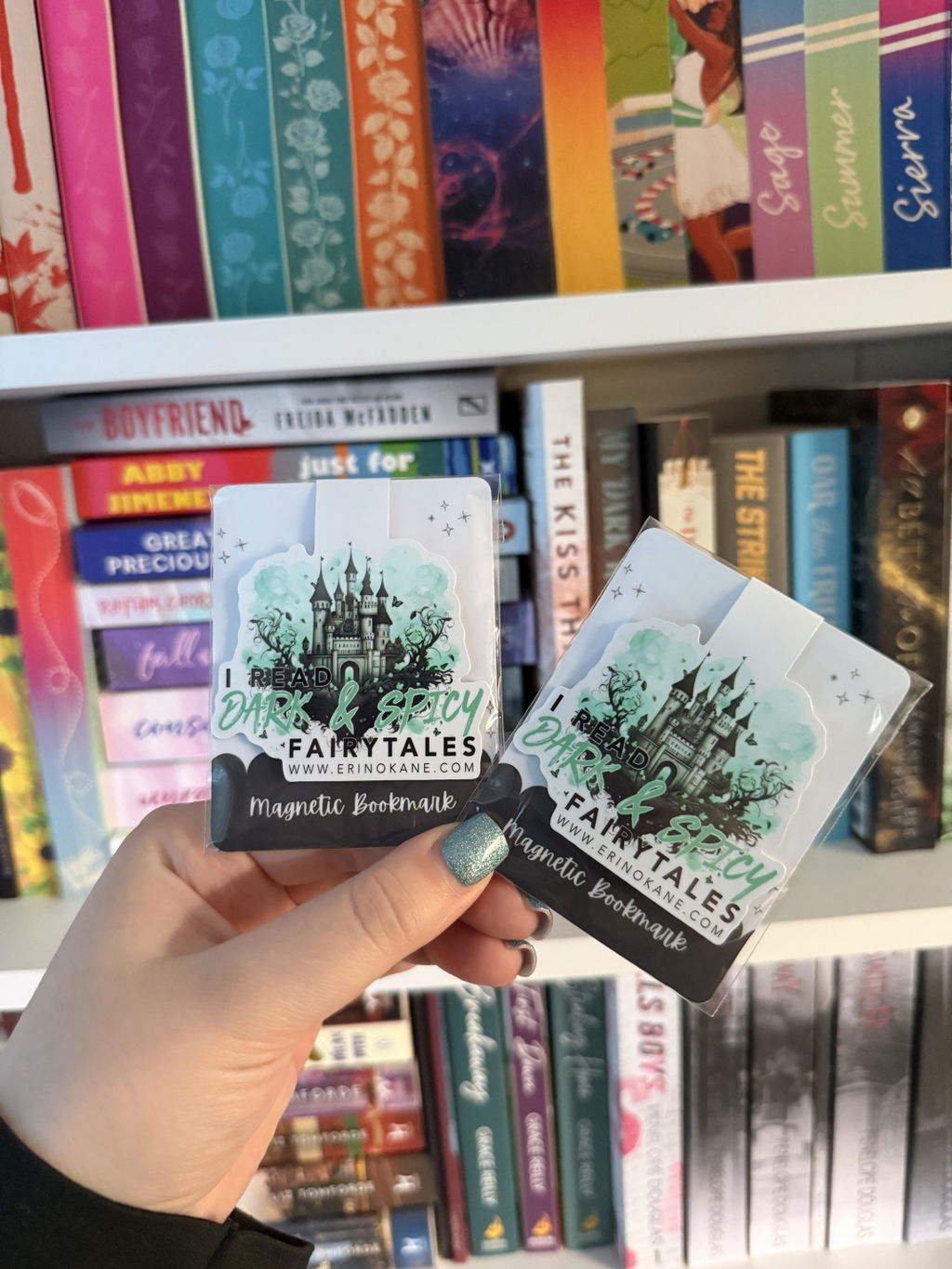
Love using these laminating pouches to make magnetic bookmarks. Customer service is always amazing too!
Fundas para plastificar brillantes (A4/A3)Desde £2.75
Gorgeous vinyl!
A.B. 12 oct 2026
 Papel adhesivo de vinilo imprimible | Oro metalizado (A4)Desde £6.40
Gorgeous vinyl!
A.B. 12 oct 2026
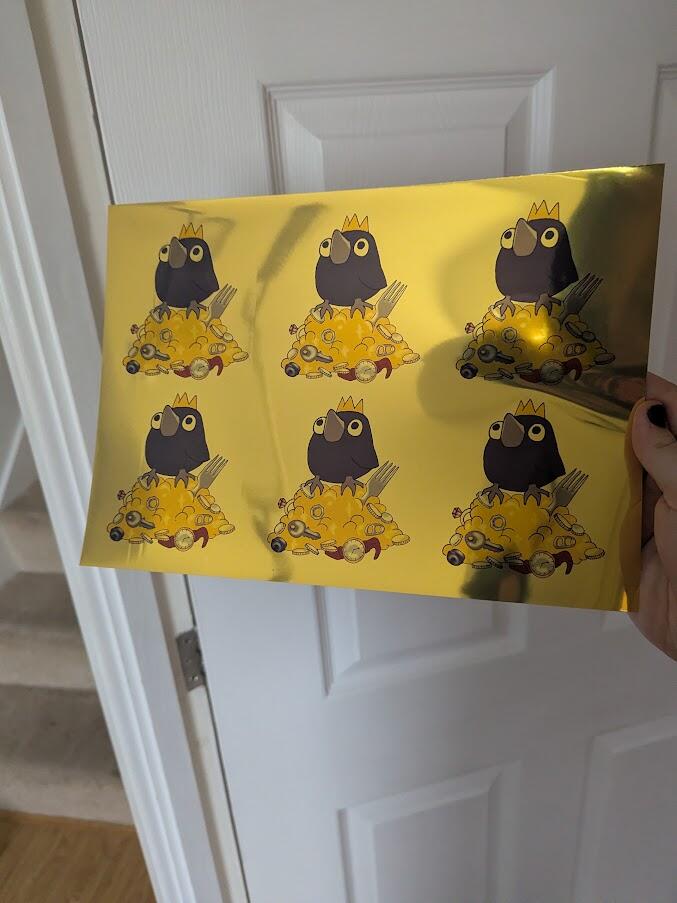
Really quality vinyl that makes crispi clean prints. Thanks!
Papel adhesivo de vinilo imprimible | Oro metalizado (A4)Desde £6.40
I’m very happy with literally everything I’ve bought so far! The sticker paper is really nice
A. 10 oct 2026
I’m very happy with literally everything I’ve bought so far! The sticker paper is really nice
A. 10 oct 2026
I’m very happy with literally everything I’ve bought so far! The sticker paper is really nice. I just wish the backing paper was a tad more flexible to make the stickers easier to peel off when making sticker sheets. I’m also excited to try the photo papers, as I’m considering switching from the brand I currently use.
My order shipped with DHL Express arrived suuuper fast, while regular tracked shipping took around two weeks.
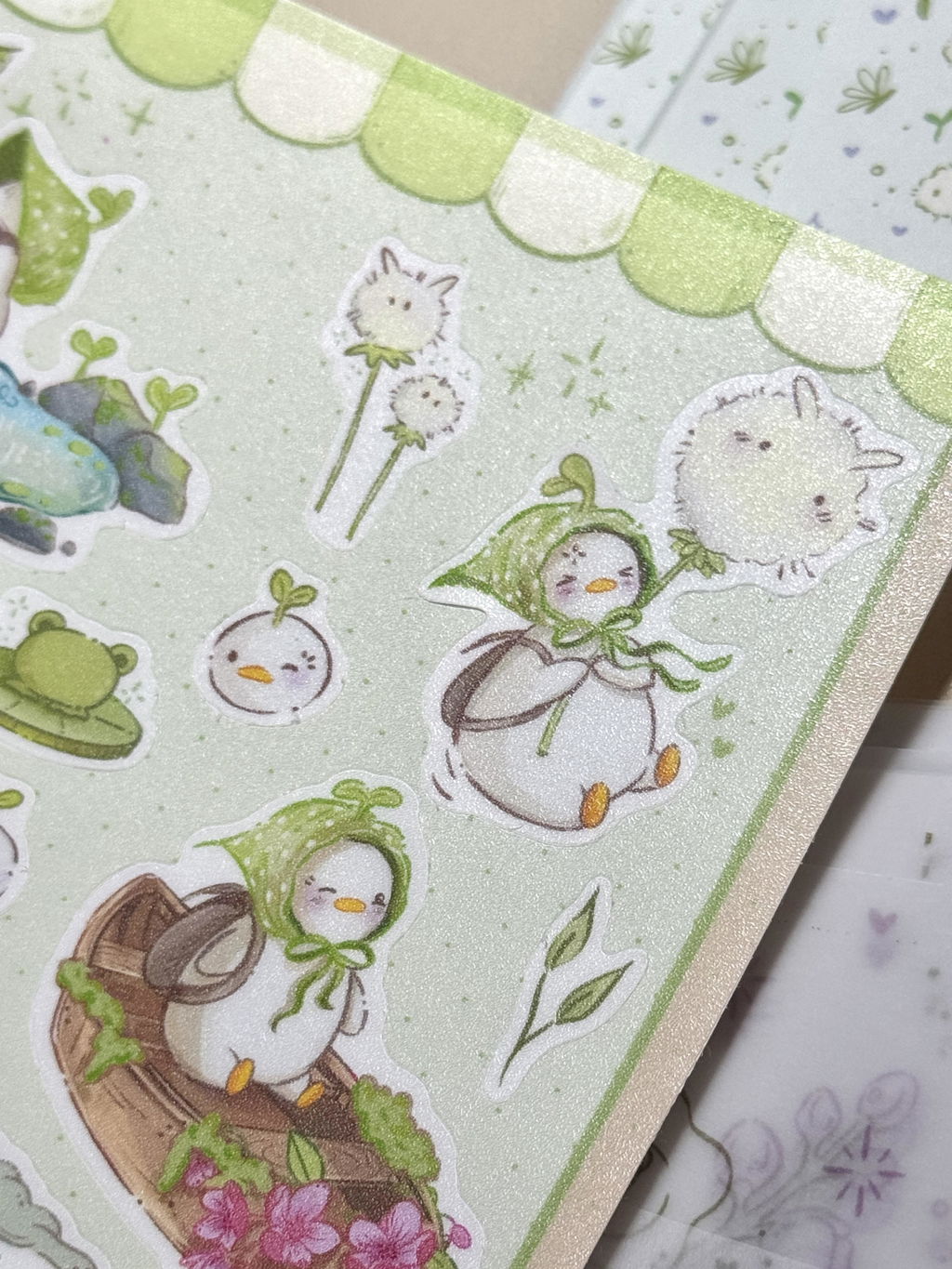
Smooth yet slightly textured laminate
A. 10 oct 2026
Laminado autoadhesivo mate | Basics (A4/A3)Desde £3.95
Smooth yet slightly textured laminate
A. 10 oct 2026
Smooth yet slightly textured laminate, looks very professional! I accidentally bought the basic version instead of the UV one :) but it’s still very nice!
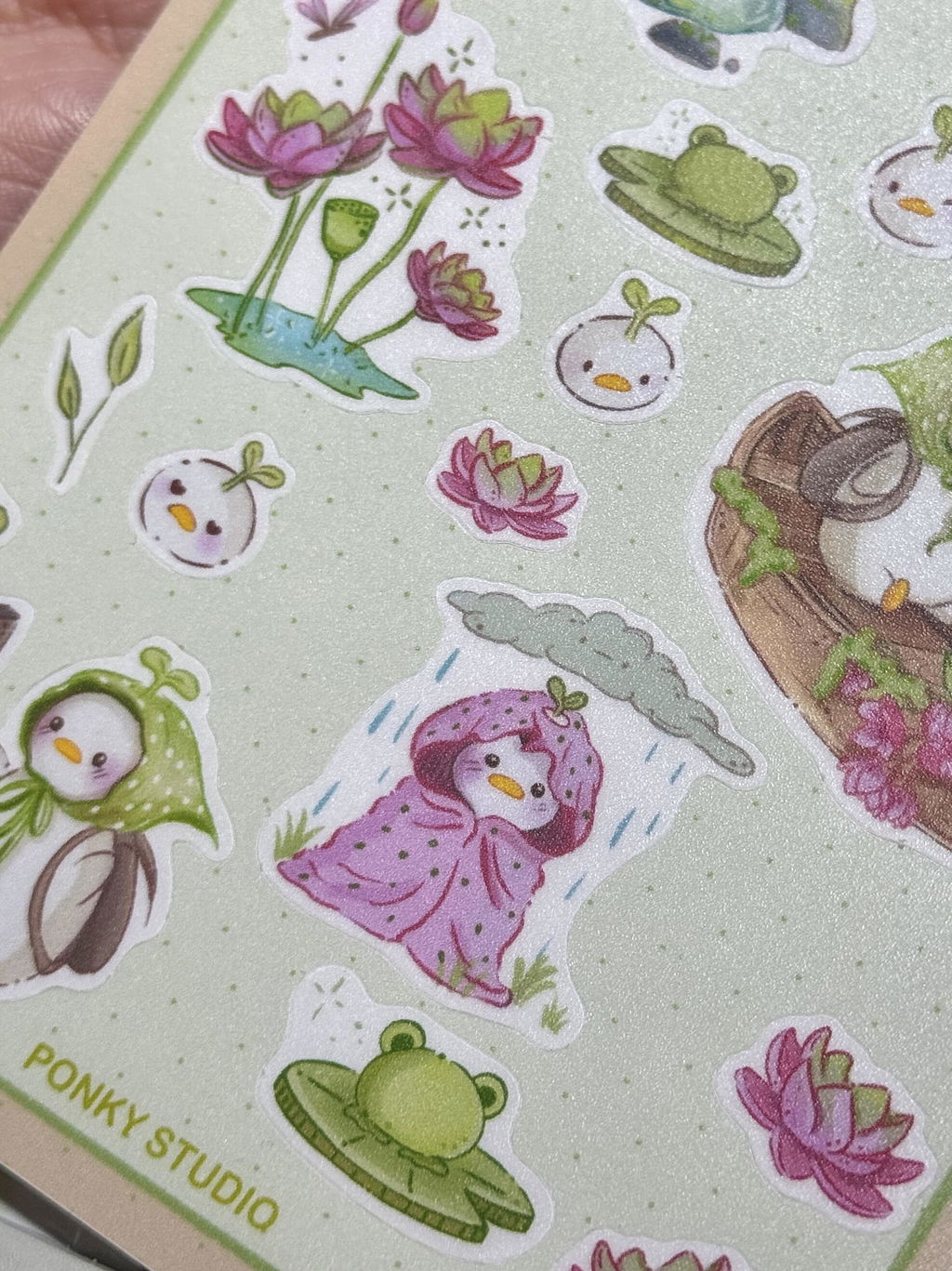
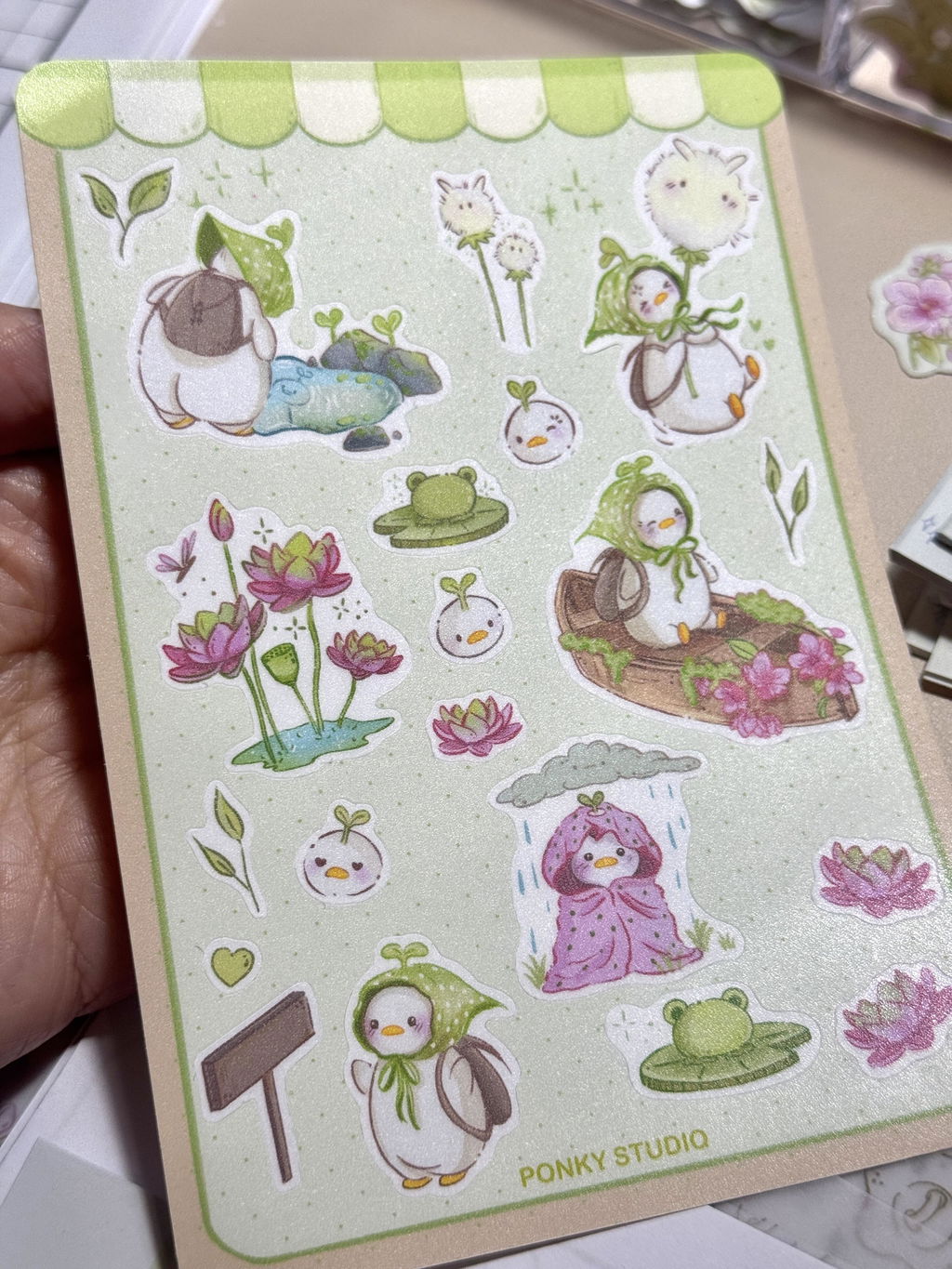 Laminado autoadhesivo mate | Basics (A4/A3)Desde £3.95
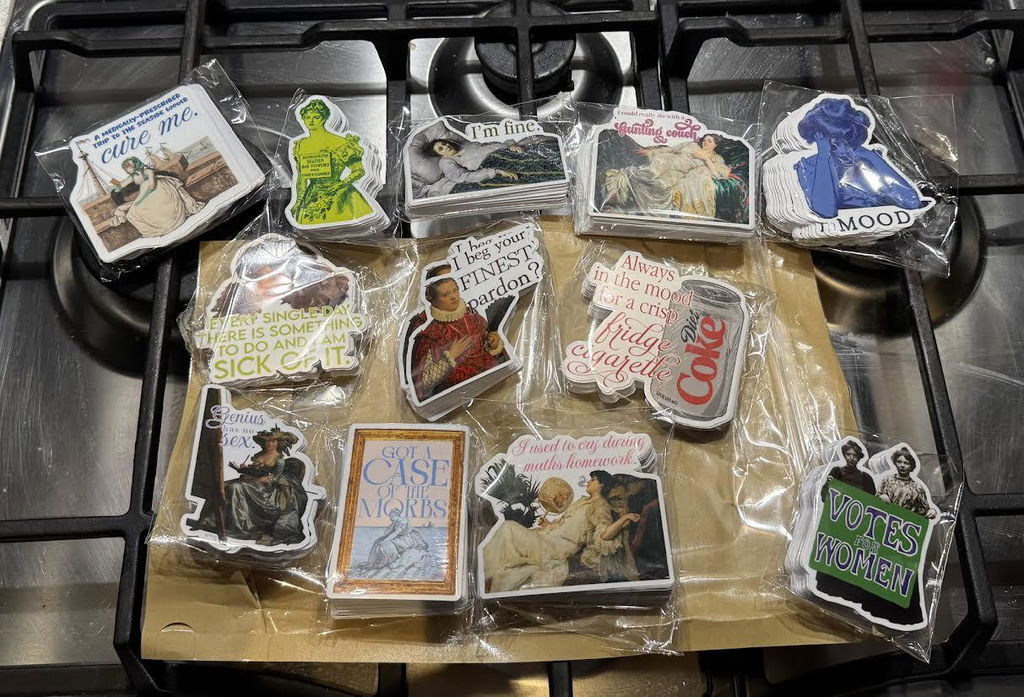
THRILLED with my purchase!
K. 9 oct 2026
 Pegatinas de vinilo personalizadasDesde £10.75
THRILLED with my purchase!
K. 9 oct 2026
I could NOT be happier with my purchase - I truly feel so thrilled to have foudn Stickiply! I am going to use this company for all of my sticker ordering. It was so easy to use, and they came really quickly. The quality is superb, and I love that I am also supporting a (growing!) small business. Seriously, I couldn't be more appreciative.
Pegatinas de vinilo personalizadasDesde £10.75
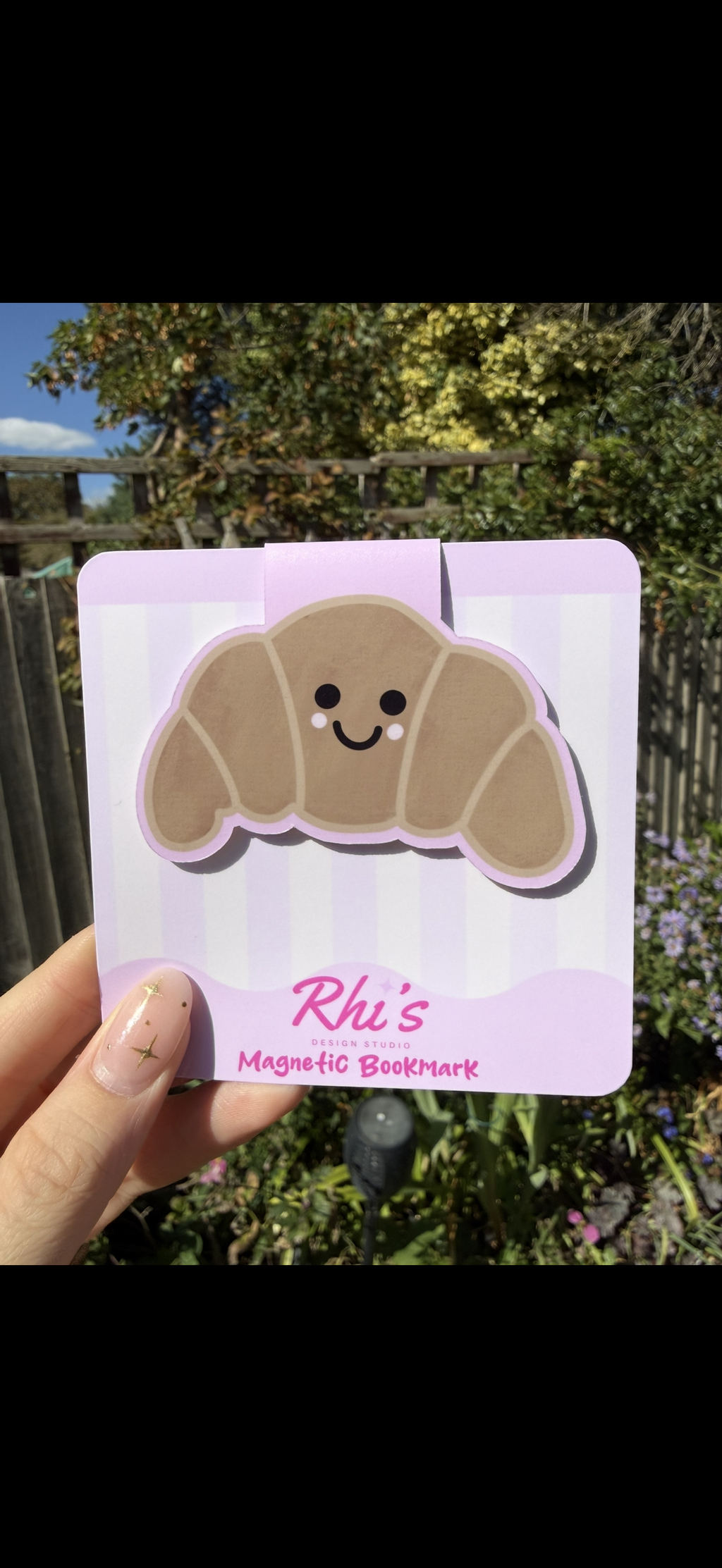
Amazing quality !!! Saves me so much
R. 7 oct 2026
 Tarjetas de fondo personalizadasDesde £10.50
Amazing quality !!! Saves me so much
R. 7 oct 2026
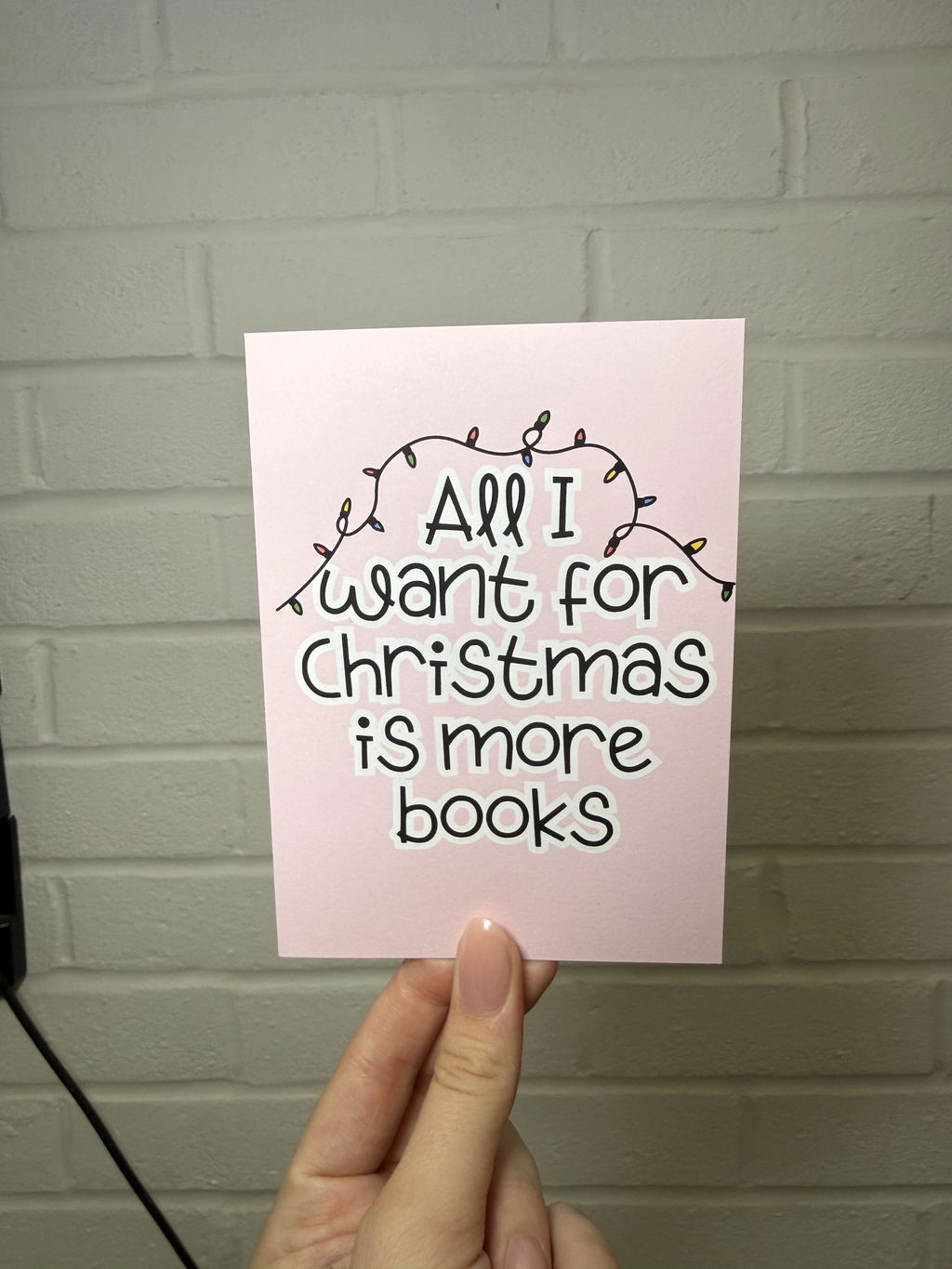
Amazing quality !!! Saves me so much time!
 Tarjetas de fondo personalizadasDesde £10.50
I recently started out a mailclub
J. 6 oct 2026
 Papel adhesivo de vinilo imprimible | Mate (A4)Desde £6.15
I recently started out a mailclub
J. 6 oct 2026
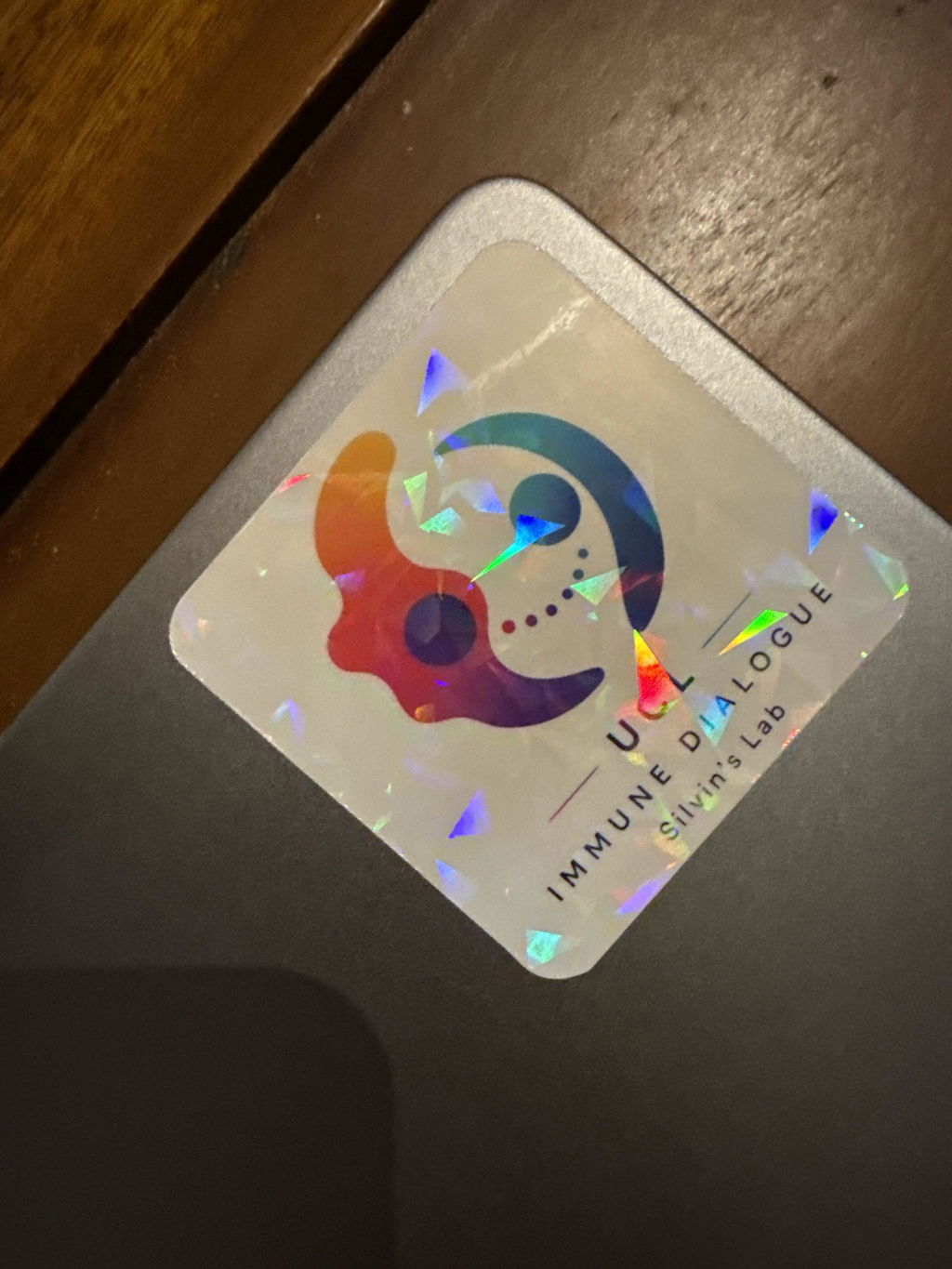
I recently started out a mailclub, the quality of these paper were amazing for my stickers. I think this is going to be go-to supply going forward
Papel adhesivo de vinilo imprimible | Mate (A4)Desde £6.15
Excellent service with a very prompt delivery
S.R. 6 oct 2026
Excellent service with a very prompt delivery
S.R. 6 oct 2026
Excellent service with a very prompt delivery, beautifully packaged and with excellent ethics!
Perfect little tool for applying the laminate
S.R. 6 oct 2026
 Espátula con borde de fieltro (4")£0.95
Perfect little tool for applying the laminate
S.R. 6 oct 2026
Perfect little tool for applying the laminate sheets I also ordered
Espátula con borde de fieltro (4")£0.95
Fab selection of laminate sheets
S.R. 6 oct 2026
Papel adhesivo de vinilo imprimible | Mate (A4)Desde £6.15
Fab selection of laminate sheets
S.R. 6 oct 2026
Fab selection of laminate sheets, and very prompt delivery
Papel adhesivo de vinilo imprimible | Mate (A4)Desde £6.15
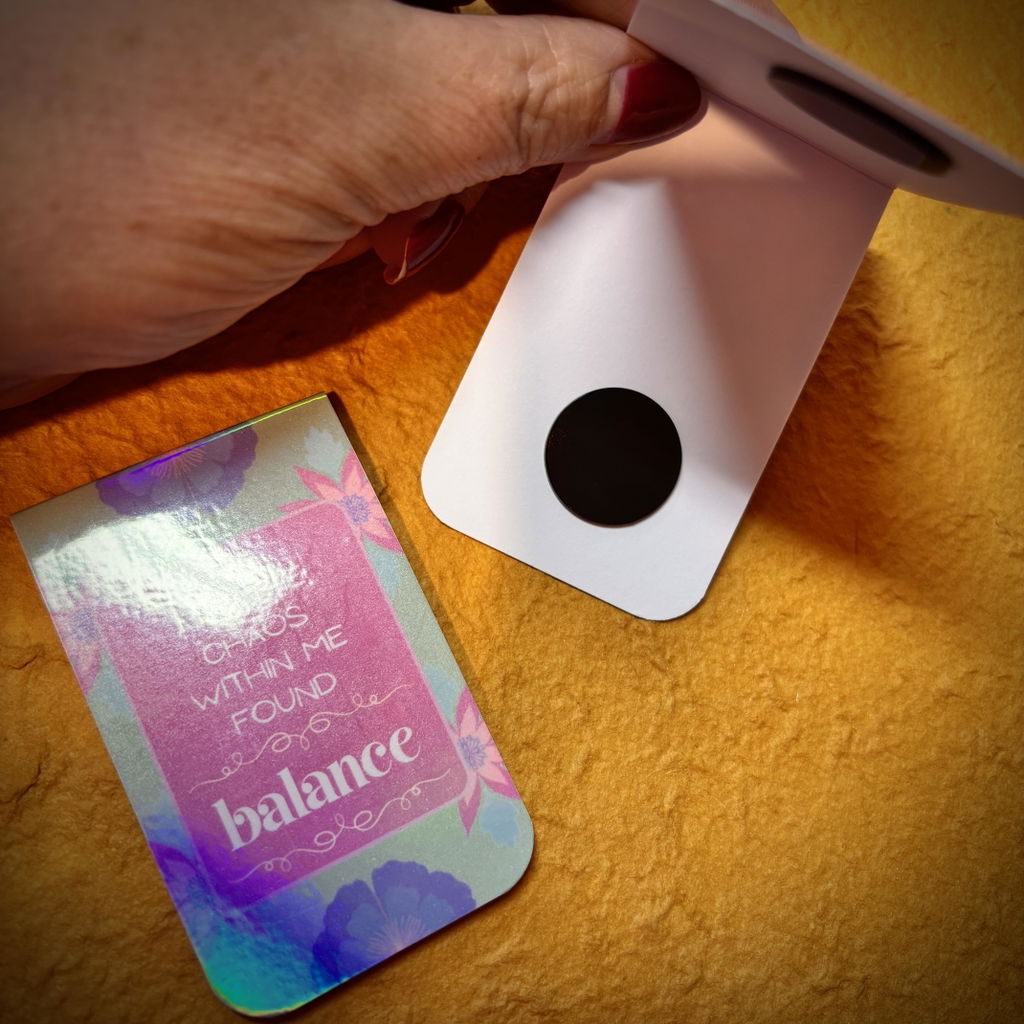
Excellent magnets
S.R. 6 oct 2026
 Imanes redondos autoadhesivos (1 mm)Desde £1.50
Excellent magnets
S.R. 6 oct 2026
Excellent magnets, very strong (once I had realised that you need to jiggle the positioning to get the polarity right). Very happy that they arrived so quickly too!
Imanes redondos autoadhesivos (1 mm)Desde £1.50
Nice quality
Anónimo 5 oct 2026
Papel adhesivo de vinilo imprimible | Mate (A4)Desde £6.15
Nice quality
Anónimo 5 oct 2026
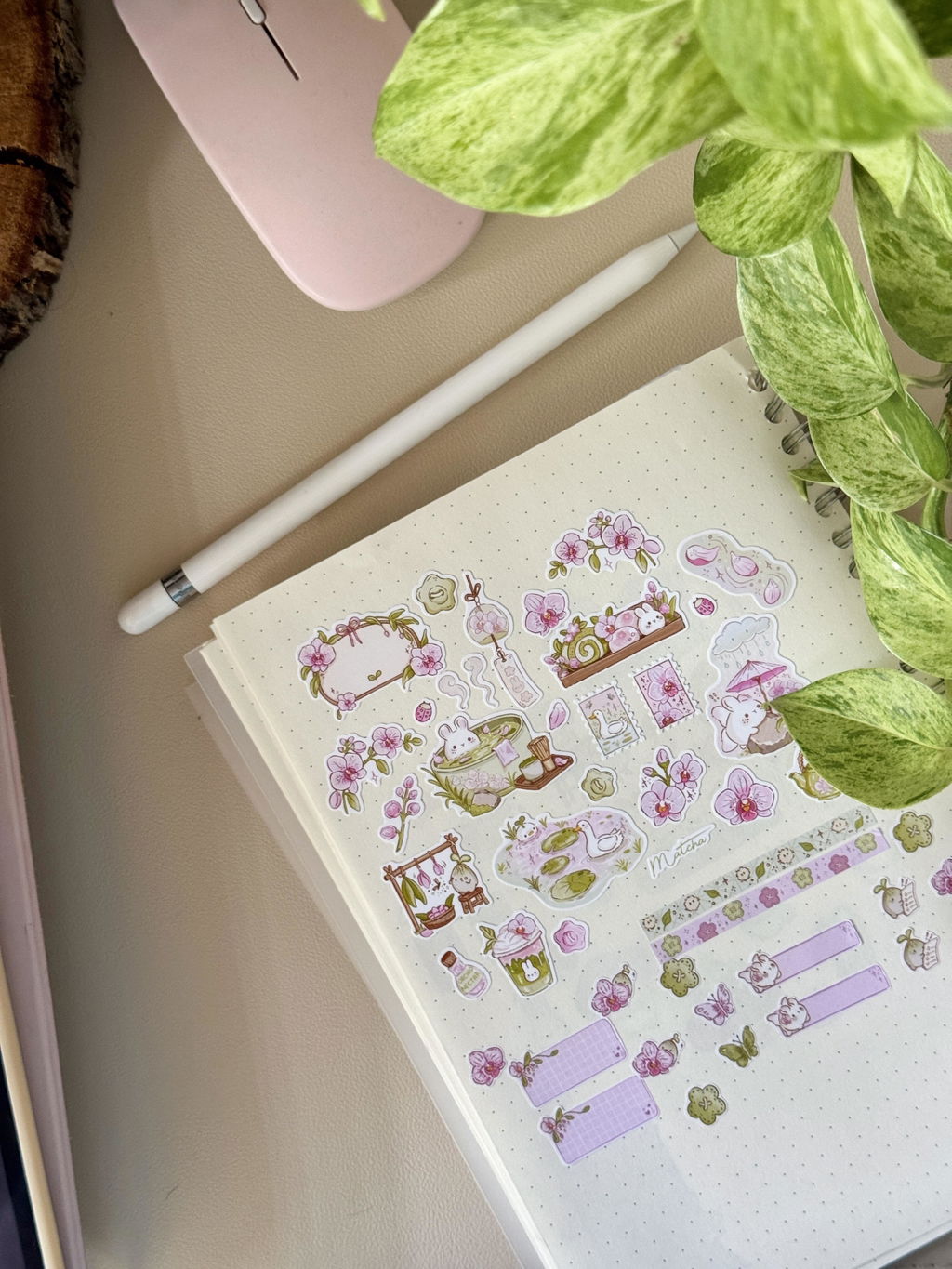
It’s good quality, colors are vibrant and stickers peel off nicely when making sticker sheets
Papel adhesivo de vinilo imprimible | Mate (A4)Desde £6.15
Quick delivery!
Anónimo 2 oct 2026
Papel adhesivo de vinilo imprimible | Brillante (A4)Desde £5.50
Quick delivery!
Anónimo 2 oct 2026
Quick delivery! Thanks
Papel adhesivo de vinilo imprimible | Brillante (A4)Desde £5.50
Great material I stick with stockpile now
K. 24 sept 2026
Papel adhesivo de vinilo imprimible | Mate (A4)Desde £6.15
Great material I stick with stockpile now
K. 24 sept 2026
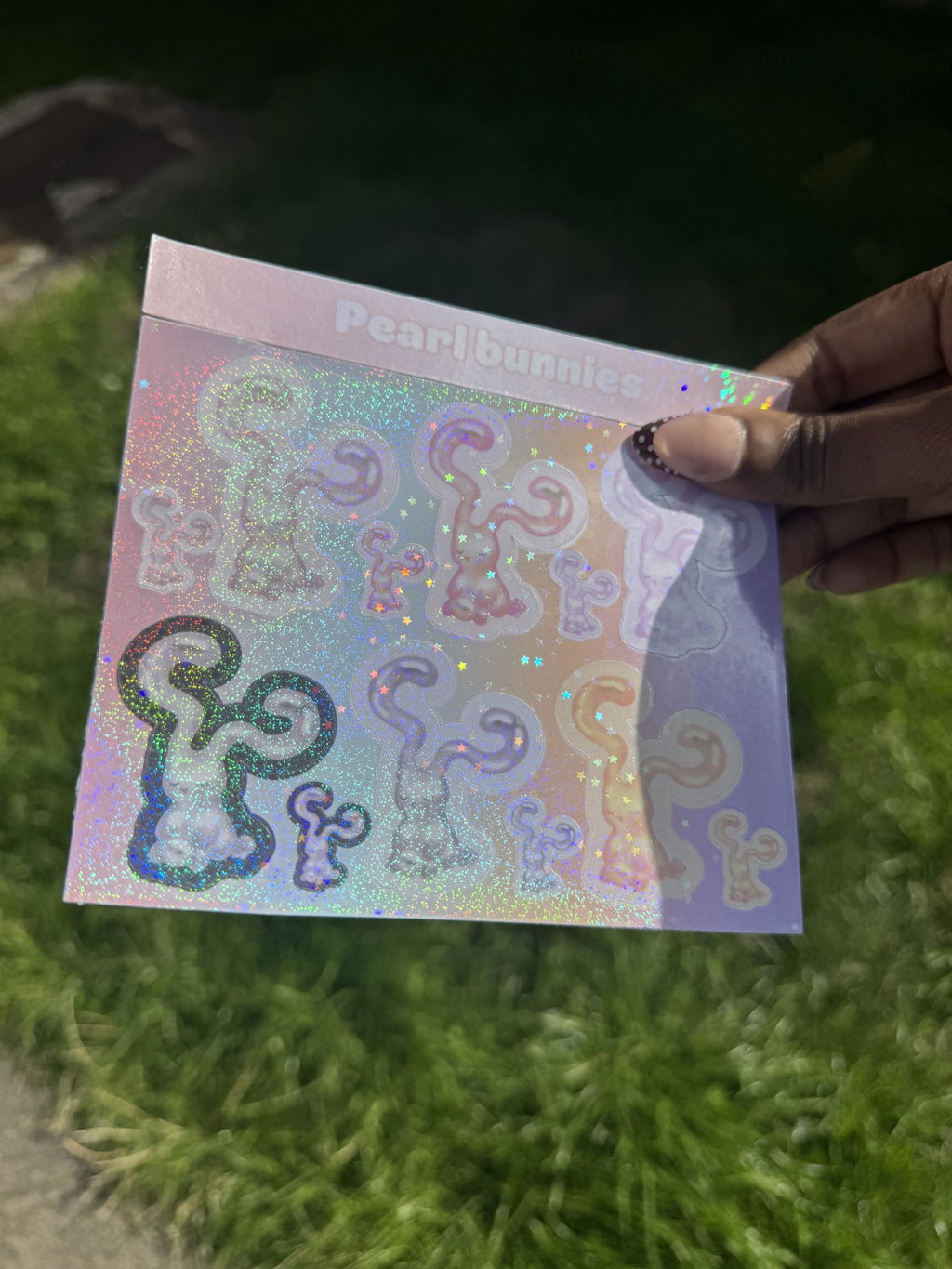
Great material I stick with stockpile now, and good prices!
Papel adhesivo de vinilo imprimible | Mate (A4)Desde £6.15
Thicker backing paper but decent peel off
Anónimo 20 sept 2026
Papel adhesivo de vinilo imprimible | Mate (A4)Desde £6.15
Thicker backing paper but decent peel off
Anónimo 20 sept 2026
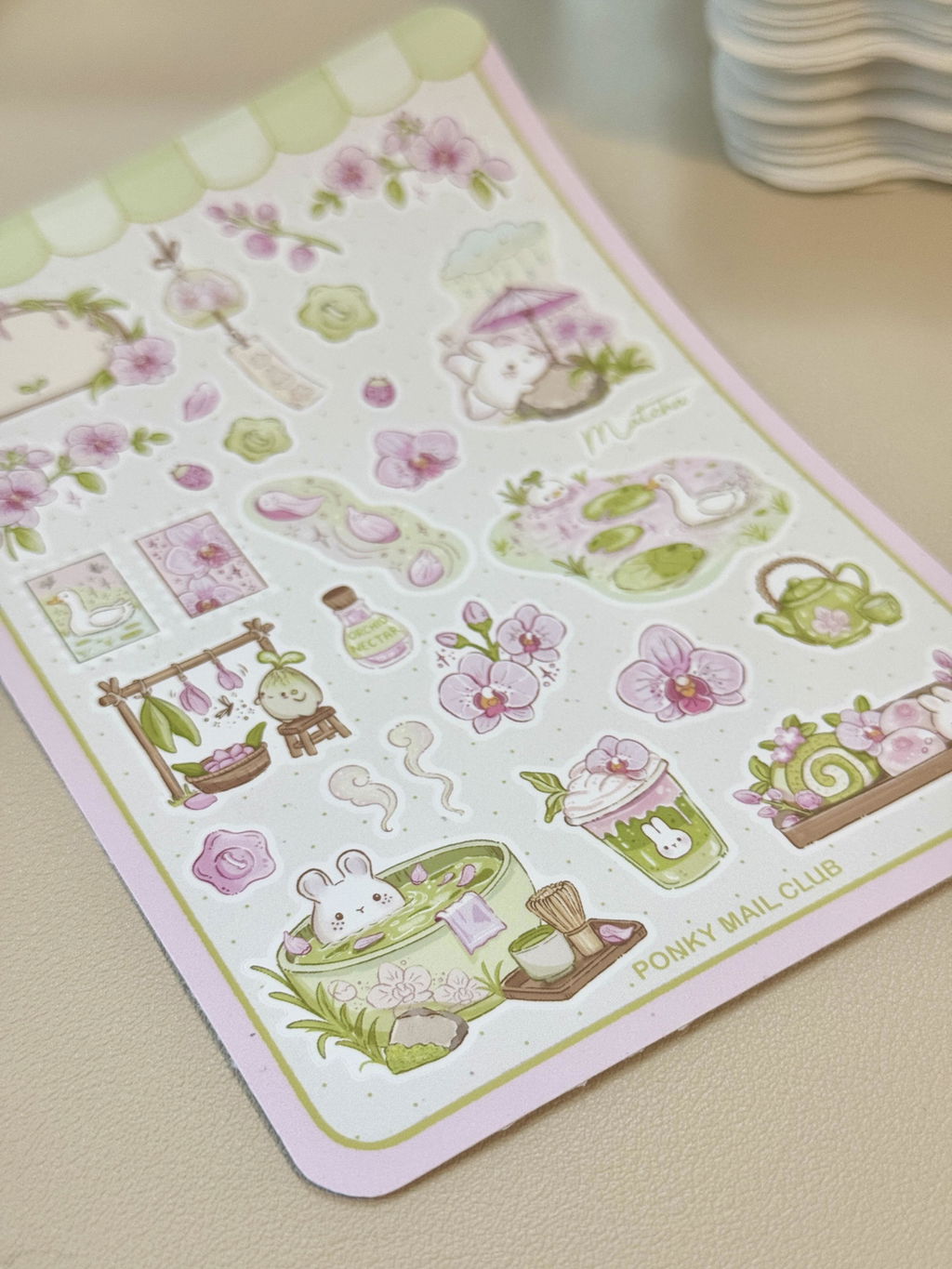
I’ve been looking for a matte vinyl that’s easier to peel than the one I currently use. I wish the backing paper were a little more flexible to make peeling smoother, but the colours are vibrant and the price is good! Overall, I’m fairly pleased with it :)
Papel adhesivo de vinilo imprimible | Mate (A4)Desde £6.15
the best paper!
L.L. 20 sept 2026
 Papel fotográfico mate (140/250/300 g/m²) - Doble cara - A4Desde £3.20
the best paper!
L.L. 20 sept 2026
ive tried lots of different sticker papers and these are simply the best and high quality
Papel fotográfico mate (140/250/300 g/m²) - Doble cara - A4Desde £3.20
Excellent
J. 18 sept 2026
Papel adhesivo de vinilo imprimible | Brilla en la oscuridad (A4)Desde £2.35
Excellent
J. 18 sept 2026
Excellent product!
Papel adhesivo de vinilo imprimible | Brilla en la oscuridad (A4)Desde £2.35
J.J. 17 sept 2026
 Gang Sheet UV DTF personalizadaDesde £6.00
J.J. 17 sept 2026
unfortunately it came out incorrectly, I tried to contact and was told it would be ok to redo if I sent the file over and have then been ghosted ever since. not a very happy customer
Gang Sheet UV DTF personalizadaDesde £6.00
De bonne qualité, je recommande
M. 13 sept 2026
 Laminado autoadhesivo brillante | Basics (A4/A3)Desde £3.95
De bonne qualité, je recommande
M. 13 sept 2026
Habitué à utiliser ce stratifié par dessus mon vynile, je n'ai pour l'instant pas trouvé meilleure qualité.
Rapport qualité prix top !
Seul regret est qu'ils ne livrent pas partout, je suis obligé de faire de la réexpédition 😵💫
 Laminado autoadhesivo brillante | Basics (A4/A3)Desde £3.95

Incredible
J.H. 11 sept 2026
Laminado autoadhesivo brillante | Pro UV (A4/A3)Desde £5.20
Incredible
J.H. 11 sept 2026
Previously had been using stickiply's competitors, and truthfully was really struggling, bubbles, stretches, tears, jagged plotter cuts,
I was starting to think that printing and laminating stickers wasn't for me,
It was taking me 3 attempts just to get a clean A5 sticker sheet laminated,
Ordered the stickiply laminate as part of a larger order,
WOW
straight in at the deep end, no practice on smaller sections, laminated 3 full A3 stickers, no room for error as they were entire prints,
Every. Single. One. Perfect, so easy!
I couldn't believe my eyes!
Maybe printing and laminating stickers is for me after all!
Stickiply will be the only brand I use from now on! Thank you!
Laminado autoadhesivo brillante | Pro UV (A4/A3)Desde £5.20

Amazing
J.H. 11 sept 2026
 Papel adhesivo de vinilo imprimible | Brillante (A3)Desde £12.80
Amazing
J.H. 11 sept 2026
Had been using stickiply's competitors for my print and cut, however couldn't get A3, so decided to try stickiply, was a bit sceptical because it was 1/2 the price of what I had been using,
But WOW what a better product stickiply is,
The paper takes the ink better, it dries quicker and more thoroughly, and it cuts cleaner on my plotter,
Safe to say my future orders will exclusively be with stickiply!
Papel adhesivo de vinilo imprimible | Brillante (A3)Desde £12.80
Perfect
A. 5 jun 2026
Perfect
A. 5 jun 2026
Perfect, as usual!
Amazing!!
P. 17 feb 2025
Amazing!!
P. 17 feb 2025
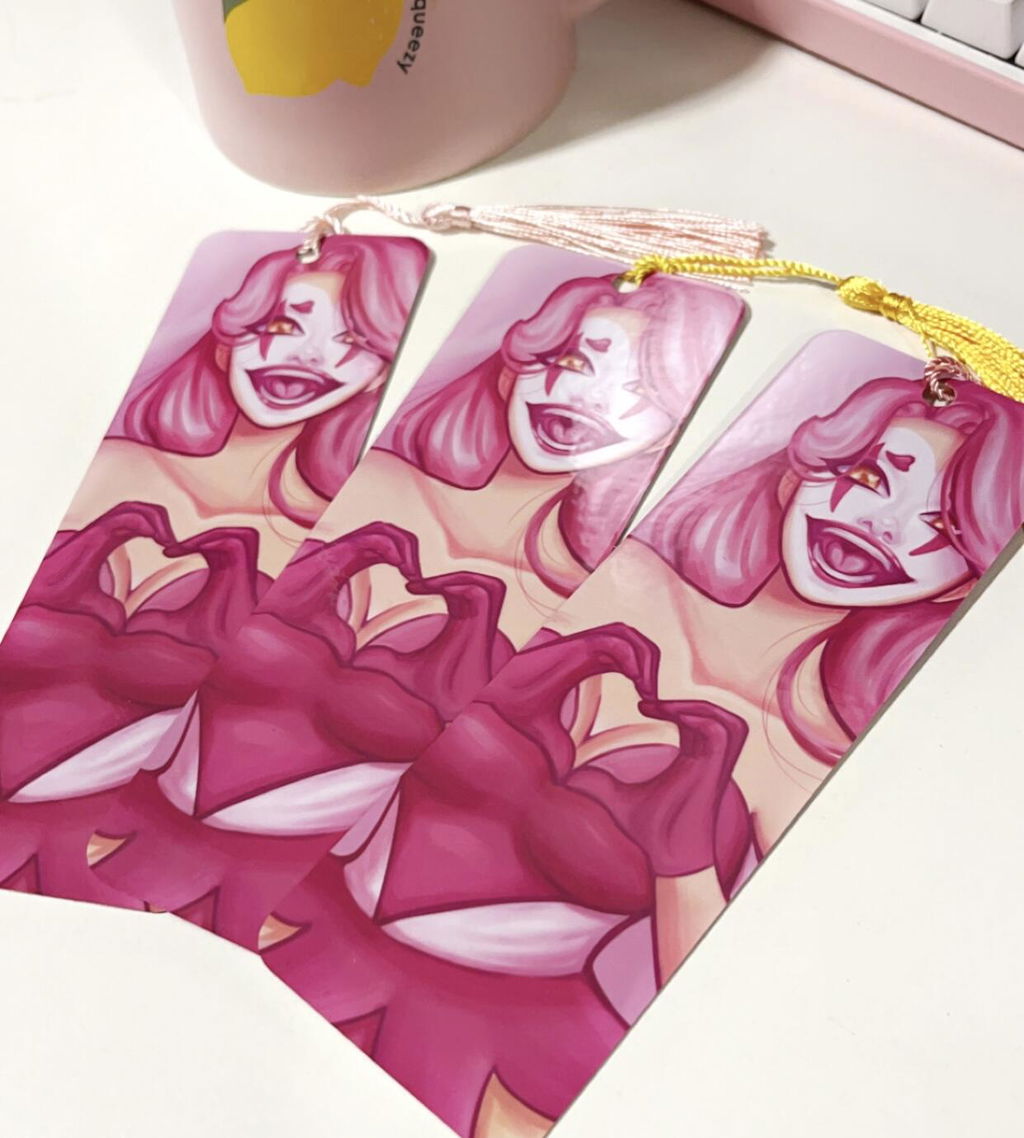
I was super late on getting my bookmarks printed for a university art fair, Stickiply managed to get them on time the morning before the fair and were delightful in customer service, will be using from now on and will recommend they’re put in the suggestions for next years year 2’s 💗
Magnets
D. 17 ene 2025
Magnets
D. 17 ene 2025
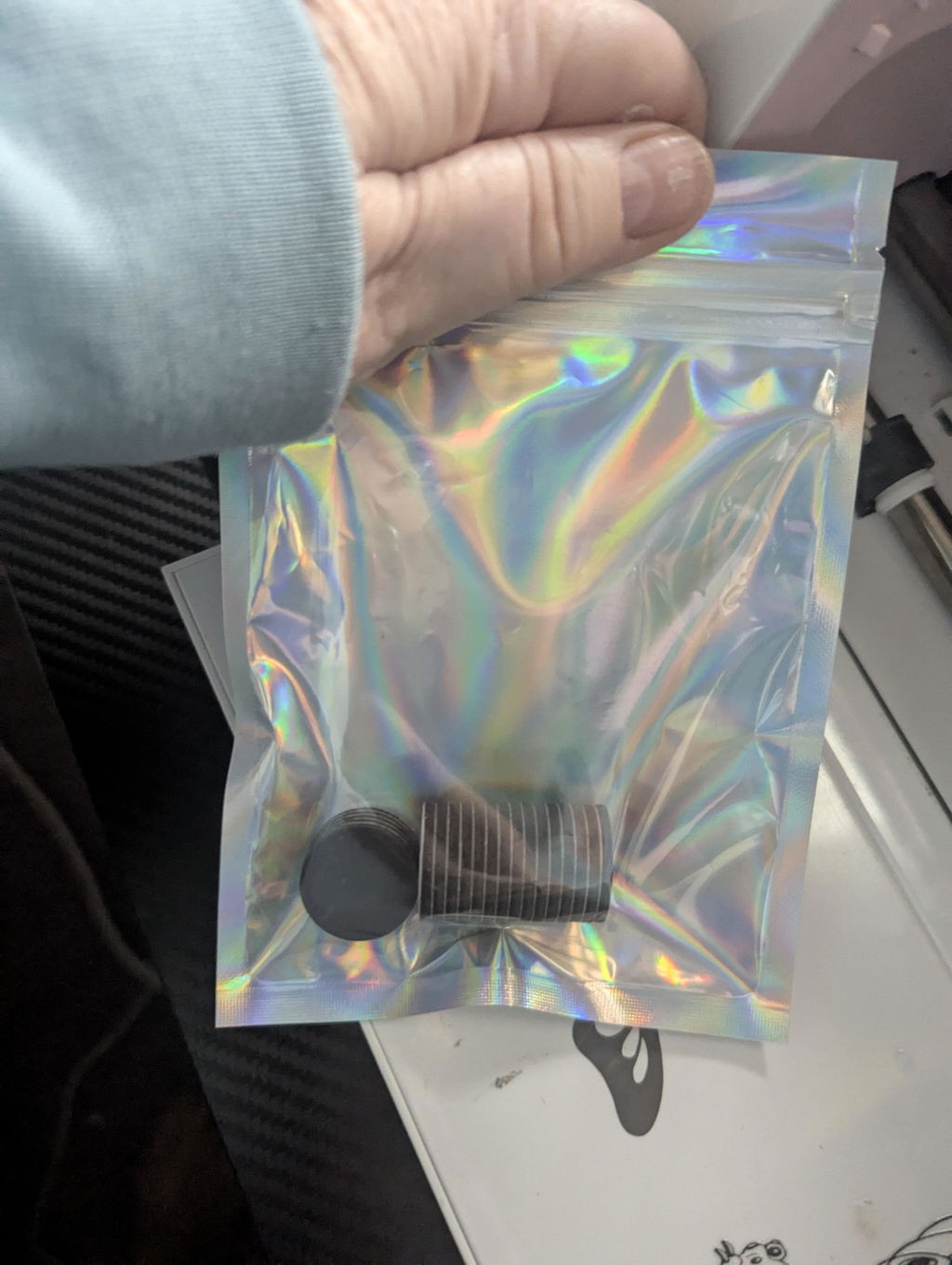
Great items, packed well, And super fast delivery.love your Tiktoks, deffantly be buying again. Thank you
K.M. 30 nov 2024
K.M. 30 nov 2024
My absolute favourite place to go for Sticker Making supplies and my go to place for recommending others to a sticker making service!
Excellent quality, great range of products, amazing communication and fast delivery. Couldn’t recommend more!!!!
E.L. 17 nov 2024
E.L. 17 nov 2024
A genuinely amazing business that’s cares about keeping costs low, whilst providing high quality products for small businesses!
I’ve searched around a lot in the past for ways to put my designs onto physical products, but was always put off with high prices/order limits and complicated websites. Stickiply’s website always gives off happy and exciting vibes and is easy to use with lots of helpful tips and information. The products I’ve received are better than I could have imagined and I highly recommend them to any small business. I can’t wait to place my next order!:)
Such good quality
B.R. 22 oct 2024
Such good quality
B.R. 22 oct 2024
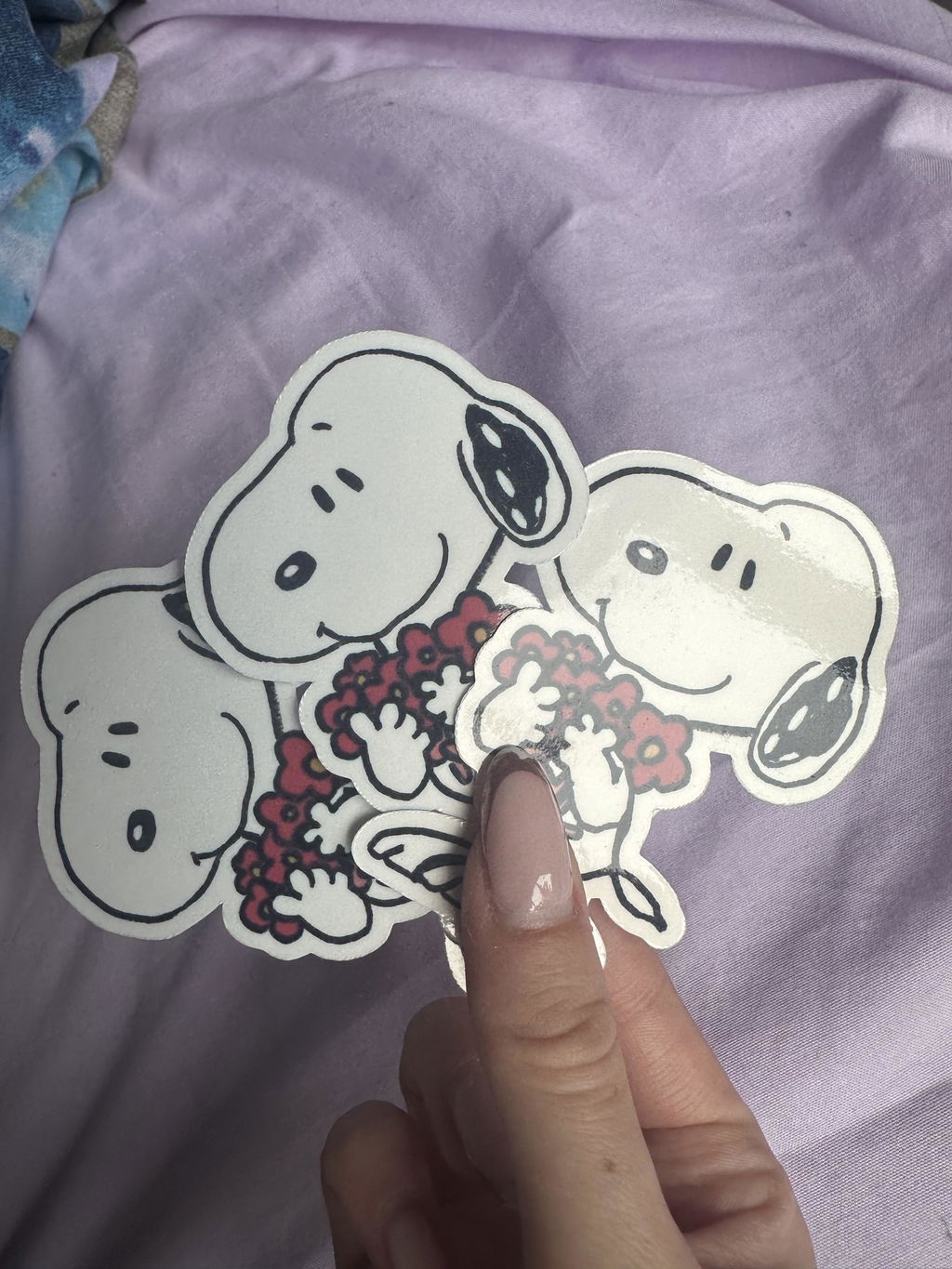
My new go to brand for stickers! Affordable and good quality and communication is so good!
Love Them
S.C. 18 oct 2024
 Marcapáginas magnéticos personalizadosDesde £19.70
Love Them
S.C. 18 oct 2024
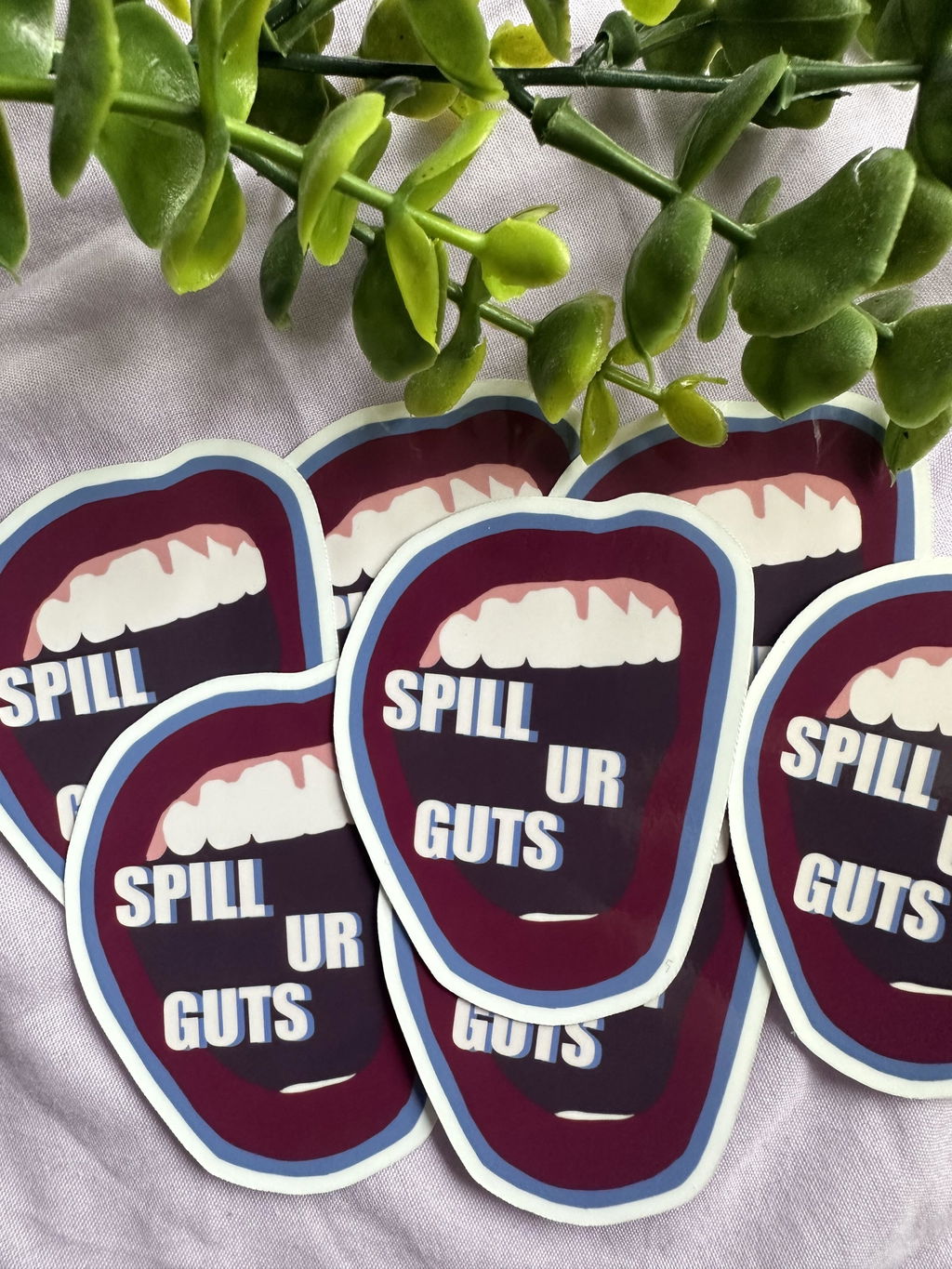
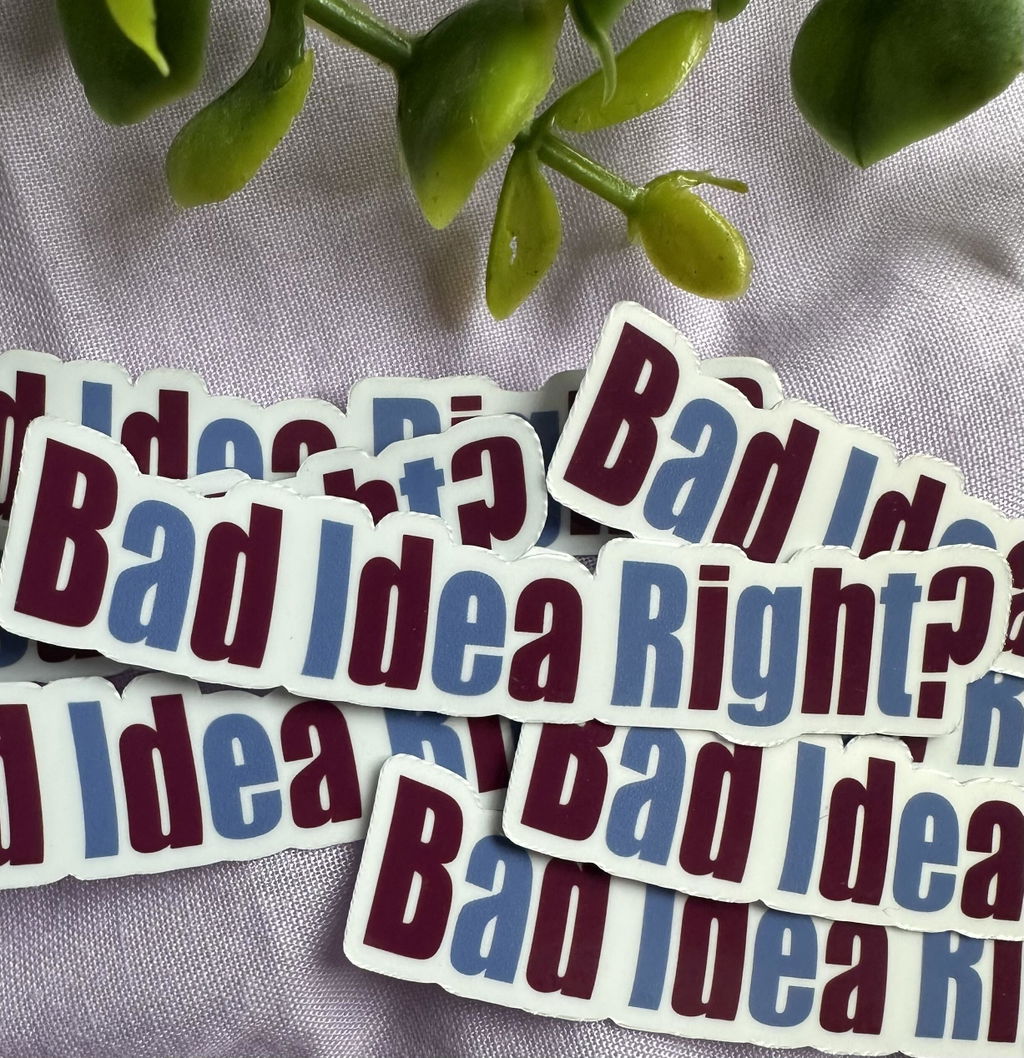
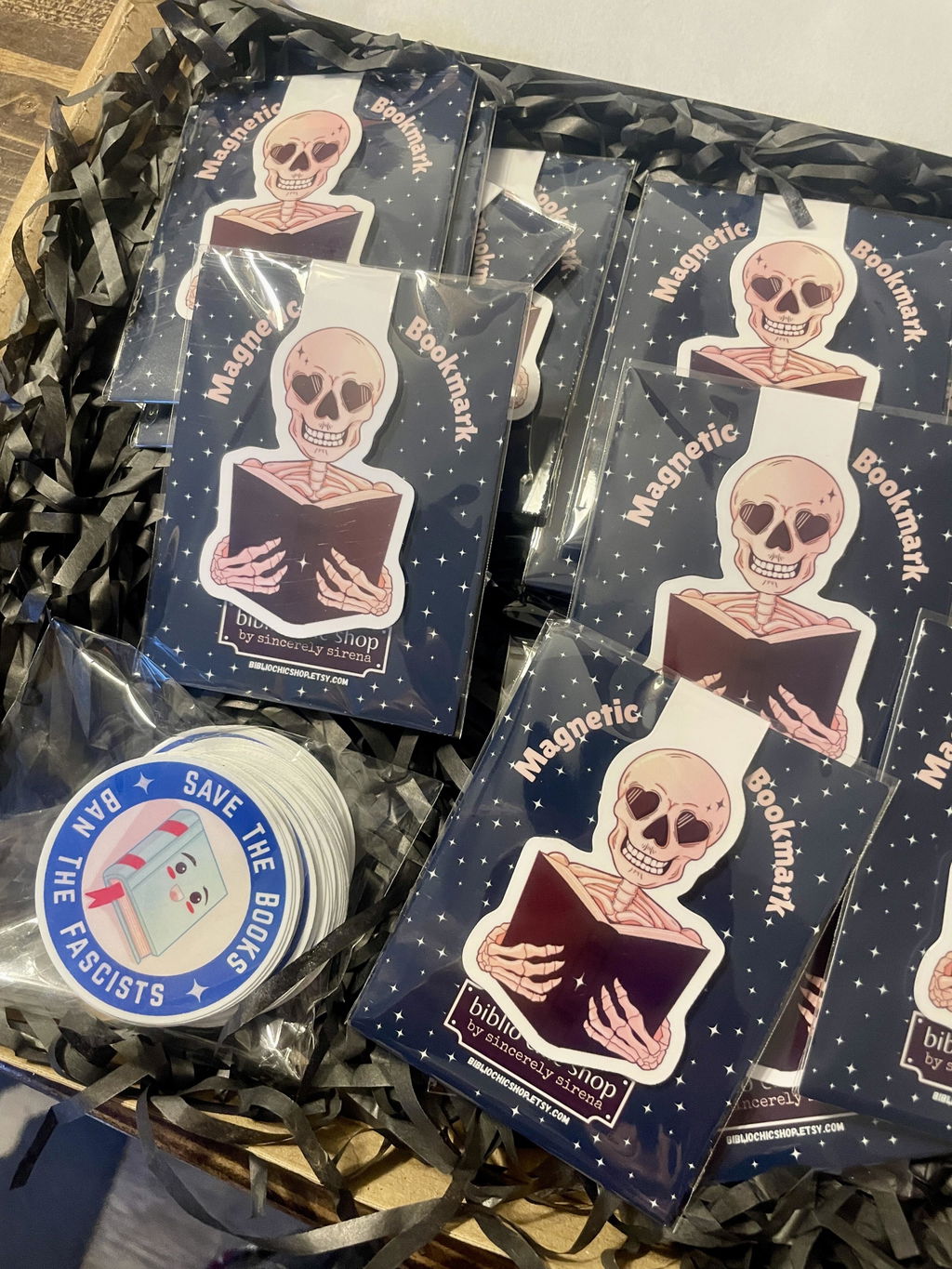
I"ve always wanted to do magnetic bookmarks and these are lovely. They're glossy and laminated to last a long time. I'm also testing out new sticker makers and love these little guys. I just made a bigger order.
Marcapáginas magnéticos personalizadosDesde £19.70
Small buisness support
L.c.t.b. 18 oct 2024
Small buisness support
L.c.t.b. 18 oct 2024
One to one support with sound advice delivered in an easy to understand way . Delivered in a down to earth way that is easy to understand . A review of salient points along with assessing where my buisness is at and what can be done to improve to the next level .
Repeat order gone well!
L.B. 14 oct 2024
 Imanes redondos autoadhesivos (2 mm)Desde £2.45
Repeat order gone well!
L.B. 14 oct 2024
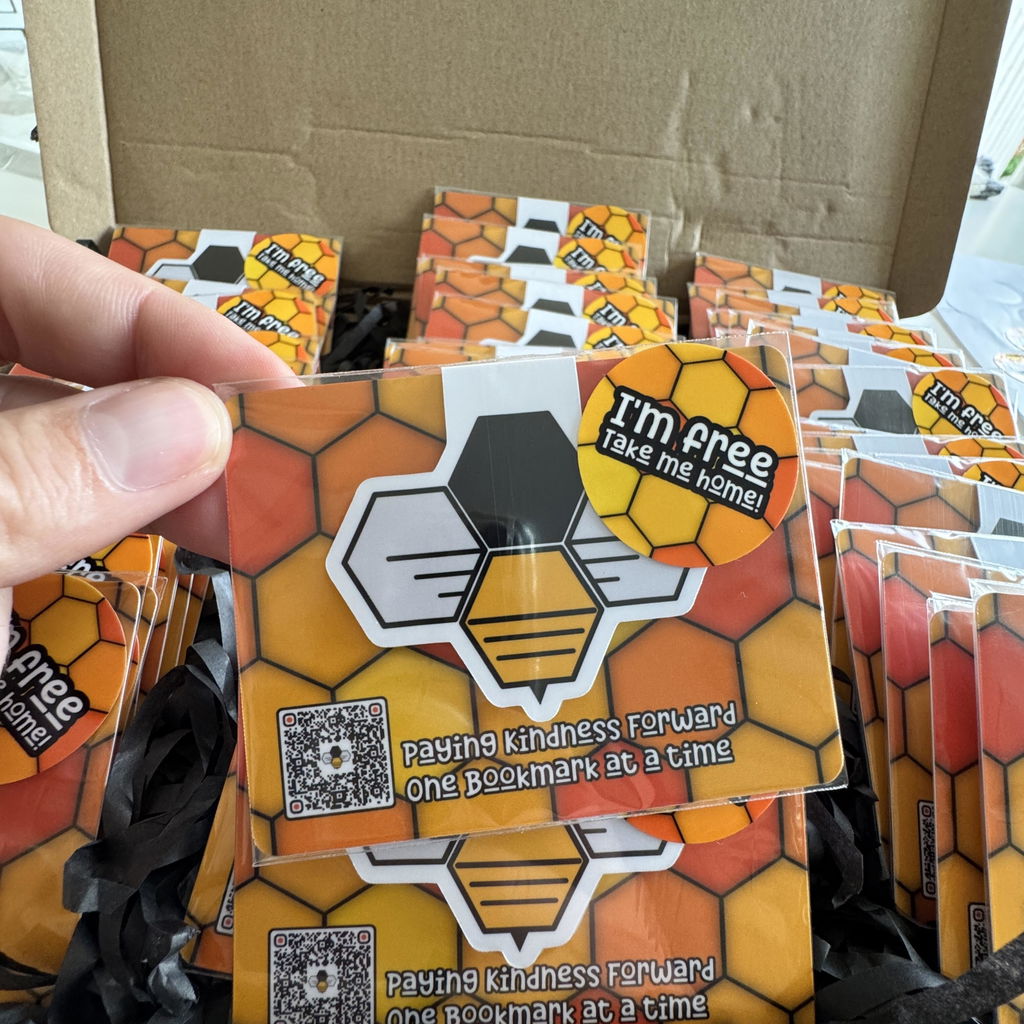
I’ve ordered the magnets a couple of times now, along with bespoke magnetic bookmarks. The quality, order and delivery times are swift. Highly recommended, I’ll be coming back for more.
Imanes redondos autoadhesivos (2 mm)Desde £2.45
Unbelievable Quality!
C.S. 13 oct 2024
Marcapáginas magnéticos personalizadosDesde £19.70
Unbelievable Quality!
C.S. 13 oct 2024
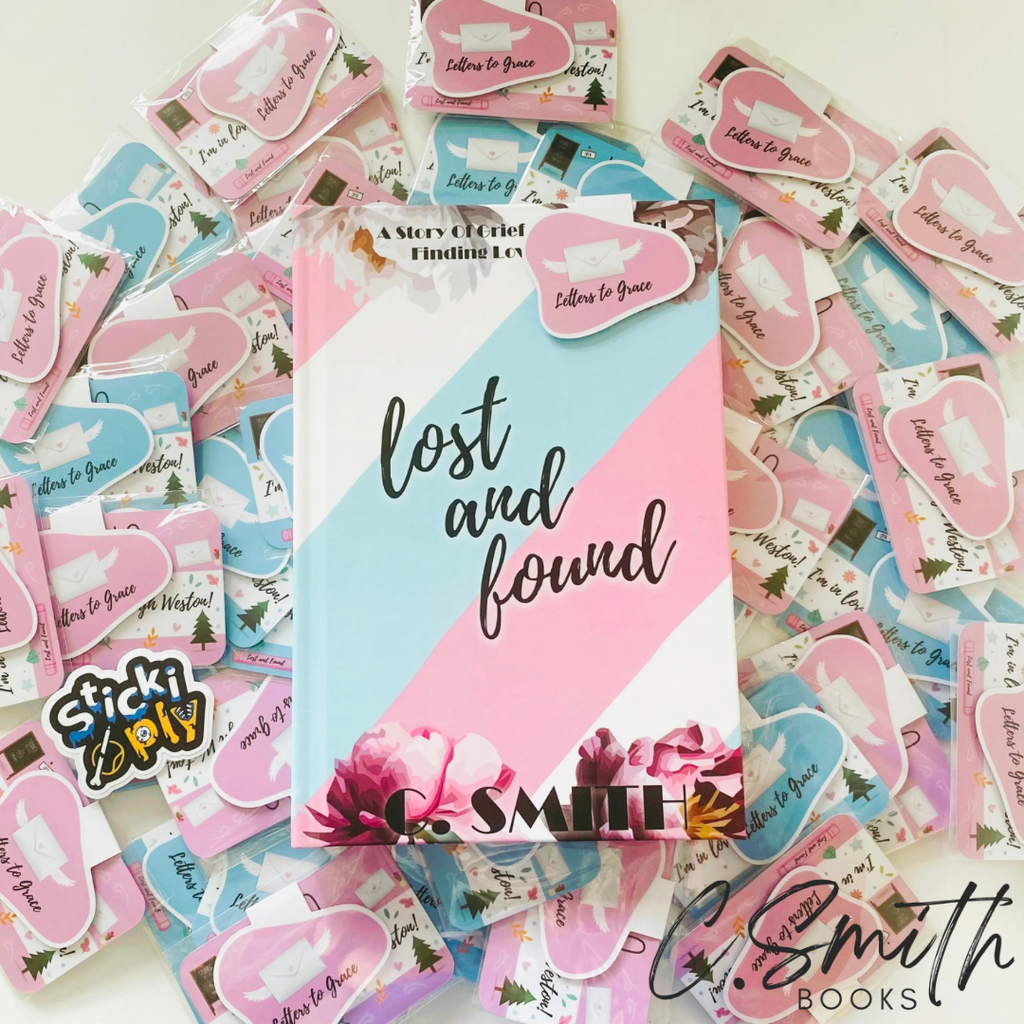
I loved my order of magnetic bookmarks so much that I immediately went back to order 60 more! I’m an indie romance author and these are the perfect additions to my books, the perfect little accessory to offer on my website and at book signings. I will definitely be back for more items in the future!
Marcapáginas magnéticos personalizadosDesde £19.70
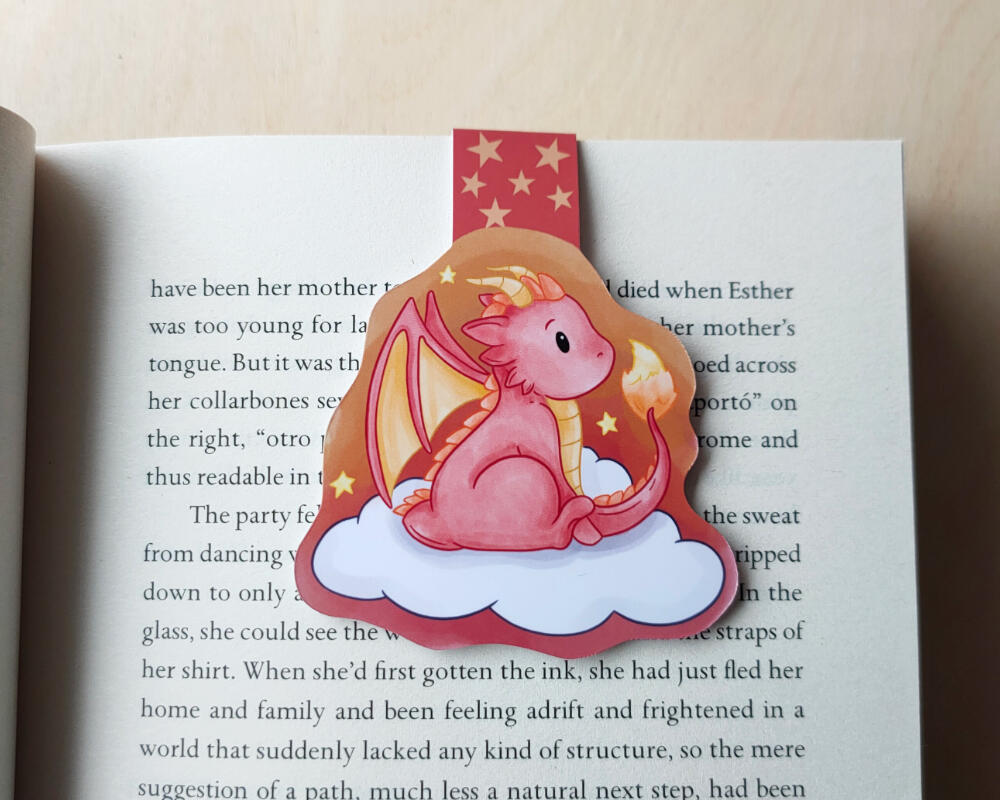
Fantastic
A.R. 9 oct 2024
Marcapáginas magnéticos personalizadosDesde £19.70
Fantastic
A.R. 9 oct 2024
Love these bookmarks. So well made and great quality. Definitely be coming back for more.
Marcapáginas magnéticos personalizadosDesde £19.70
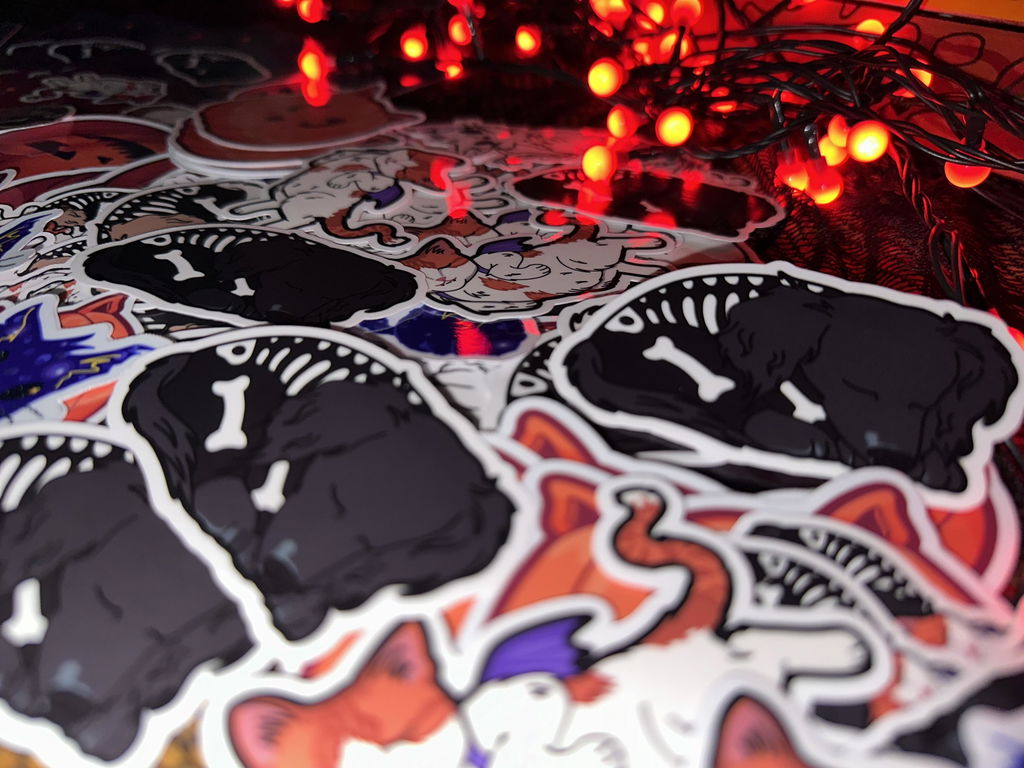
I'm in love
C.W. 9 oct 2024
I'm in love
C.W. 9 oct 2024
I can't stop staring at my stickers, theyre so pretty! The quality is stunning - I've been showing everyone I meet both online and offline because I'm so happy with them! I cant wait to order more!
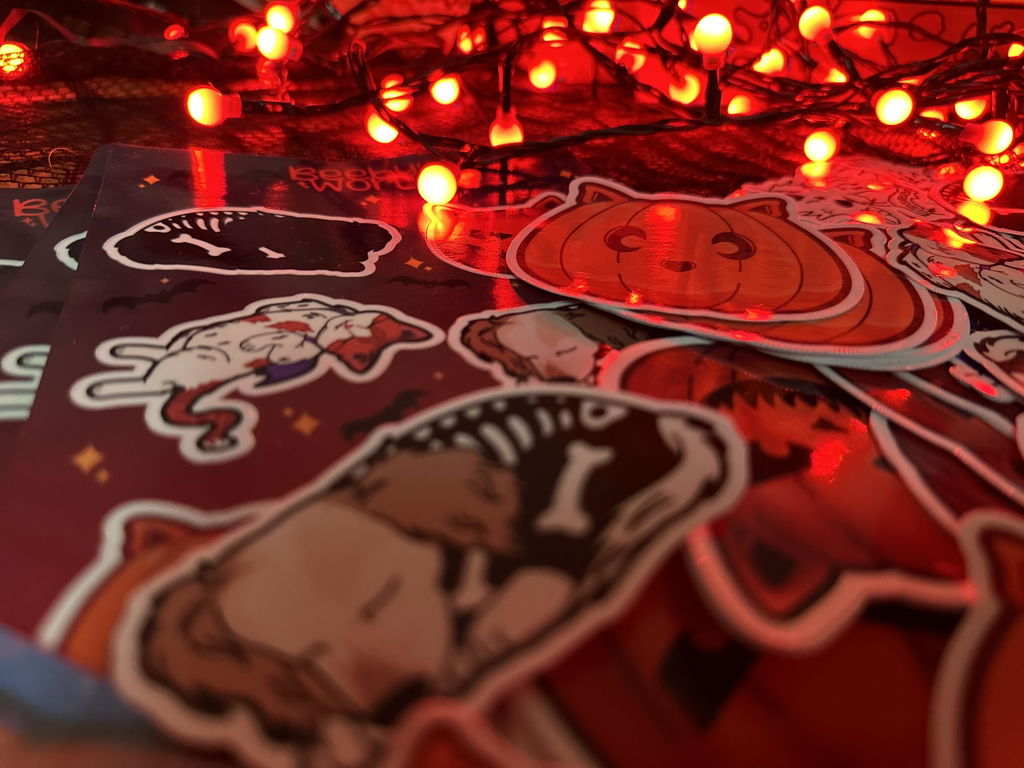
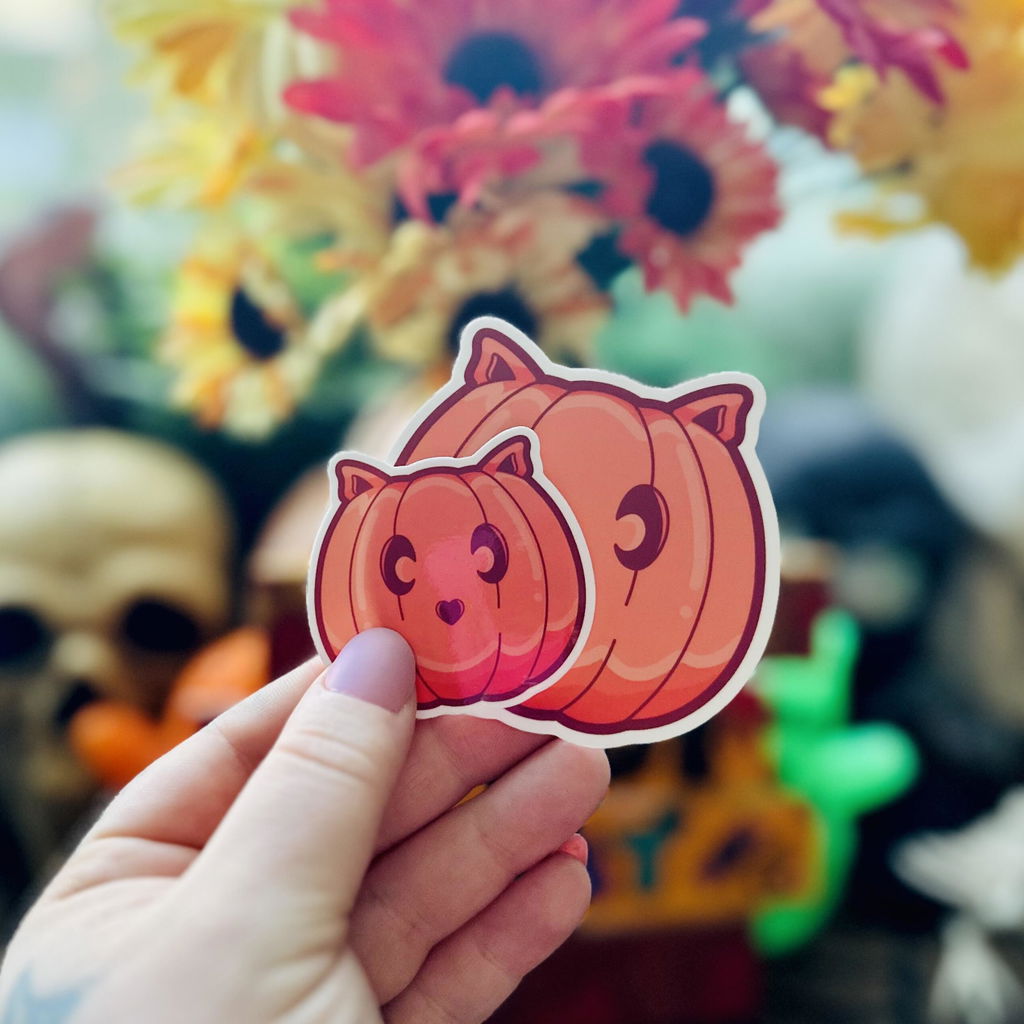
Absolutely Beautiful!
C.W. 9 oct 2024
 Láminas de pegatinas personalizadasDesde £25.55
Absolutely Beautiful!
C.W. 9 oct 2024
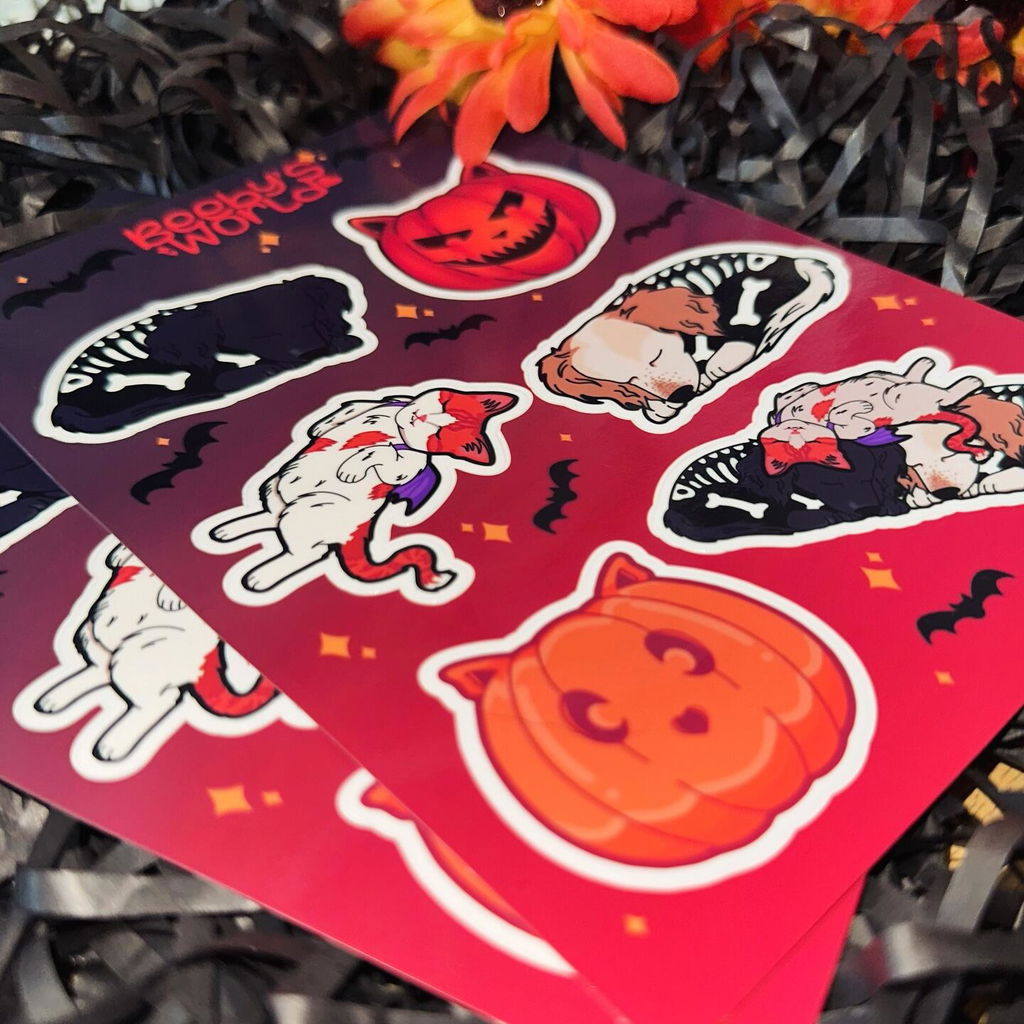
I am so happy with the way my sticker sheets turned out and I will definitely be getting more soon! The quality is stunning and the colours pop so perfectly. Thank you so much!
Láminas de pegatinas personalizadasDesde £25.55
Black history month stickers
O.A. 9 oct 2024
Láminas de pegatinas personalizadasDesde £25.55
Black history month stickers
O.A. 9 oct 2024
The stickers came out so nice with great quality. I really love the attention to detail and care when forming the edging for the stickers. And the price for the quantity
Láminas de pegatinas personalizadasDesde £25.55
Brilliant Stickers
K.-.B.J.G. 7 oct 2024
Brilliant Stickers
K.-.B.J.G. 7 oct 2024
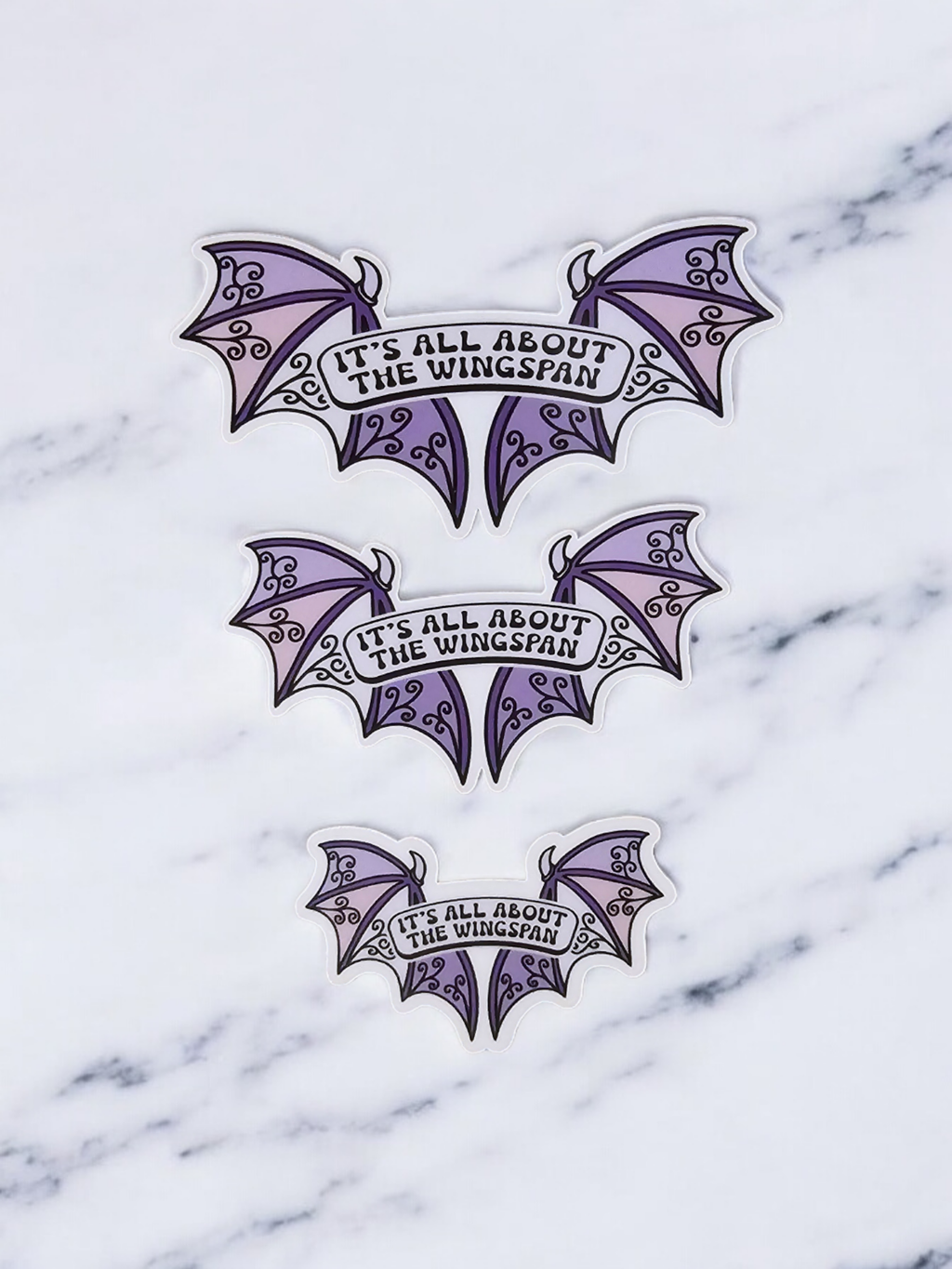
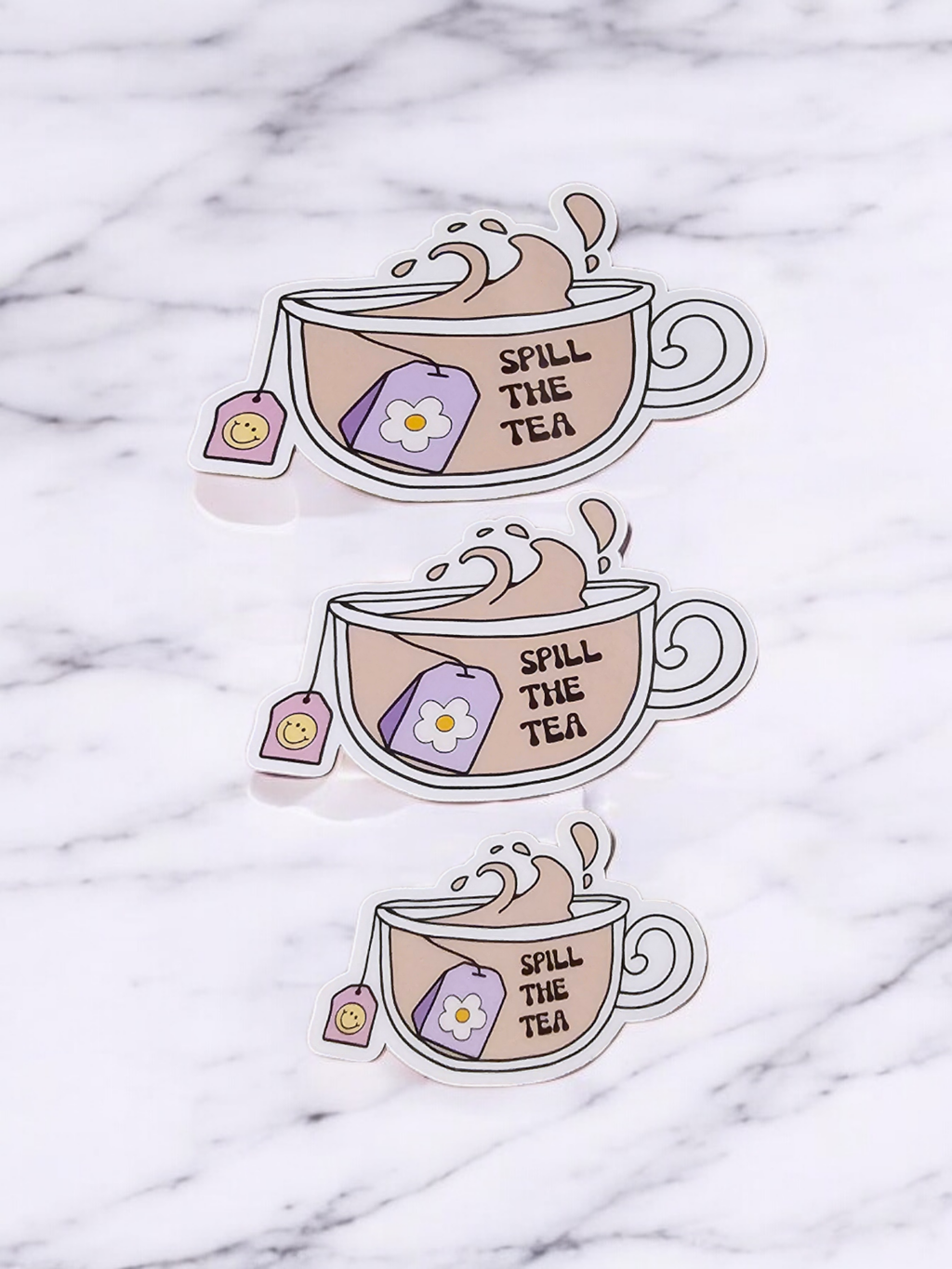
I love the fact you can order sample stickers! I had no idea if id like the sizing or the finish so decided to just go with samples to start with. However Tom went above and beyond by including each size so I could make a decision. The quality is stunning, glossy finish makes them so shiny and the colours stand out so well!
Highly Recommend These Bookmarks!
K.-.B.J.G. 7 oct 2024
Marcapáginas magnéticos personalizadosDesde £19.70
Highly Recommend These Bookmarks!
K.-.B.J.G. 7 oct 2024
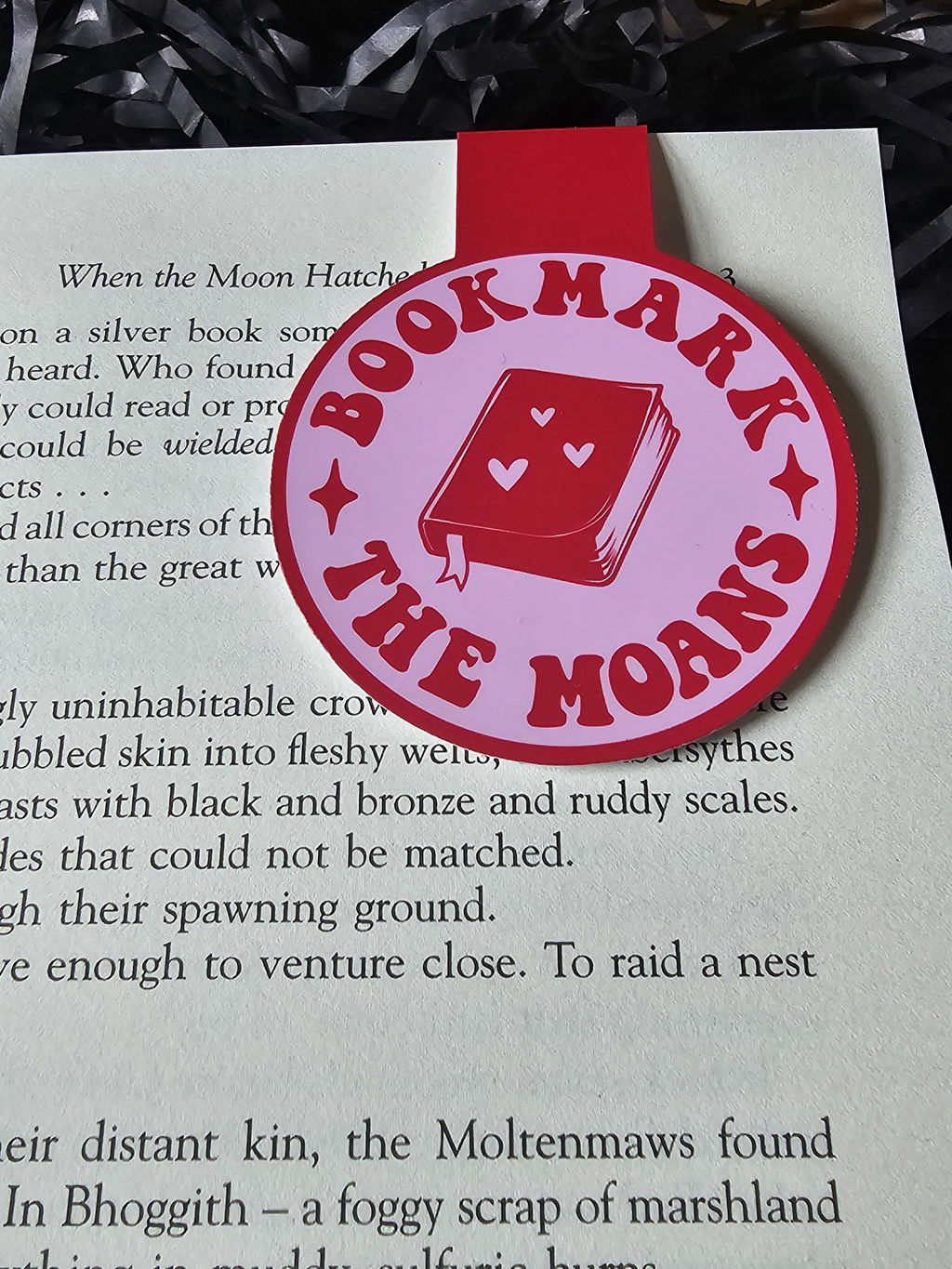
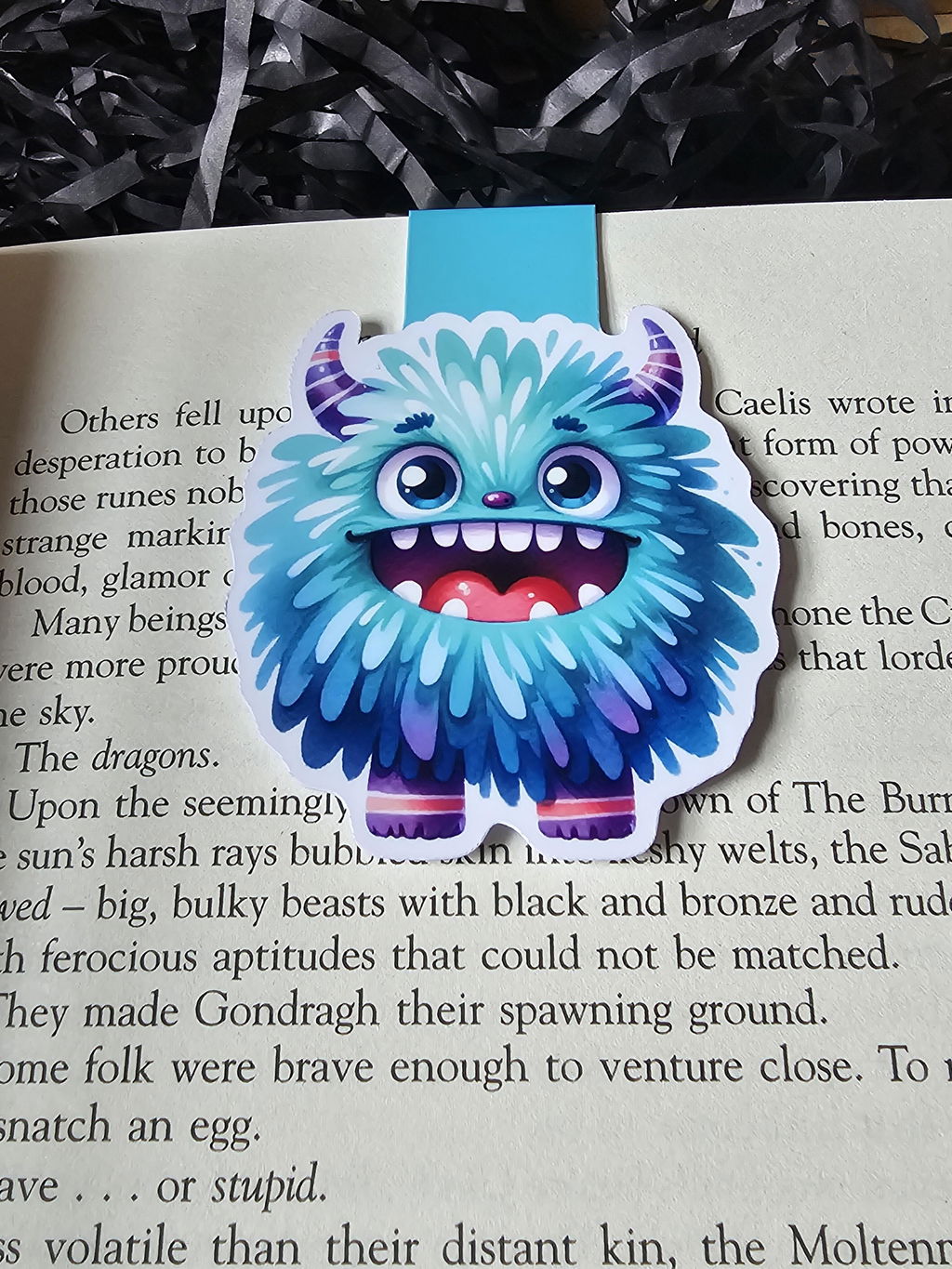
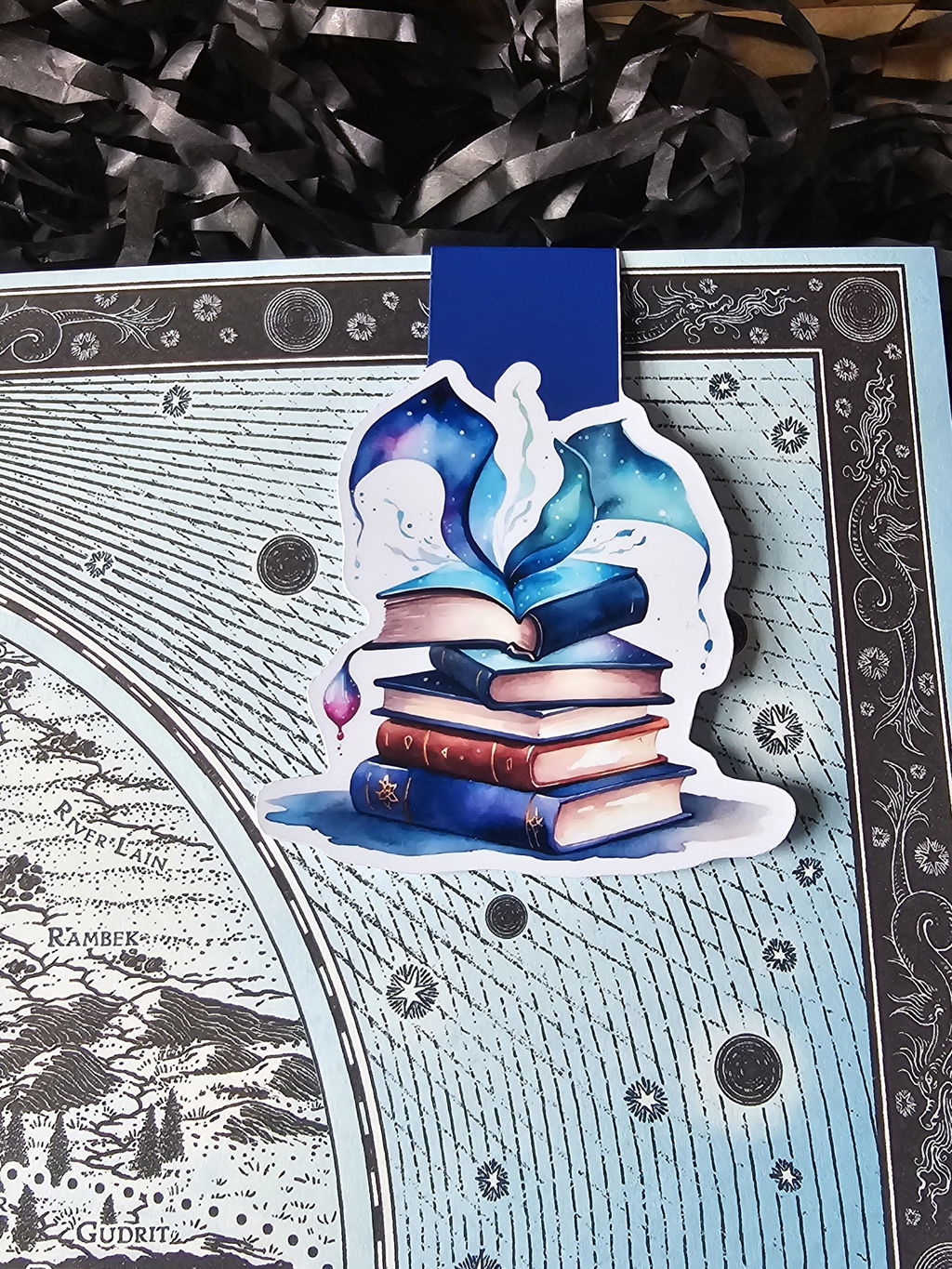
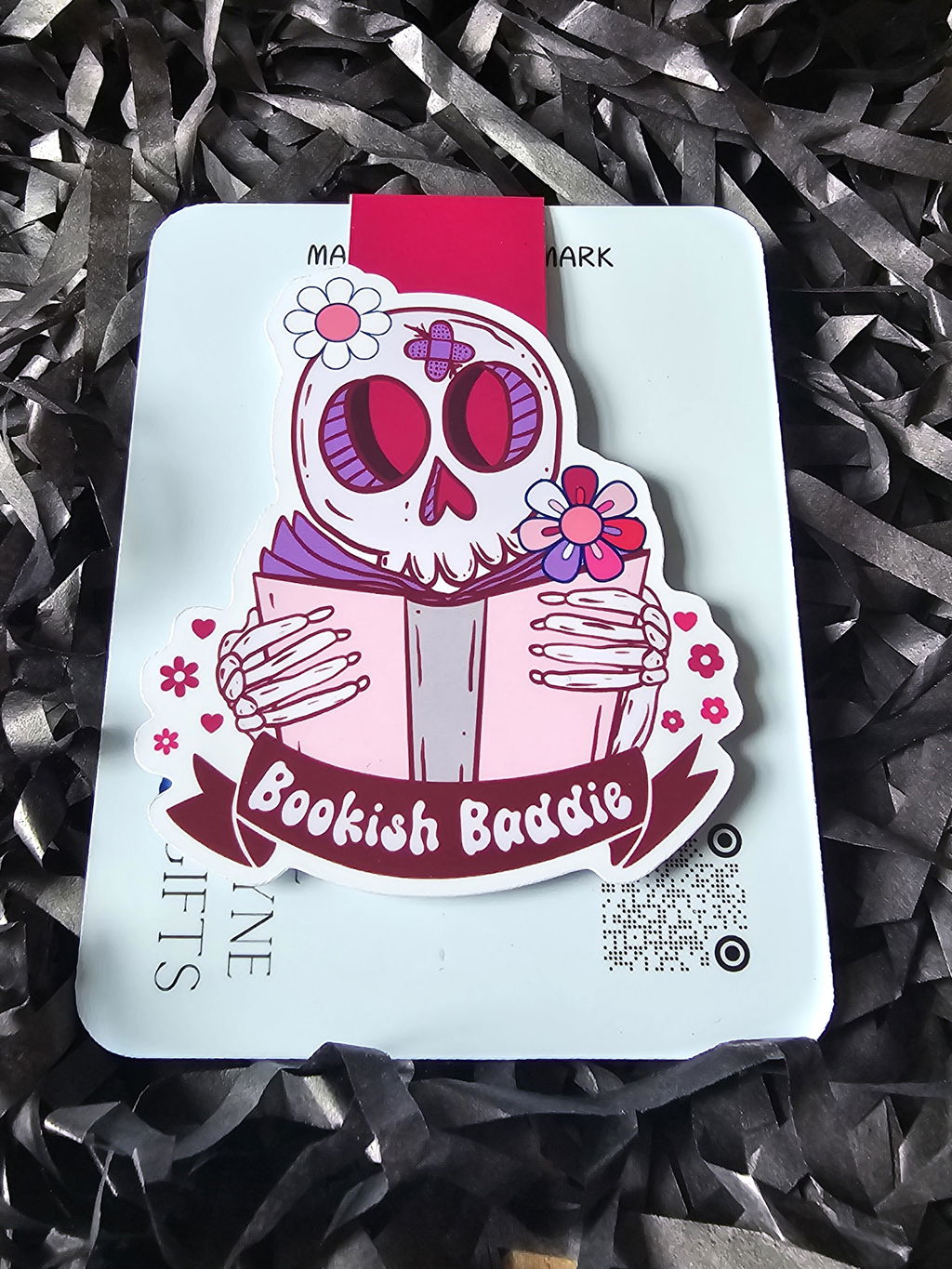
Another amazing order received of magnetic bookmarks! I decided to order some new designs as well as one I have previously had. Again I got to see the order being made live which is always a fab experience. Getting to see what goes into making such high quality magnetic bookmarks just makes the buying experience even better. The Colours, Finish, Shine and Everything about these are perfect for my small business. If you've been thinking about ordering then Stickiply is definitely the place to go!
 Marcapáginas magnéticos personalizadosDesde £19.70
Excellent Bookmarks!
K.-.B.J.G. 7 oct 2024
Marcapáginas magnéticos personalizadosDesde £19.70
Excellent Bookmarks!
K.-.B.J.G. 7 oct 2024
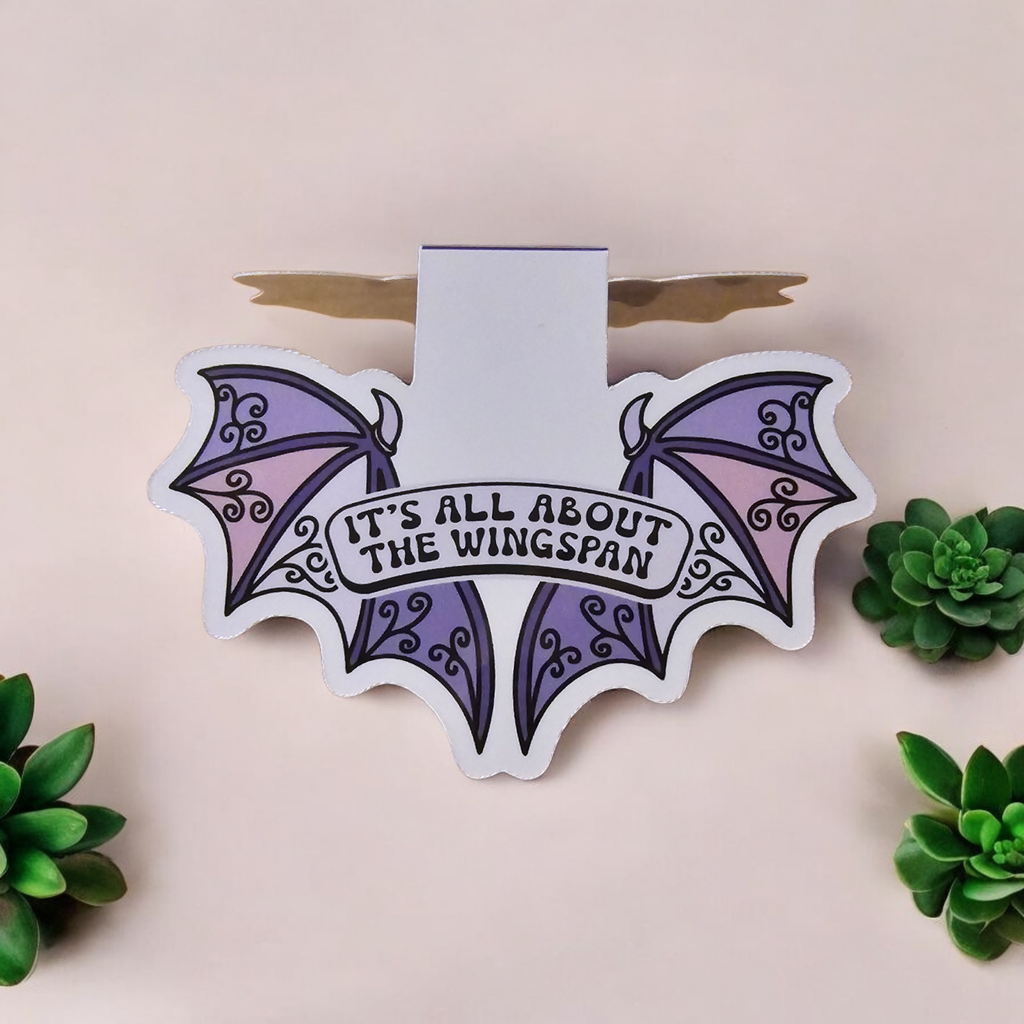
After stumbling across Stickiply on TikTok Live one day I instantly ordered some Magnetic bookmark samples. These were made live and I got to see the entire process behind them. The quality is amazing , from the prints to the packaging. I love the fact you can buy just one sample before committing to a larger order. The pricing and quantity options are brilliant.
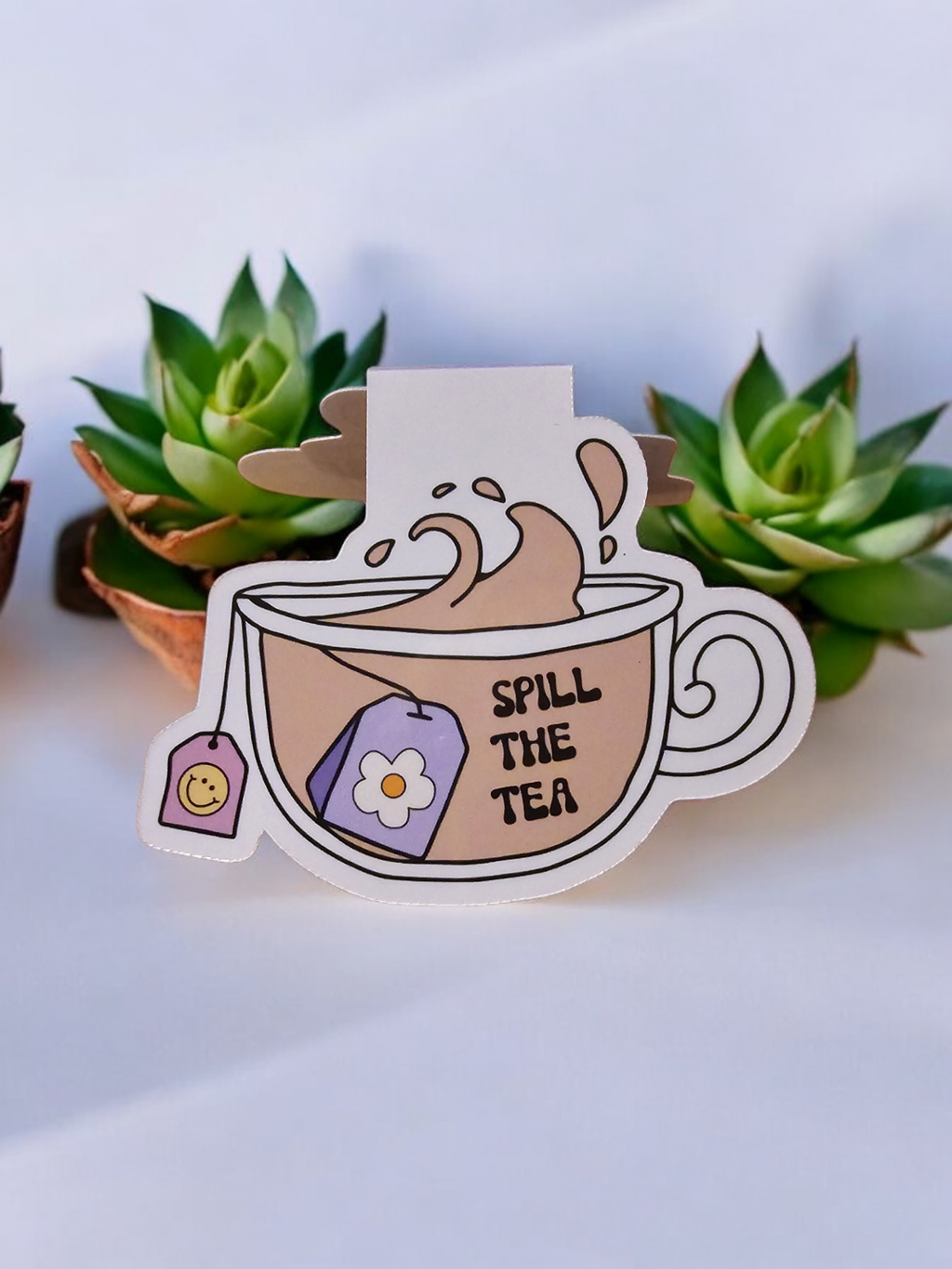 Marcapáginas magnéticos personalizadosDesde £19.70
Beautiful stickers
c.r. 6 oct 2024
Beautiful stickers
c.r. 6 oct 2024
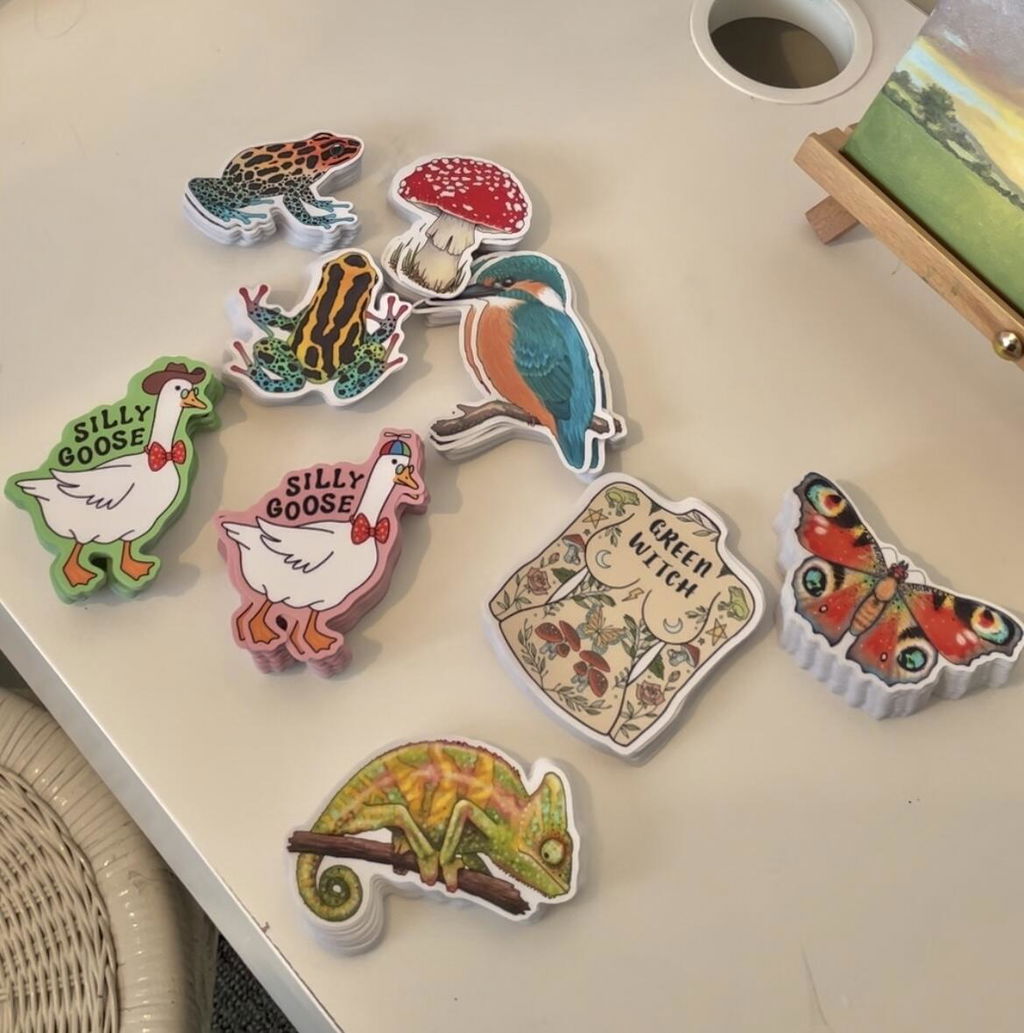
Great quality stickers and customer service. The choice to have multiple designs within the order, sets stickiply apart. Highly recommended.
L.D. 28 ago 2024
 Laminado autoadhesivo mate | Pro UV (A4/A3)Desde £5.20
L.D. 28 ago 2024
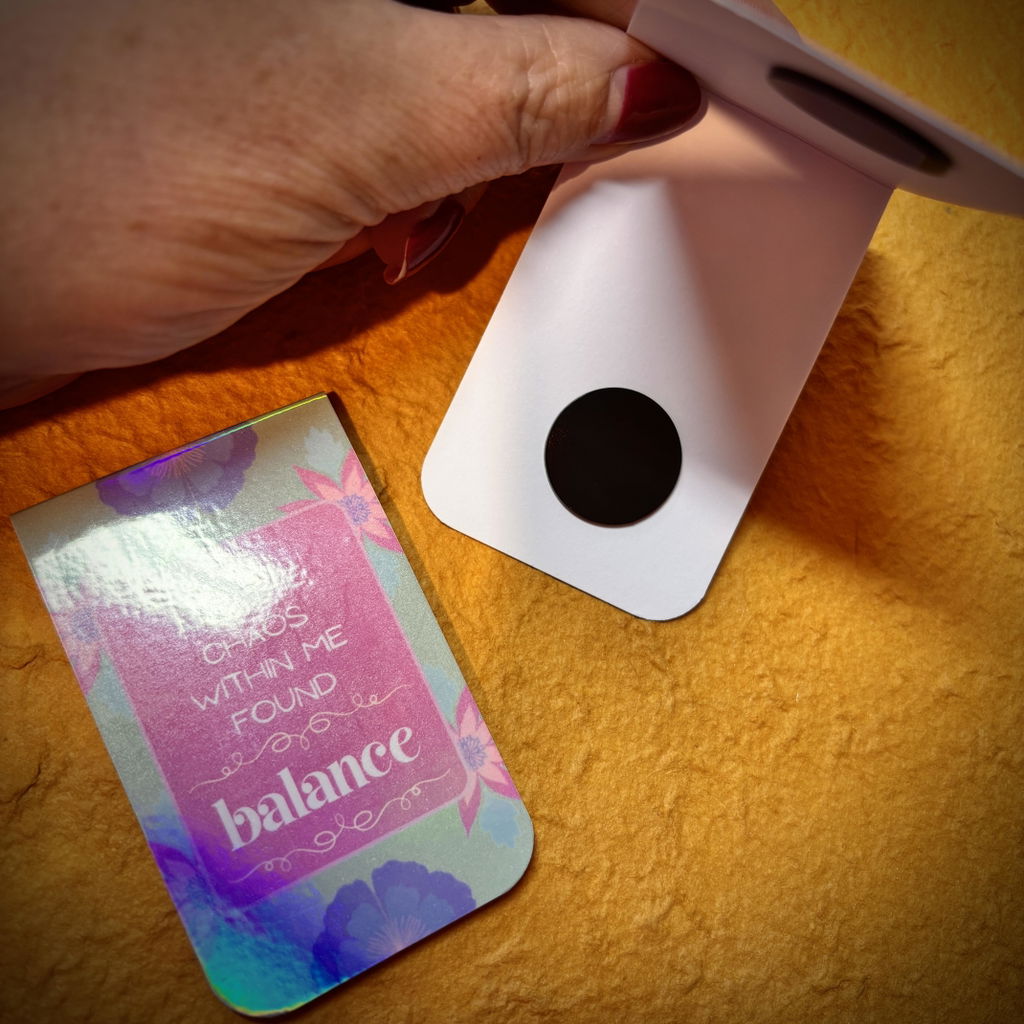
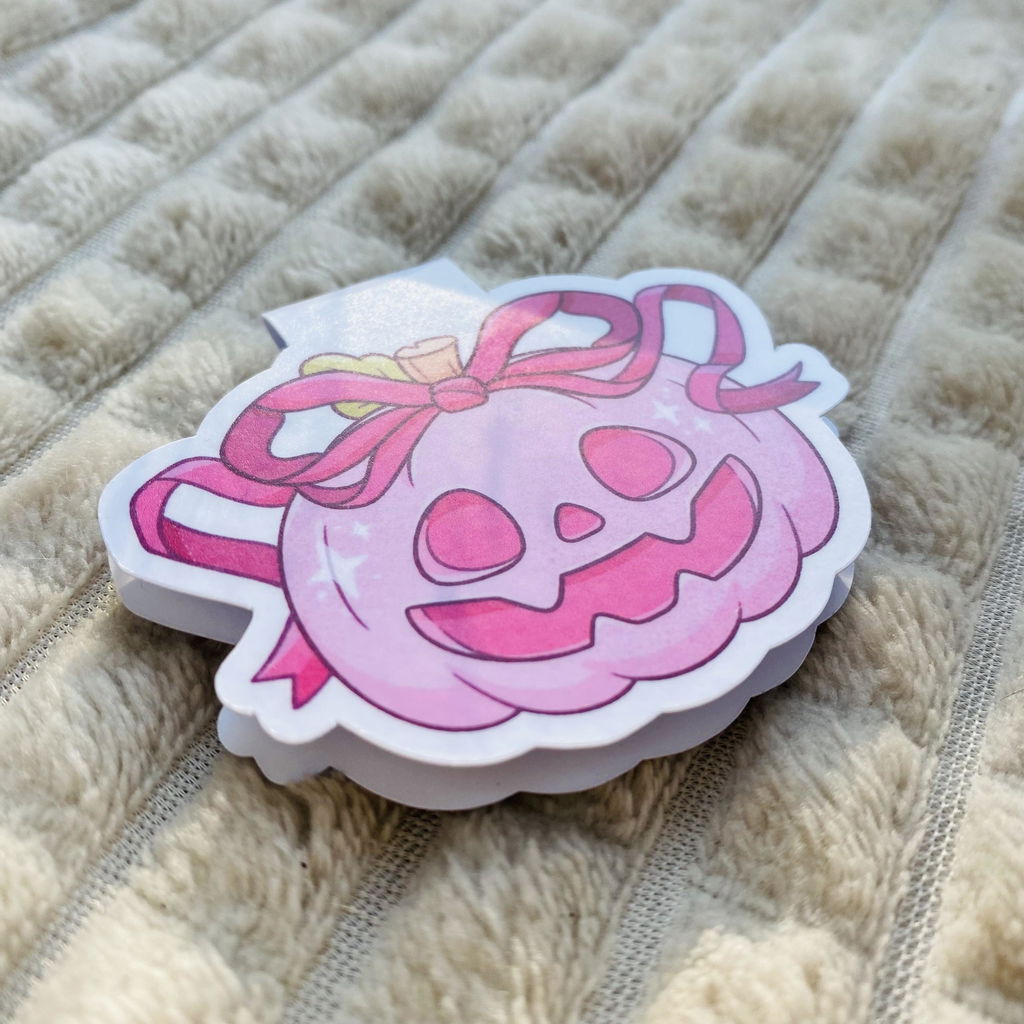
Tested this film on matte sticker paper and also cardstock - both work and made my creations more pretty. I used this matte film to laminate my magnetic bookmarks (as pictured) to give them that nice and professional look, it made them very smooth and satin like.
Laminating process was very easy as I had some experience with it before, but I did check out the video tutorials on brands TikTok in case I missed something. Super helpful stuff!
Laminado autoadhesivo mate | Pro UV (A4/A3)Desde £5.20